

Hire the Best Figma Designers
Work with the world's best Figma designers. Explore our curated marketplace of top-rated freelance talent trusted by global brands.
Find your Figma Designer on Dribbble






















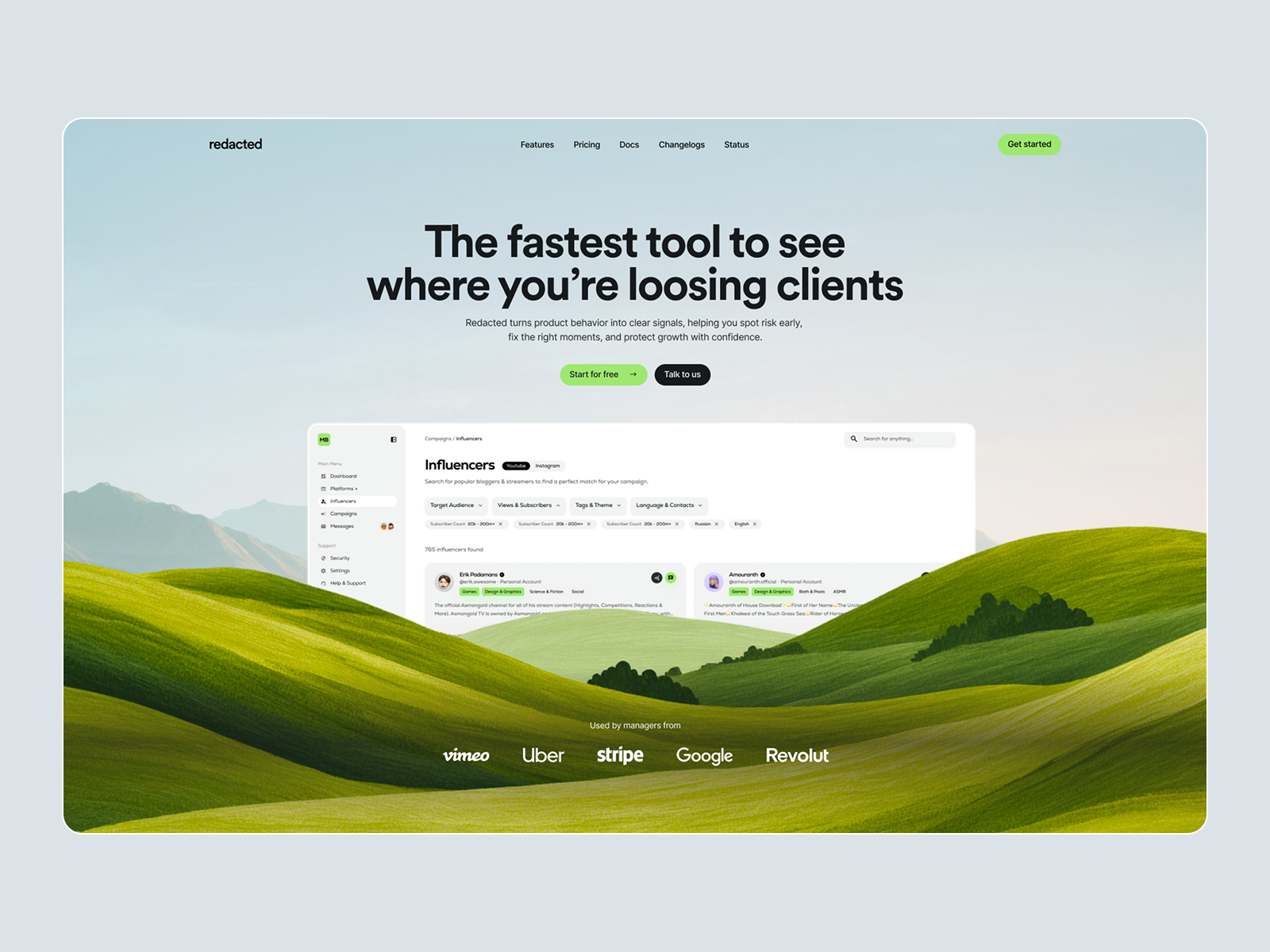

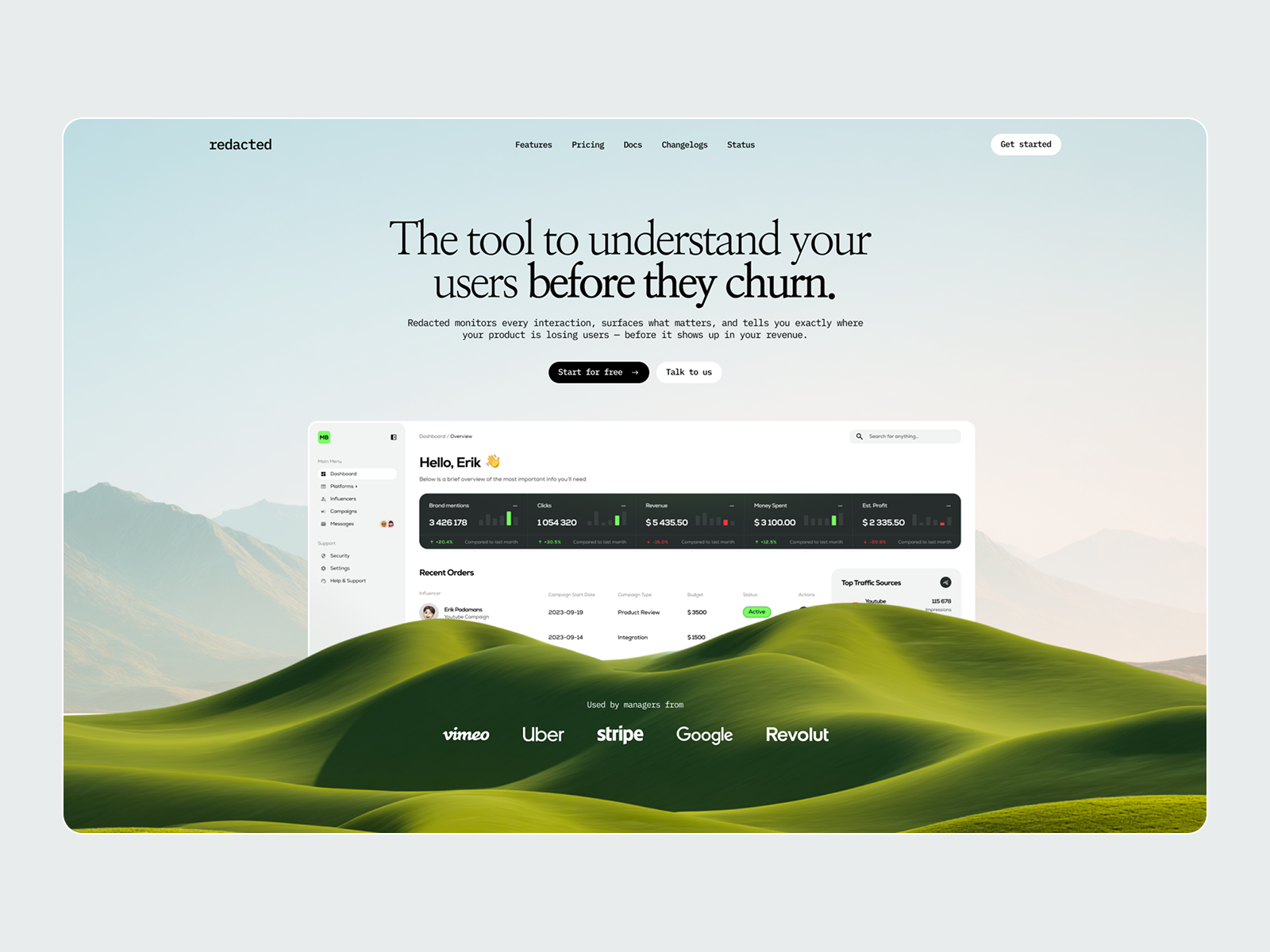

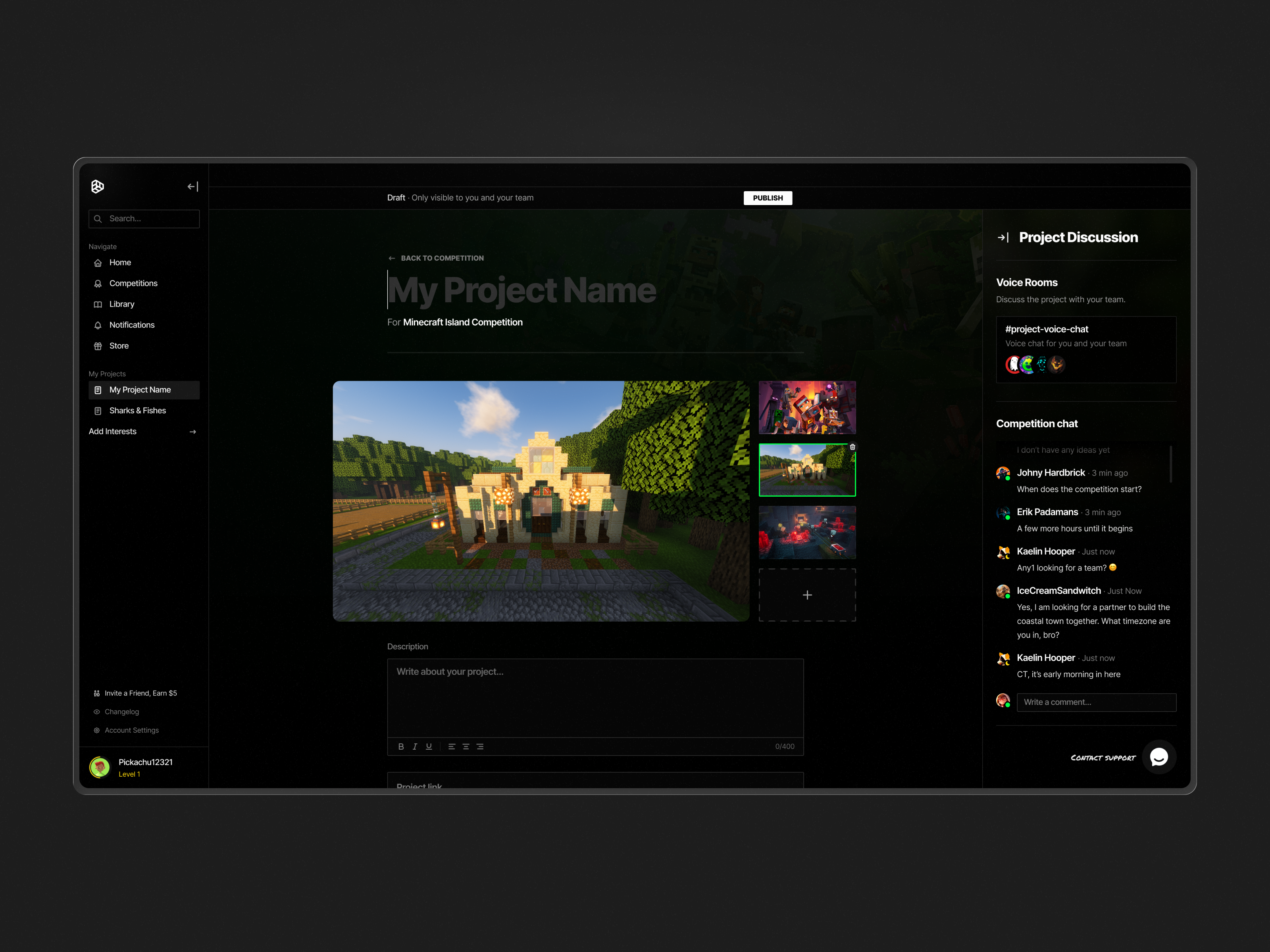

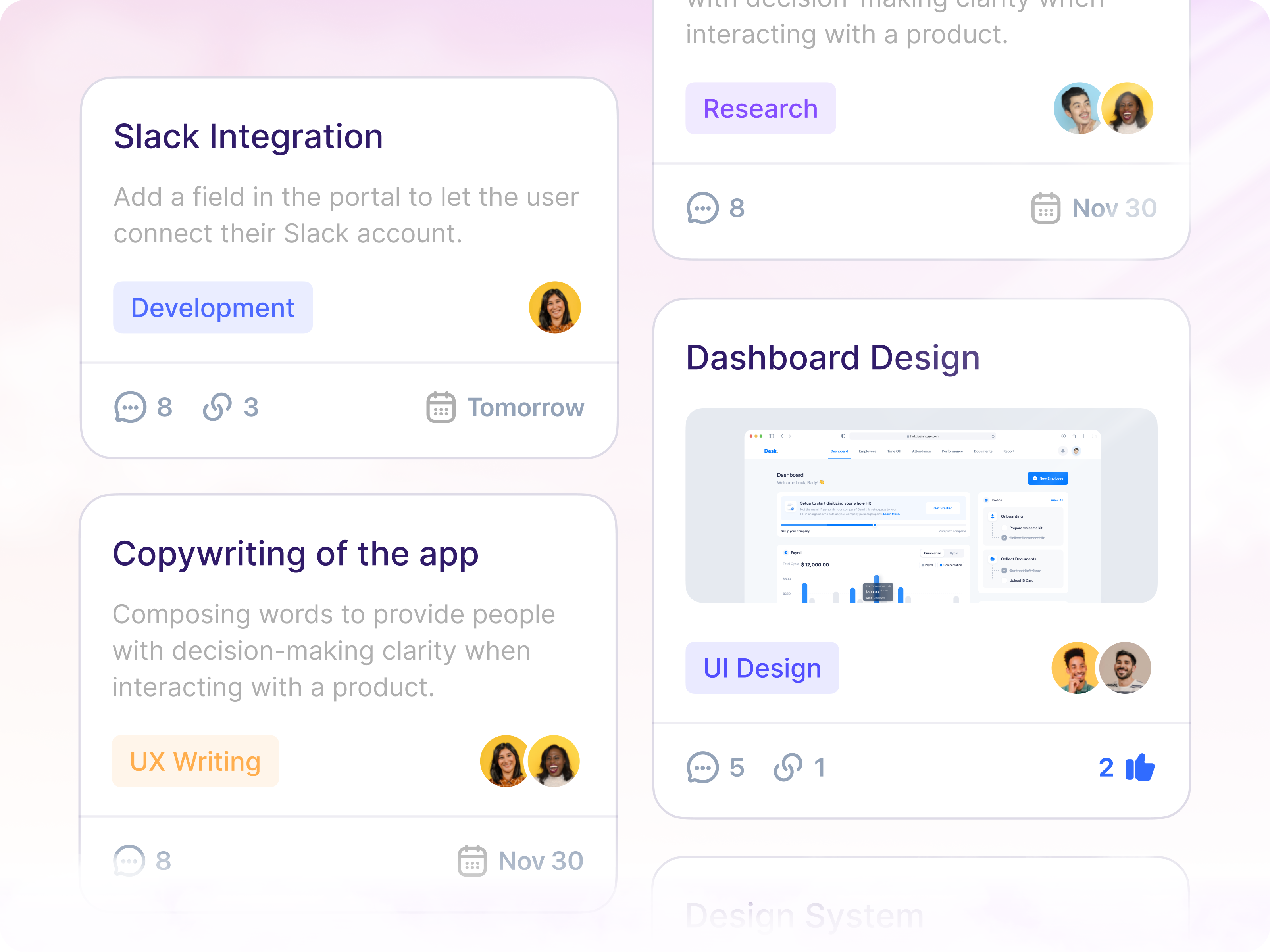
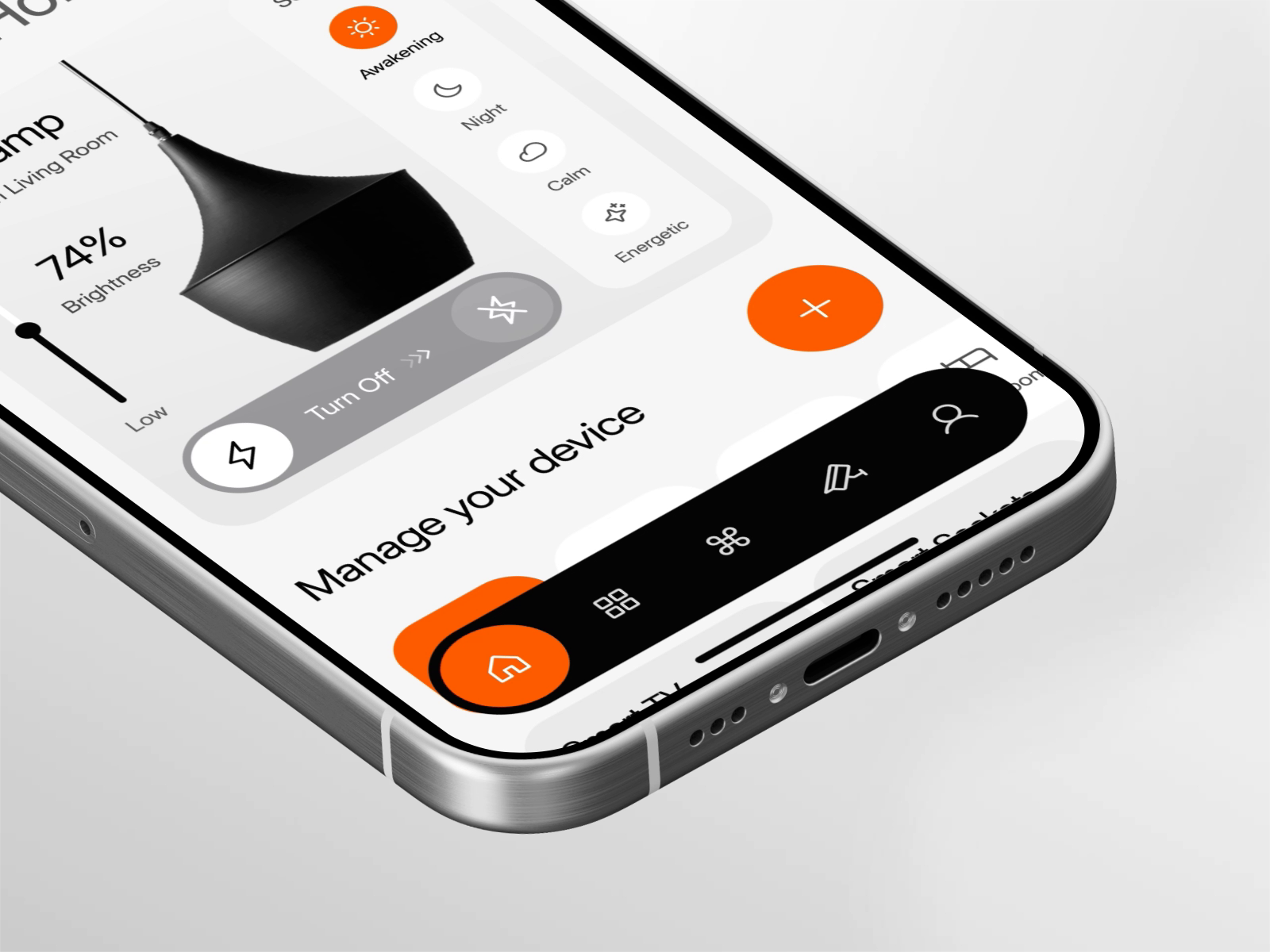


Discover more Freelance Figma Designers on Dribbble



 Art by Karen Novelo
The Dribbble Standard
Dribbble is the creative marketplace where businesses discover, hire, and pay leading designers and agencies with community-validated portfolios since 2009. Clients, from startup founders to global brands, trust our human-first ecosystem for finding designers.
What sets Dribbble apart:
- Strong community of design experts ready for hire
- Verified experience and skill sets
- Direct access to Figma Designers and agencies
Top Figma Design profiles showcase real work, giving you confidence in both craft and capability.
The Definitive Guide To Hiring Figma Designers
What Does a Figma Designer Do?
A Figma designer creates interfaces and design systems for websites, apps, and digital products. Their work can include individual screens, responsive layouts, user flows, interactive prototypes, and reusable components that keep the product visually consistent.
Strong Figma files are built for change. Designers use auto layout so screens respond to different content, components and variants for recurring interface elements, and variables for shared values such as color, spacing, and themes.
They also organize files so other designers and developers can work in them efficiently. That can include shared libraries, clear naming conventions, documentation, interactive prototypes, and Dev Mode preparation for engineering handoff.
Why Hire a Figma Designer?
A Figma designer can turn individual screens into a structured design system that is easier to update, extend, prototype, and hand off to developers.
Figma designers can help:
- Build responsive layouts with Auto Layout
- Turn repeated elements into reusable components
- Set up shared colors, spacing, and light or dark modes
- Create shared libraries for consistent design across files
- Organize pages, layers, and sections so files are easy to navigate
- Build interactive prototypes for testing user flows
- Prepare files for smooth developer handoff in Dev Mode
- Document how components should be used and updated
- Set up plugins to speed up repetitive design tasks
How to Hire a Figma Designer
Step 1: Define what the file has to do after you receive it
Decide who works on the file next and what they will do with it. Note whether an existing library must be used, whether theming is required, and whether the file will be handed to an in-house team later.
Pro tip: Send candidates your current file with view access before the brief call. Someone who comes back naming the specific structural problems in it is showing you the skill you are hiring for.
Step 2: Review Figma designer portfolios
Portfolio images show how the design looks, but not how the Figma file is built. Ask to see the actual file and check how the layers and components are organized.
Pro tip: Grab a frame in their sample file and resize it, then change a text label to something twice as long. A file built with auto layout absorbs both changes, and a file built by eye falls apart in front of you.
Step 3: Evaluate their process
Ask how they decide when something becomes a component, how they name and organize variables, when they use component properties instead of adding another variant, how they handle a library update that breaks existing instances, and how they structure a file that several people edit at once.
Pro tip: Ask how they hand a file over to a team that did not build it. Designers who mention a cover page, naming conventions, and usage documentation are used to files that outlive their own involvement.
Step 4: Align on the scope and timeline
Confirm whether the deliverable is screens, a component library, or both, and who owns the file and the library afterwards. Agree on how many themes or modes are covered, whether prototypes use interactive components, what Dev Mode preparation includes, whether component documentation is written, how many revision rounds apply, and who pays for the seats the work requires.
Pro tip: Settle editor seat ownership and library publishing rights before work starts, and have the file created in your own team space rather than the designer’s. Recovering a library that was published from somebody else’s account is a slow and avoidable problem.
Cost of Hiring a Figma Designer
Freelance Figma designers typically charge $20 to $300 per hour, depending on experience, specialization, and location.
Hourly rates by experience commonly fall into these ranges:
- Junior: $20–$50 per hour
- Mid-level: $50–$100 per hour
- Senior: $100–$200 per hour
- Expert: $200–$300 per hour
Common freelance project ranges include:
- Single landing page: $500–$3,000
- 5–10 page website: $2,000–$15,000
- 10–25 screen mobile app: $3,000–$20,000
- 25–50+ screen SaaS product: $10,000–$50,000
- Interactive prototype: $1,000–$8,000
Design system projects can range from approximately $5,000 to $40,000, depending on the number of components, states, variables, themes, documentation requirements, and library complexity.
Final pricing also depends on whether the designer is creating a new file or restructuring an existing one, how much prototyping is required, and whether the engagement includes documentation, Dev Mode preparation, or ongoing library maintenance.
Freelance Figma Designer vs Design Agency
The main difference is scope: a freelance Figma designer focuses on a defined interface, prototype, or design system, while a design agency can support broader product, brand, and creative work.
| Factor | Freelance Figma Designer | Design Agency |
|---|---|---|
| Best for | A well-built file, component library, or handoff-ready design system | A broad design programme where files are one output among many |
| Typical scope | Auto layout, components, variables, libraries, prototypes, and Dev Mode preparation | Brand, campaign, product, and interface work delivered by several disciplines |
| Communication | Direct access to the designer | Communication with a multidisciplinary team |
| Flexibility | Often more flexible | More structured process |
| Team | Usually one specialist | Multiple creative specialists |
| Choose when | Your team works in Figma daily and the file quality is holding them back | You need creative direction across several channels, not a single file rebuilt |
Featured Figma Designer Success Story
Dribbble gives Figma designers a platform to show how complex product interfaces can be reorganized into clearer, more usable experiences. This featured project demonstrates a redesign of a data-heavy SaaS dashboard.
Explore: Chartmogul CRM platform redesign by Taras Migulko
- Challenge: Make ChartMogul’s MRR dashboard easier to scan and understand without changing its familiar workflow.
- Solution: Taras Migulko reorganized revenue data, refined typography and hierarchy, and simplified the dashboard layout and navigation.
- Result: The redesign created a cleaner interface that makes revenue trends and changes easier to compare.
Related Figma Design Resources
How To Hire A Professional Figma Designer on Dribbble
Use InstantMatch to connect with the right designer fast.
-
Step 1
Submit your Project Brief
-
Step 2
Get Matched with Vetted designers
-
Step 3
Start your project
Frequently Asked Questions on Hiring Figma Designers
Yes. Components help keep buttons, forms, navigation, cards, and other interface elements consistent across a product. For larger projects, look for a designer who can create reusable components, variants, and libraries rather than designing every screen independently.
Auto Layout helps designs adapt when content changes or screens resize. A designer who uses it well can create more flexible layouts, reusable components, and responsive interfaces that are easier to maintain and hand off for development.
Yes. Figma designers can connect screens and add interactions to demonstrate navigation, user flows, transitions, and interface behavior before development begins. Prototypes are useful for reviewing ideas, testing flows, and showing developers how the finished product should behave.
The file should be organized so developers can understand what to build without repeatedly asking for clarification. This can include clearly named layers and components, responsive behavior, design system elements, annotations, assets, and screens marked as ready for development. Figma’s Dev Mode also lets developers inspect measurements, component properties, assets, and implementation details directly from the design.
Browse Figma Designer profiles on Dribbble or use InstantMatch to quickly connect with vetted Figma Designers who fit your file structure, component library needs, and timeline.
Have another question? Check out the Dribbble Help Center for more answers.


