

Hire the Best Webflow Designers
Work with the world's best Webflow designers. Explore our curated marketplace of top-rated freelance talent trusted by global brands.
Find your Webflow Designer on Dribbble




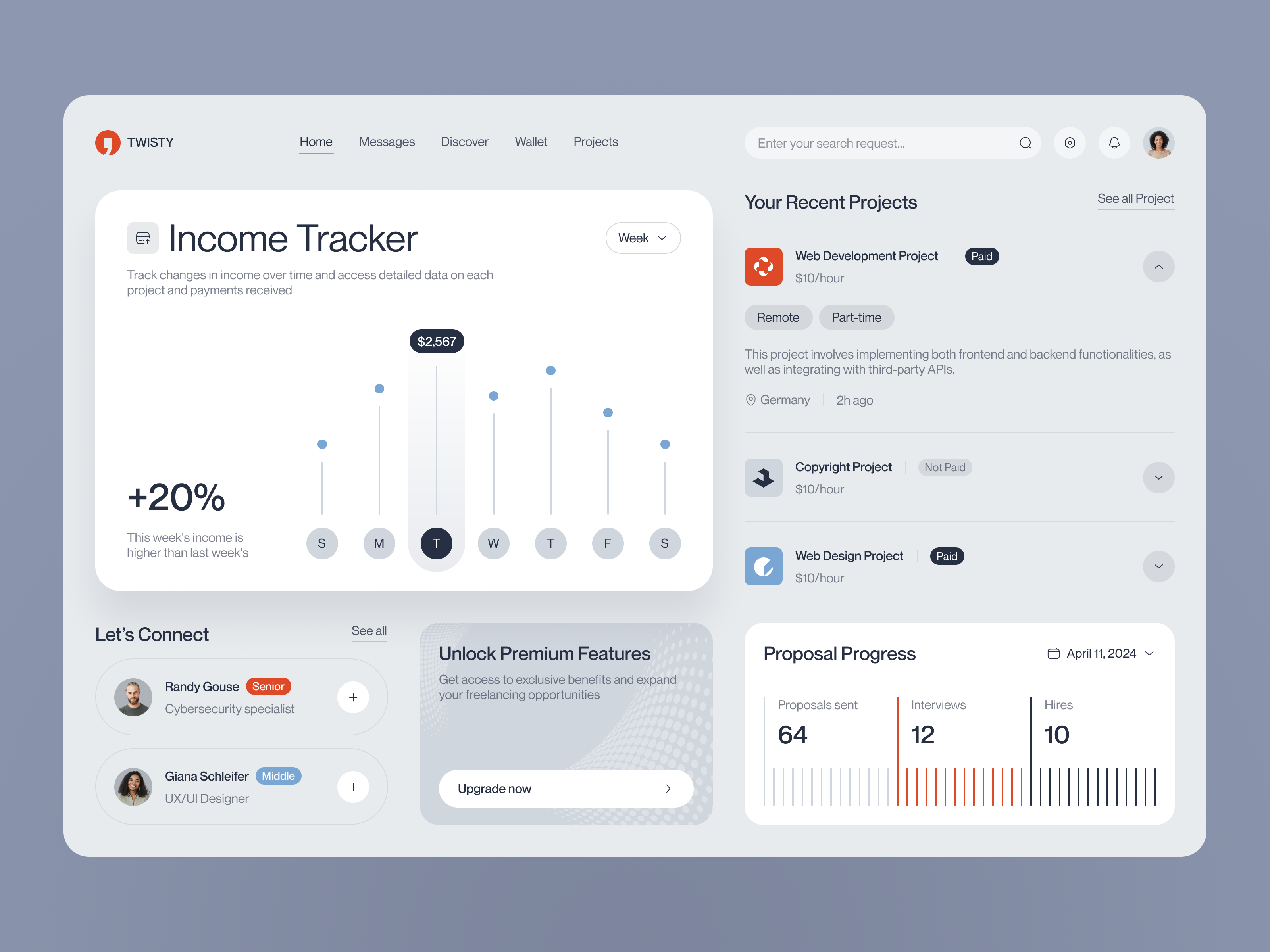



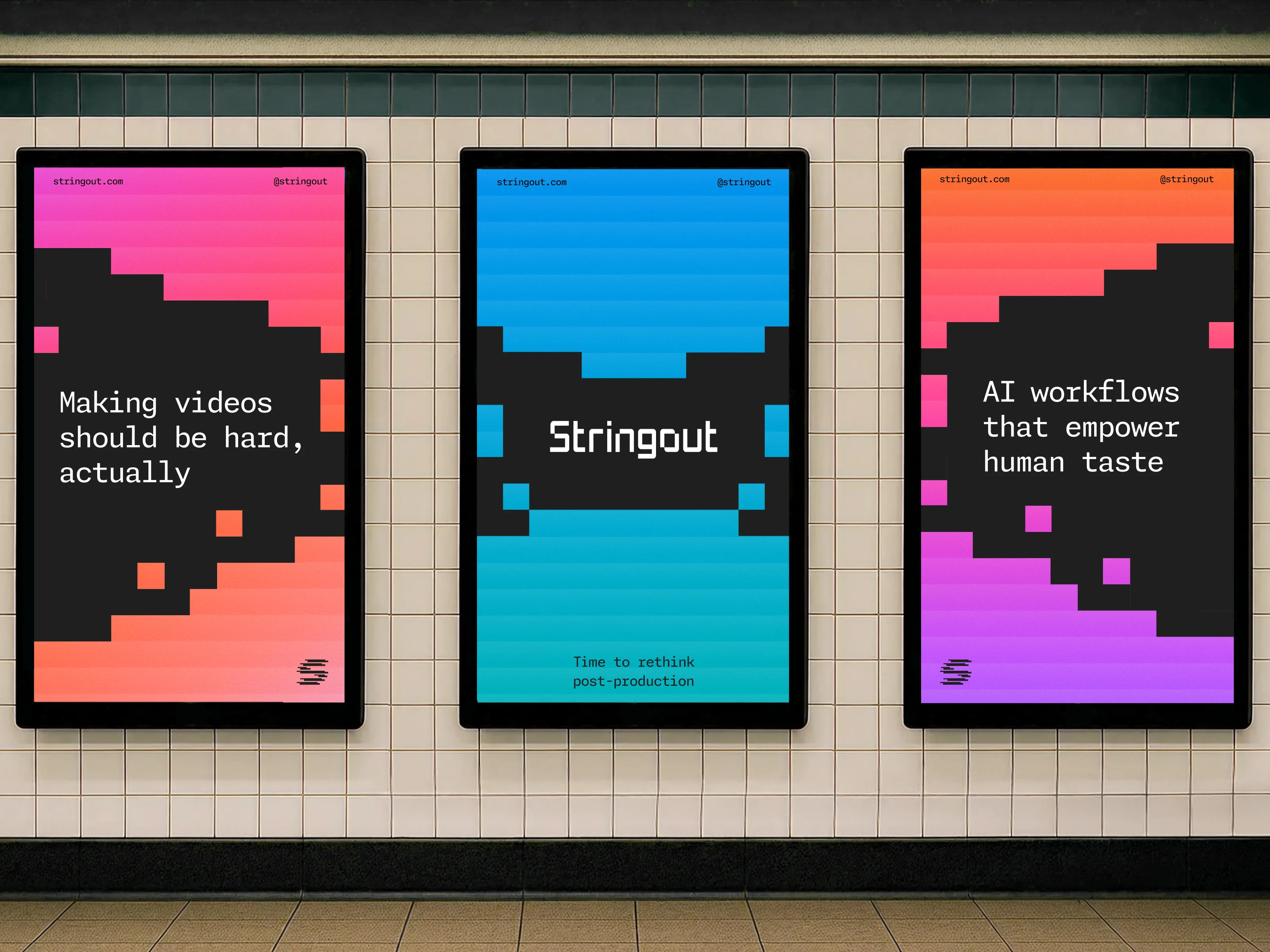









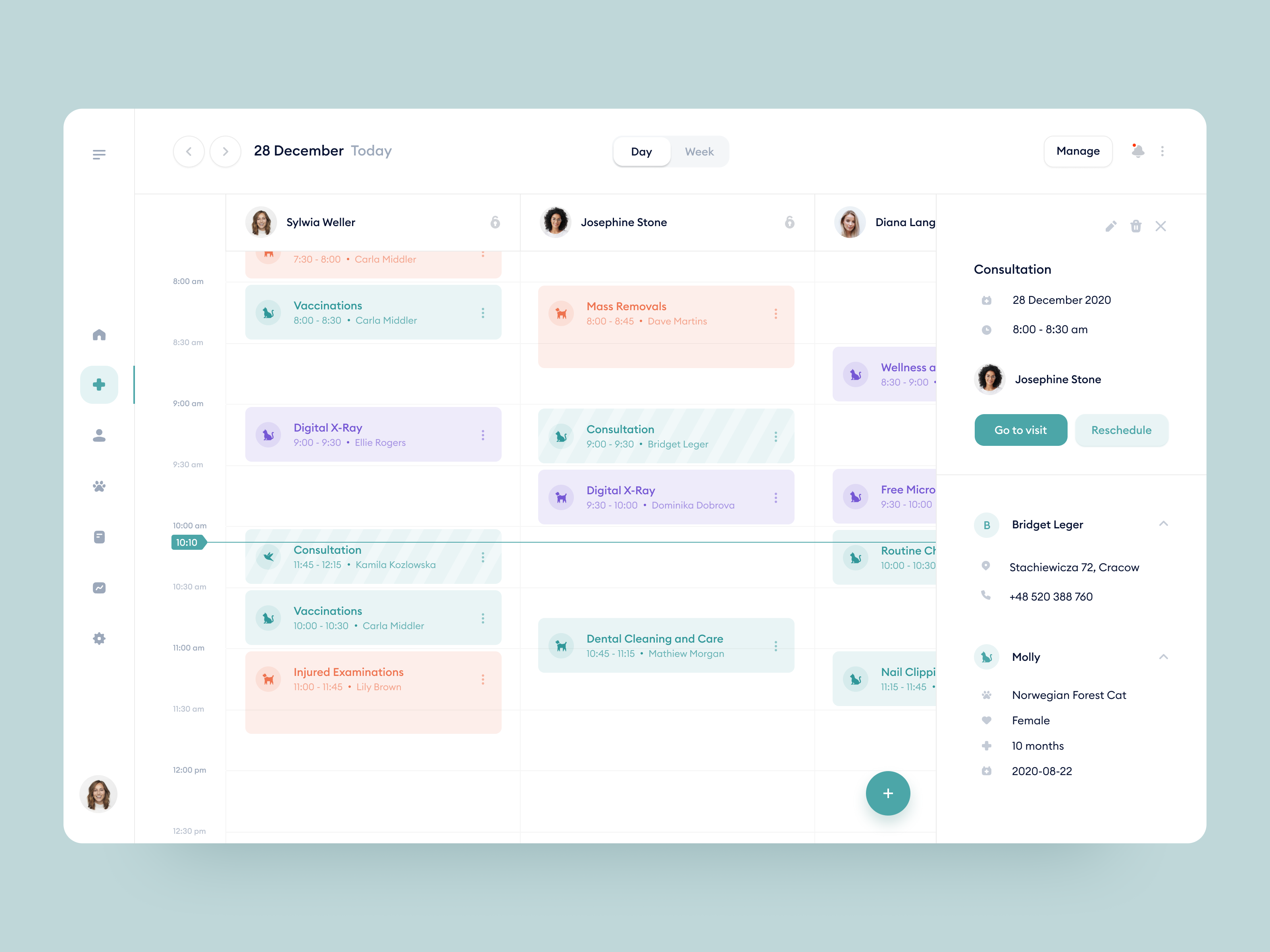
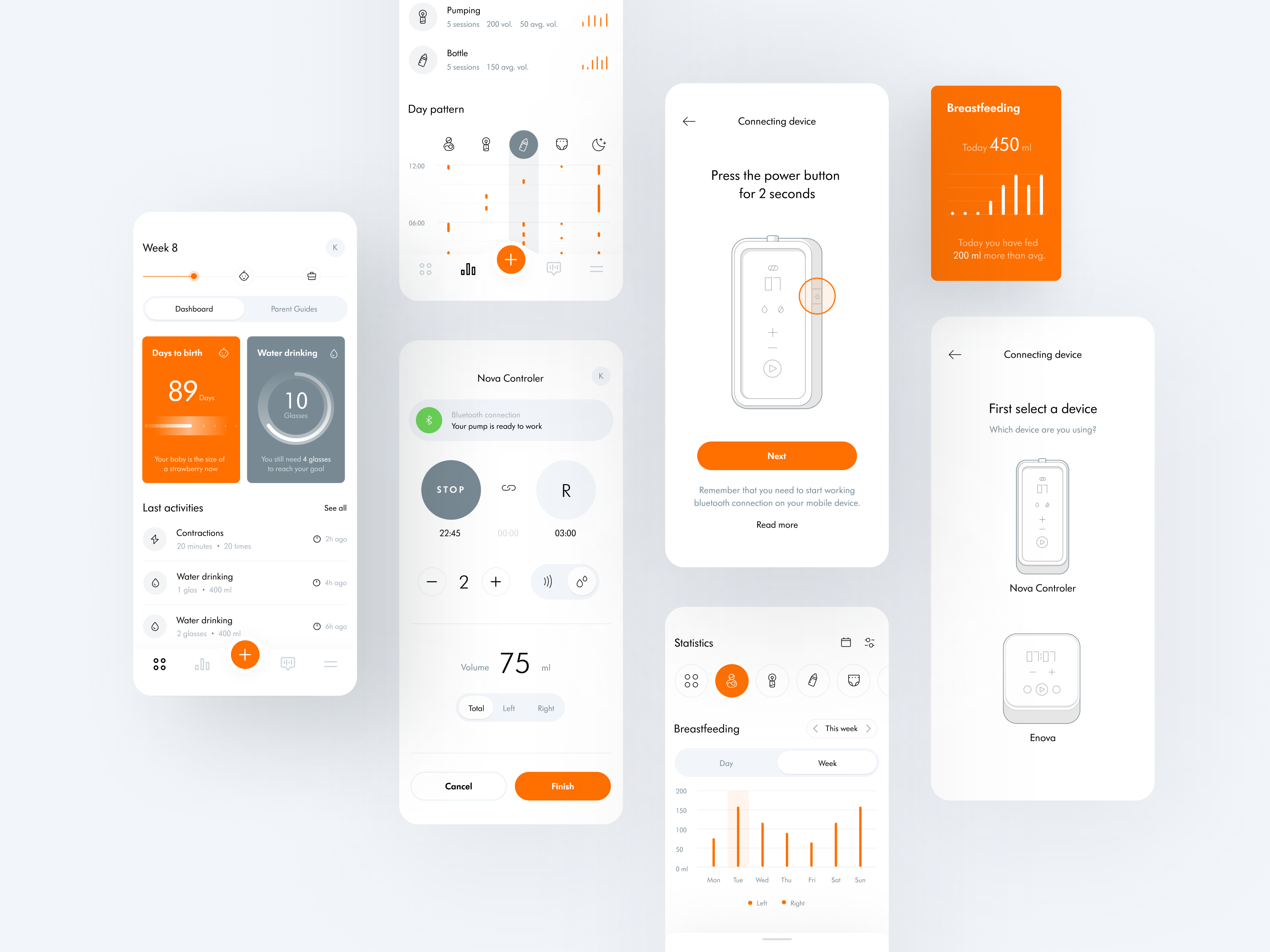

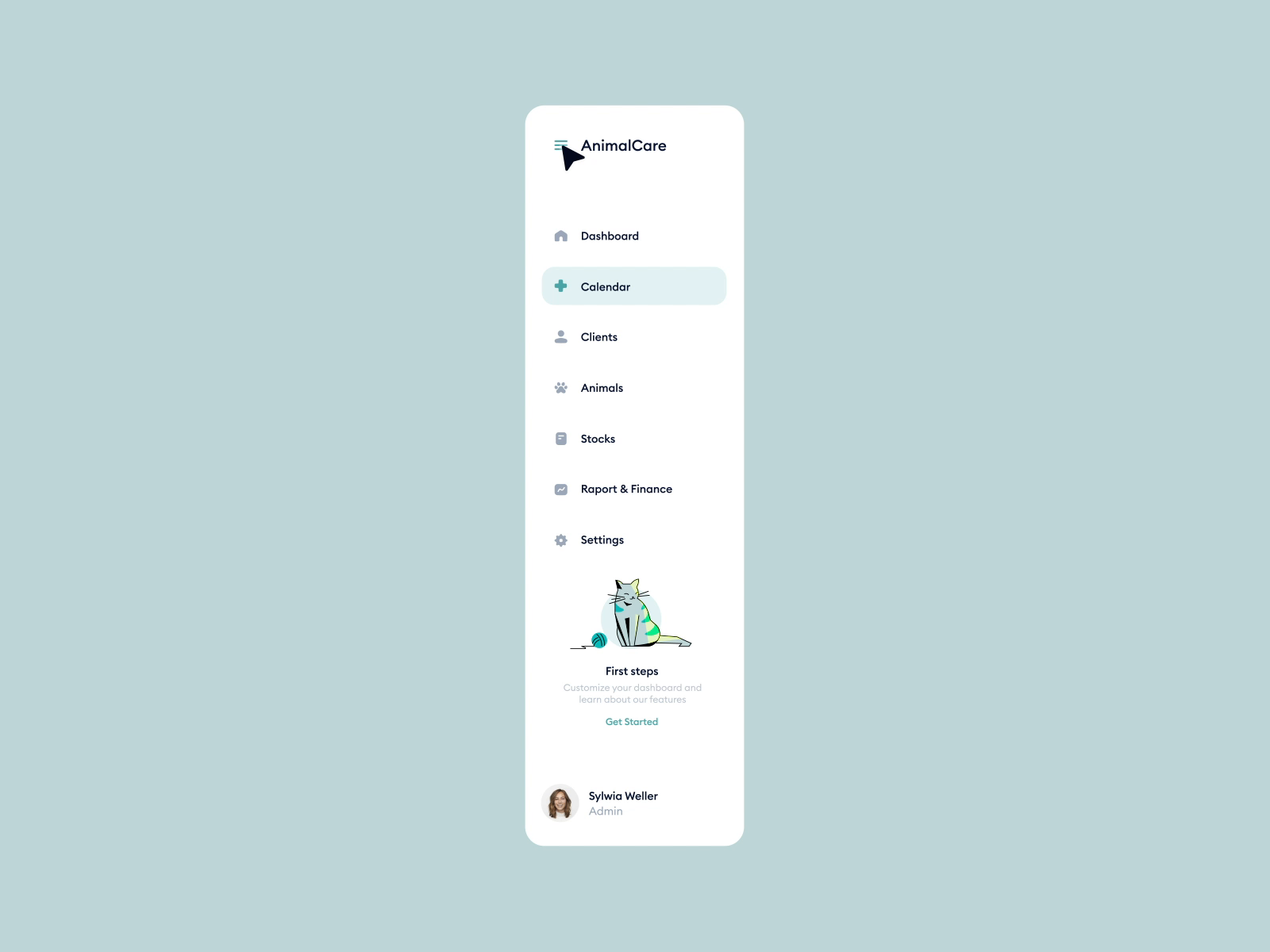




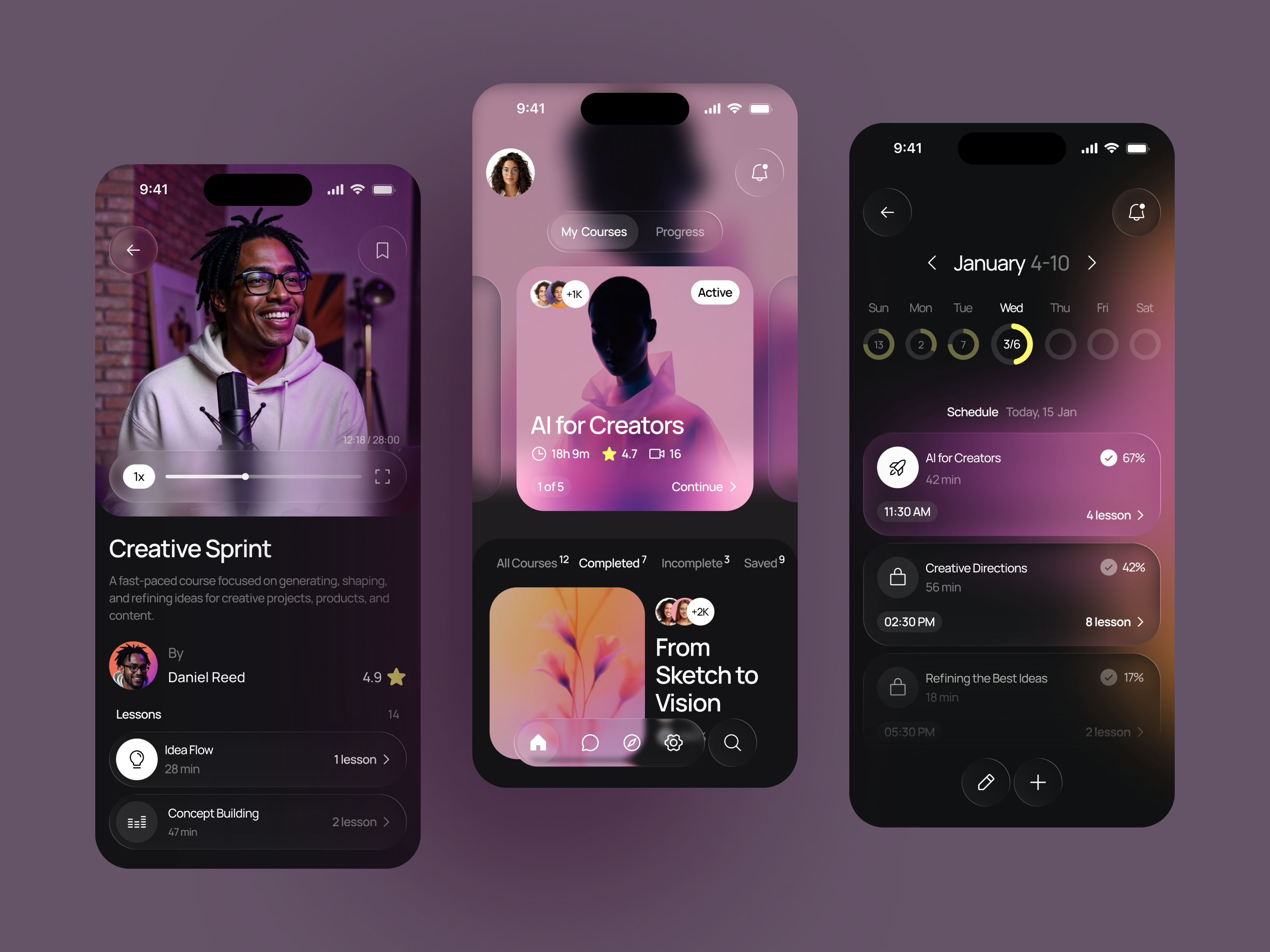










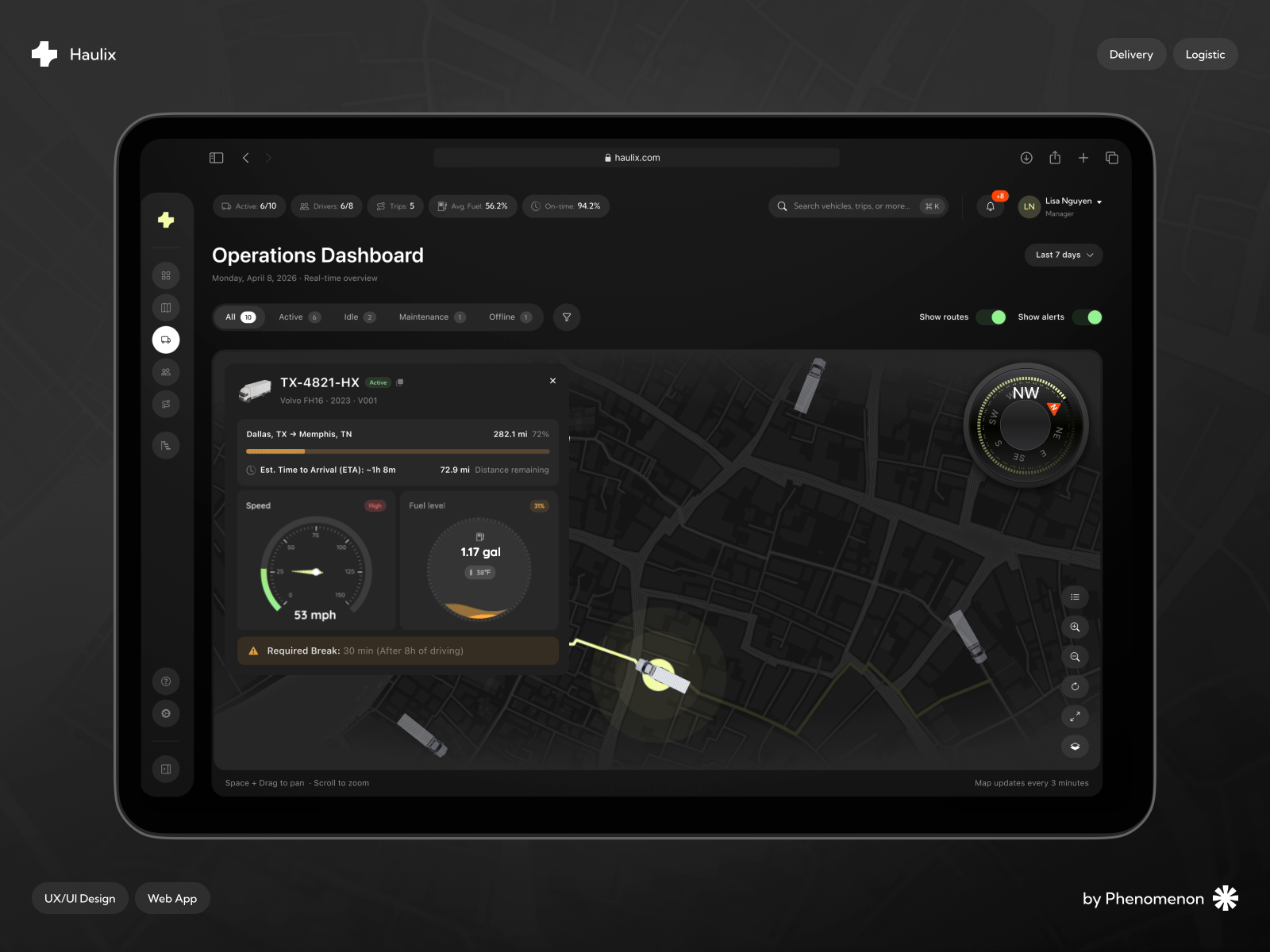


Discover more Freelance Webflow Designers on Dribbble



 Art by Karen Novelo
The Dribbble Standard
Dribbble is the creative marketplace where businesses discover, hire, and pay leading designers and agencies with community-validated portfolios since 2009. Clients, from startup founders to global brands, trust our human-first ecosystem for finding designers.
What sets Dribbble apart:
- Strong community of design experts ready for hire
- Verified experience and skill sets
- Direct access to Webflow designers and agencies
Top Webflow Design profiles showcase real work, giving you confidence in both craft and capability.
The Definitive Guide To Hiring Webflow Designers
What Does a Webflow Designer Do?
A Webflow designer designs and builds websites directly inside Webflow, so the visual design and the production build happen in one place. There is no static handoff to a separate developer, which means the person you hire is responsible for how the site looks and for how it behaves once it is live.
The build work is structural. It covers flexbox and grid layouts, breakpoints for desktop, tablet, and mobile, reusable components and symbols, a consistent class naming system, and interactions built on Webflow’s animation timeline. Most projects also use the Webflow CMS, where the designer defines collections and fields so your team can publish posts, case studies, or products without touching the layout.
Launch work sits on top of that: form handling and notifications, SEO fields and Open Graph settings, 301 redirects from an old site, custom code embeds, third party integrations, Webflow Ecommerce for smaller catalogs, and connecting a custom domain. For a buyer, the question that matters most after launch is whether the project was built cleanly enough to change, since a disorganized class system makes every future edit slower and more expensive.
Why Hire a Webflow Designer?
Hiring a Webflow designer collapses design and front end build into a single engagement, which removes the handoff stage where visual intent usually gets lost. It also leaves your team with a site they can update themselves rather than a queue of developer requests.
Webflow designers can help:
- Design and build a complete site in one workflow
- Structure a CMS your team can update without a developer
- Build responsive layouts that hold together across breakpoints
- Create scroll and hover interactions without custom code
- Migrate an existing site from WordPress or another platform
- Configure SEO fields, redirects, and site settings before launch
- Set up Webflow Ecommerce for a small product catalog
- Hand over a maintainable project with a consistent class system
How to Hire a Webflow Designer
Step 1: Define your site requirements and content model
List the pages you need, identify which content will change over time, and decide who will update it. Establish whether this is a new build, a redesign of an existing site, or a migration from another platform, since each one carries different work.
Pro tip: Count your content types before writing the brief. Blog posts, case studies, job listings, and team members each become a separate CMS collection, and collection count drives both price and timeline.
Step 2: Review Webflow Designer portfolios
Ask for live Webflow URLs rather than static shots. A screenshot tells you nothing about how the site behaves at other screen sizes, how fast it loads, or how the build is organized underneath the visuals.
Pro tip: Open a candidate’s live site on a phone, then drag your desktop browser window narrower. Layouts that break between breakpoints reveal themselves in seconds.
Step 3: Evaluate their process
Ask how they name classes, whether they follow a system such as Client First, how they structure CMS collections and reference fields, how they keep page load reasonable, and how they approach accessibility.
Pro tip: Ask what they do when a requirement goes beyond Webflow’s native features. Whether they reach for custom code, an integration, or a different approach tells you how far they can take the project.
Step 4: Align on the scope and timeline
Confirm page count, CMS collections, interactions, revision rounds, who writes and supplies content, who owns the Webflow account, which site plan the project needs, and what support looks like after launch.
Pro tip: Settle who pays for the Webflow site plan and any third party tools before work begins, and confirm in writing that the project will be transferred to your own workspace.
Cost of Hiring a Webflow Designer
Freelance Webflow designers typically charge $25 to $200+ per hour, with rates varying by experience, project type, and location.
Hourly rates by experience:
- Junior freelancer, 0 to 1 year: $25 to $50 per hour
- Mid level freelancer, 1 to 3 years: $50 to $100 per hour
- Senior freelancer, 3 to 5 years: $100 to $150 per hour
- Expert freelancer, 5+ years: $150 to $200+ per hour
Ongoing freelance retainers run from $500 to $1,000 per month for basic maintenance covering 3 to 5 hours, up to $5,000 to $10,000+ per month for dedicated support at 30 to 40+ hours.
Price is driven by page count, the number of CMS collections and their field complexity, custom interactions, integrations with tools such as a CRM or booking system, ecommerce functionality, migration volume, accessibility requirements, and whether content is supplied or written as part of the project.
Freelance Webflow Designer vs Web Design Company
The main difference is scope: a freelance Webflow designer takes one site from design to launch, while a web design company can run the strategy, content, and marketing around it.
| Factor | Freelance Webflow Designer | Web Design Company |
|---|---|---|
| Best for | One site designed, built, and launched in Webflow | Programs that pair a site with strategy, content, and ongoing marketing |
| Typical scope | Design, build, CMS setup, redirects, and launch | Research, copywriting, design, build, integrations, and post launch optimization |
| Communication | Direct access to the designer | Communication with a multidisciplinary team |
| Flexibility | Often more flexible | More structured process |
| Team | Usually one specialist | Multiple creative specialists |
| Choose when | Your page count and content model are already clear | You need research, content, and analytics handled alongside the build |
Featured Webflow Designer Success Story
Dribbble gives Webflow designers a platform to show how visual design and production-ready Webflow builds can come together in one system. This featured project demonstrates how a reusable UI kit can turn individual interface elements into responsive components that designers and developers can use across different projects.
Explore: Cards - Webflow UI Kit by Jan Losert
- Challenge: Create a flexible collection of interface components that could work for designers, developers, and newer Webflow users across different types of websites.
- Solution: Jan Losert built a Webflow UI kit from reusable typography, buttons, tags, alerts, social icons, and other foundational elements, then used them to create 28 responsive cards, including hero sections, product cards, article thumbnails, and signup dialogs.
- Result: The finished kit provides a responsive set of Webflow components that users can copy, clone, or export into new or existing projects, with a public Webflow template available for reuse.
Related Webflow Design Resources
How To Hire A Professional Webflow Designer on Dribbble
Use InstantMatch to connect with the right designer fast.
-
Step 1
Submit your Project Brief
-
Step 2
Get Matched with Vetted designers
-
Step 3
Start your project
Frequently Asked Questions on Hiring Webflow Designers
Yes. A Webflow designer can structure CMS Collections for content such as blog posts, case studies, team members, resources, or job listings. A well-built CMS should make routine updates straightforward for nontechnical team members without requiring them to change the underlying page design.
Check more than the finished visual design. A well-structured Webflow site should use consistent class naming, reusable components, organized styles, and responsive layouts that work across breakpoints. These practices make the site easier to maintain and expand later.
Yes. Webflow supports interactions and animations for elements such as menus, hover states, scroll effects, transitions, and page elements. For more advanced behavior, some designers also use custom code. Look for animations that support the experience without making the site slow or difficult to use.
Yes, if the project is handed off properly. A designer can transfer the site to your Webflow Workspace and give your team access to manage content and pages. Before hiring, clarify who will own the site, how access will be transferred, and whether training or documentation is included.
Browse Webflow Designer profiles on Dribbble or use InstantMatch to quickly connect with vetted Webflow designers who fit your page count, CMS requirements, and timeline.
Have another question? Check out the Dribbble Help Center for more answers.


