Hire the Best Framer Designers
Work with the world's best Framer designers. Explore our curated marketplace of top-rated freelance talent trusted by global brands.
Find your Framer Designer on Dribbble







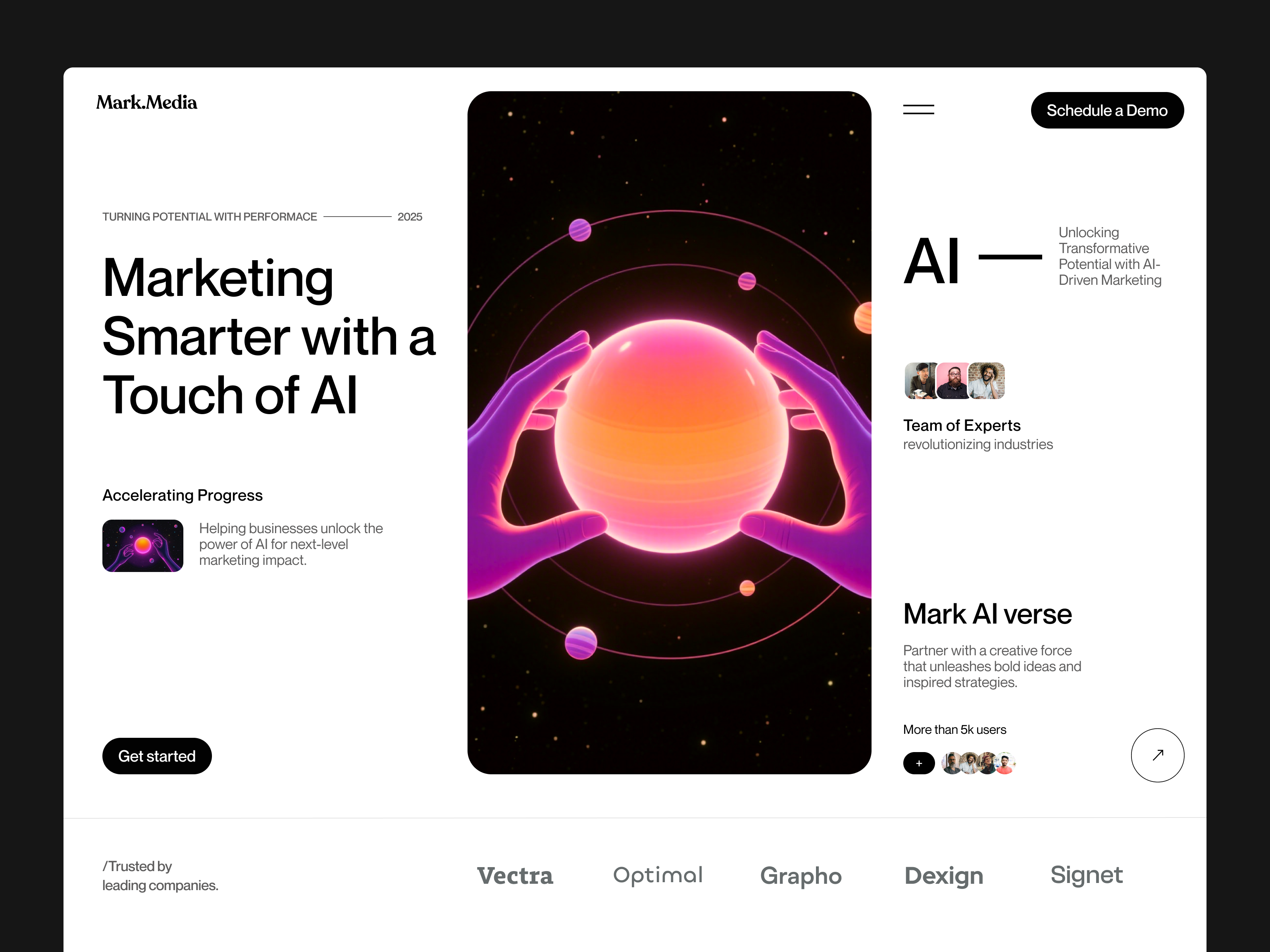

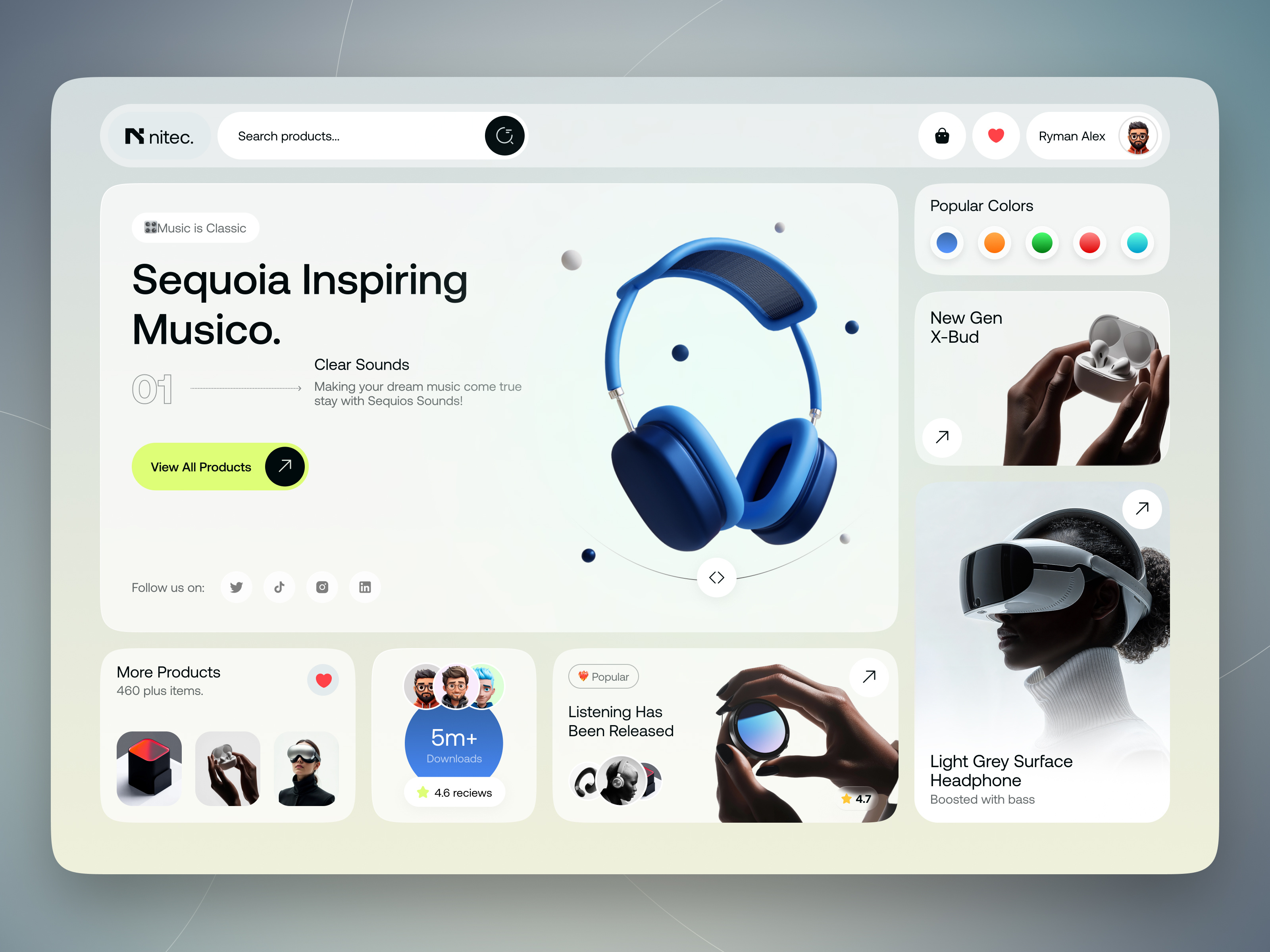
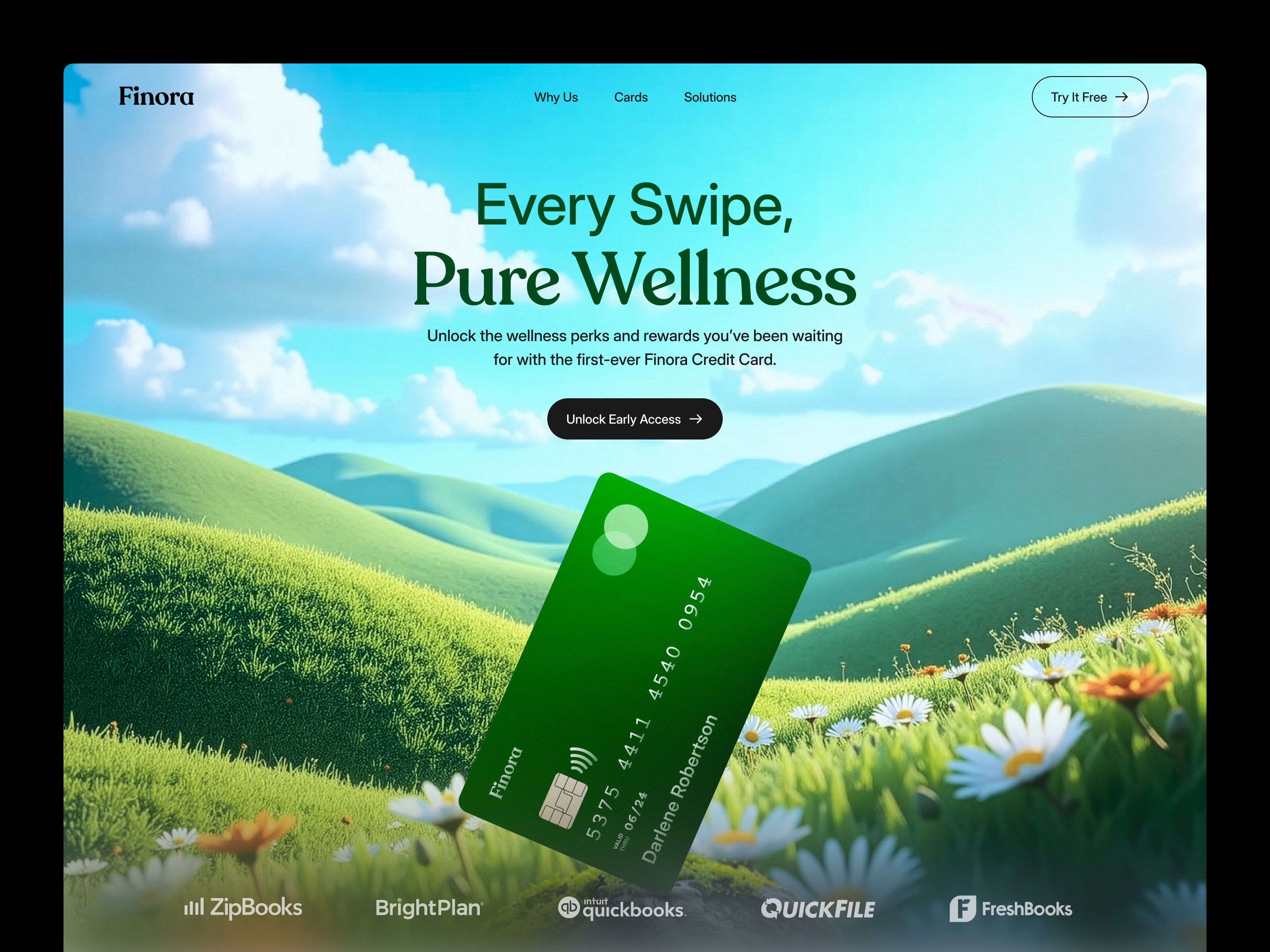
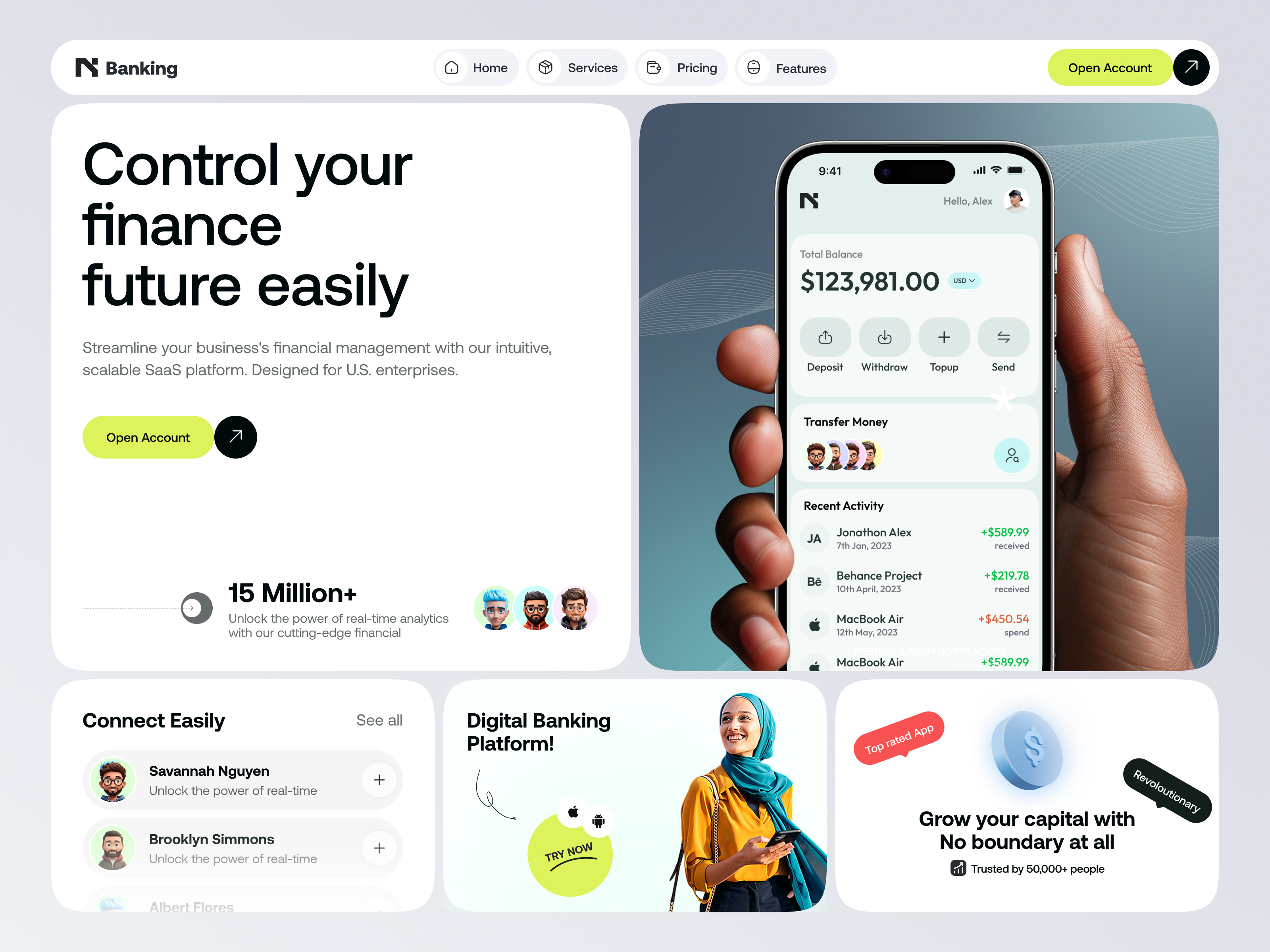
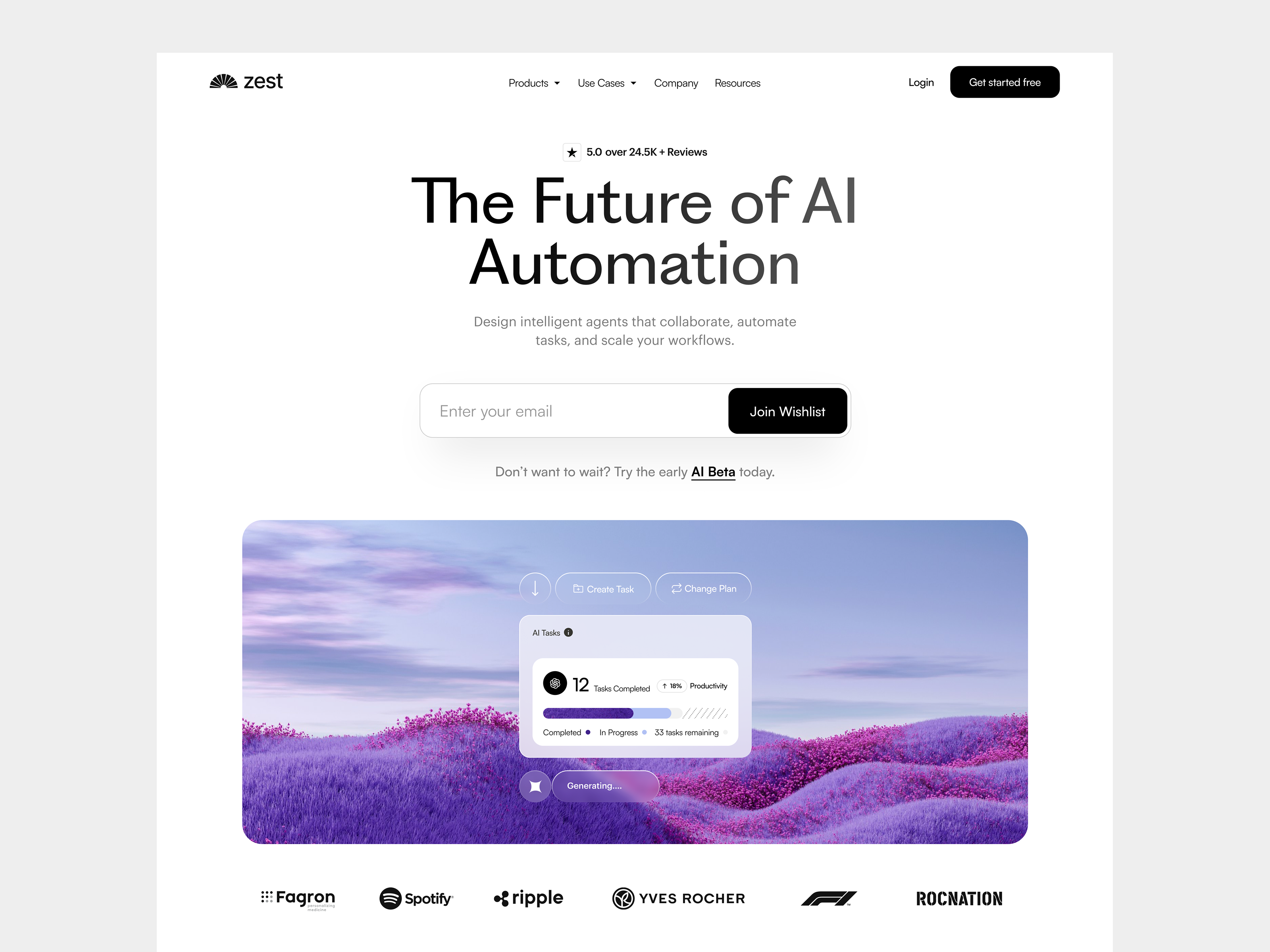


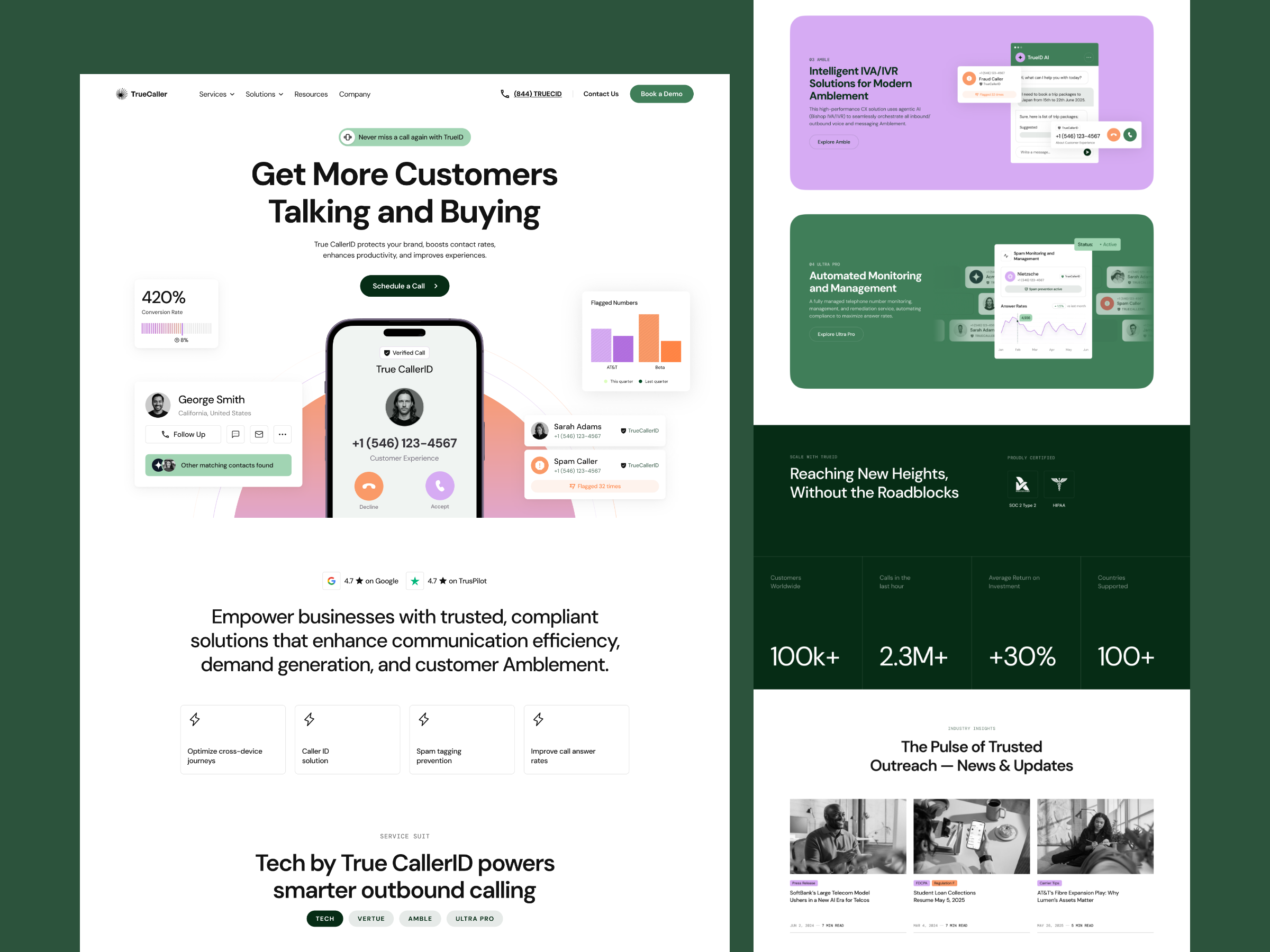











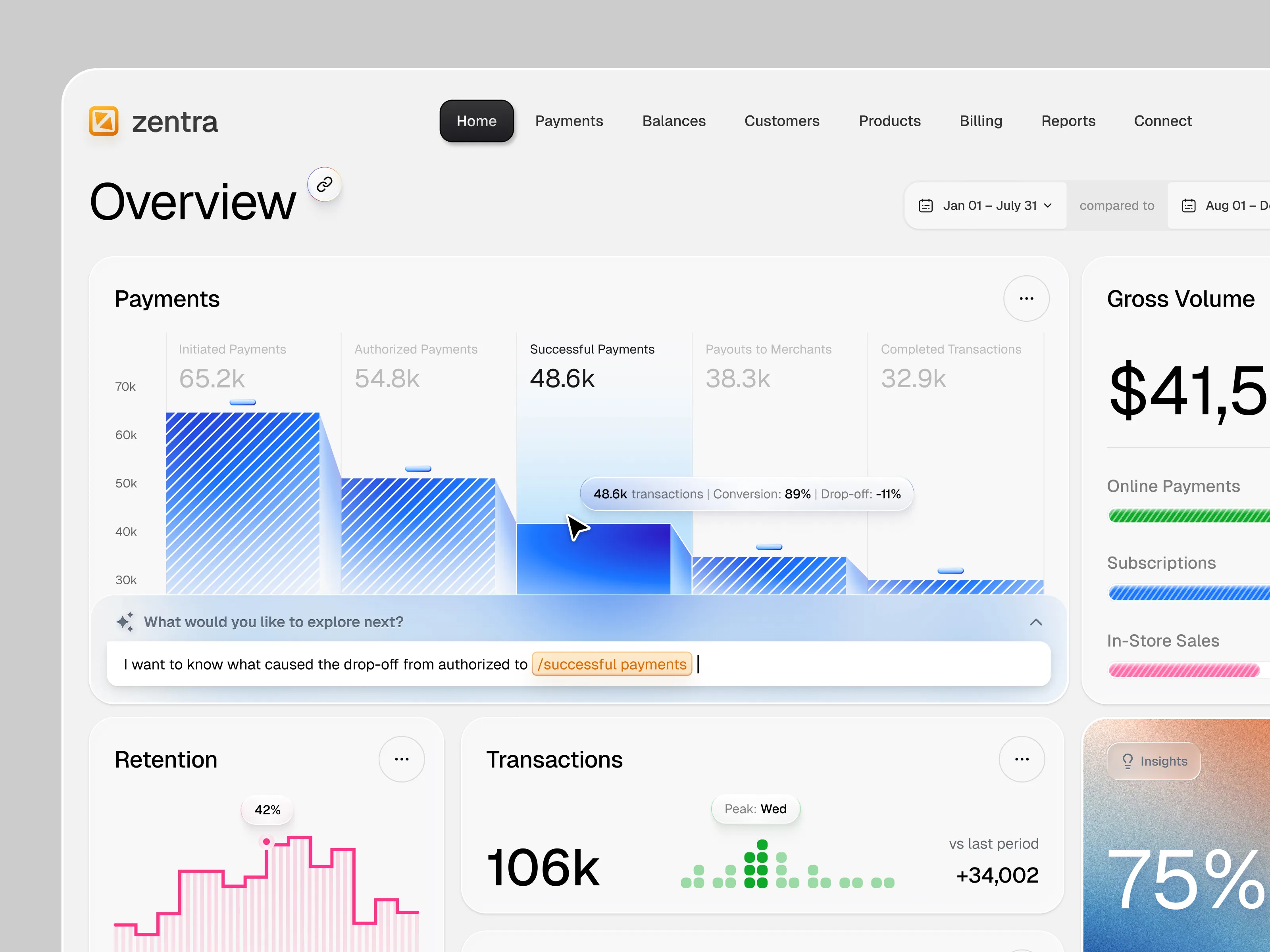
Discover more Freelance Framer Designers on Dribbble



 Art by Karen Novelo
The Dribbble Standard
Dribbble is the creative marketplace where businesses discover, hire, and pay leading designers and agencies with community-validated portfolios since 2009. Clients, from startup founders to global brands, trust our human-first ecosystem for finding designers.
What sets Dribbble apart:
- Strong community of design experts ready for hire
- Verified experience and skill sets
- Direct access to Framer designers and agencies
Top Framer Design profiles showcase real work, giving you confidence in both craft and capability.
The Definitive Guide To Hiring Framer Designers
What Does a Framer Designer Do?
Framer designers create responsive websites directly in Framer, combining visual design, layout, motion, and publishing in one workflow. They shape how the site looks across desktop, tablet, and mobile while also controlling how elements respond and animate.
Their work often includes reusable components and variants, CMS-driven pages for repeating content, responsive breakpoints, scroll effects, transitions, and rebuilding approved Figma designs as working Framer websites.
Strong Framer design balances visual impact with usability and maintainability. Designers make sure motion supports the content, layouts remain consistent across screen sizes, and the finished site can be updated without rebuilding individual pages.
Why Hire a Framer Designer?
Framer allows design and publishing to happen in the same environment, which can simplify the path from approved design to live website. What you get instead is one person accountable for how the site looks, how it moves, and how it performs on the day it goes live.
Framer designers can help:
- Design and publish a site from one document with no export step
- Build components with variants so pages stay consistent as the site grows
- Set up a Framer CMS collection for posts, job listings, or case studies
- Add scroll, appear, and layout animation without hand written code
- Tune layouts across desktop, tablet, and phone breakpoints
- Rebuild a Figma file in Framer as a genuinely responsive layout
- Keep image weight and effect stacking inside a sensible speed budget
How to Hire a Framer Designer
Step 1: Define your page list and motion expectations
Write down the pages you need, mark which content will repeat and therefore belongs in the CMS, and be explicit about how much motion the site should carry. Note whether a Figma file already exists, whether this replaces a live site with URLs worth preserving, and who will edit the site after launch.
Pro tip: Decide early whether motion is doing a job or decorating. Three deliberate scroll transitions are faster to build, cheaper to revise, and easier to keep fast than a site where every section animates on entry.
Step 2: Review Framer Designer portfolios
Published Framer URLs tell you far more than shots do. Scroll each one slowly on a desktop, then open the same page on a phone, where hover states do not exist and heavy animation is most likely to stutter.
Pro tip: Watch what a candidate’s animated sections do on a touch screen. Effects designed only for a mouse cursor are the most common gap between a striking Framer portfolio and a site that works for your visitors.
Step 3: Evaluate their process
Ask whether they build components with variants or duplicate sections, how they structure CMS collections and their templates, how they handle breakpoints between the standard sizes, whether they can write a code component when needed, and what they do to keep a published page fast.
Pro tip: Ask how they would build a repeating grid of cards. An answer built on one component fed by a CMS collection, rather than copied layers, is the difference between a site you can extend yourself and one that needs the designer back every time.
Step 4: Align on the scope and timeline
Confirm the page count, how many CMS collections and templates are included, how many animated sections are in scope, the number of revision rounds, who supplies copy and imagery, what is expected from any Figma import, and how the domain and DNS change is handled at launch. Settle who holds the Framer project afterwards and what post launch edits cost.
Pro tip: Agree who pays for the Framer site plan, and confirm in writing that the project will be transferred into your own Framer account at handover. The plan is billed to whoever owns the project, so this is easier to settle at the start than at the end.
Cost of Hiring a Framer Designer
Freelance Framer designers typically charge $20 to $75 per hour, with rates varying by experience, specialization, and location, and an average around $35 per hour.
Common freelance project prices:
- Single page landing site: $500 to $1,000
- Multi page site with animation: $1,000 to $3,000
- Advanced portfolio or ecommerce site: $3,000 to $5,000
A second freelance rate reading puts the same market at $20 to $75 per hour and describes typical freelance project scope as roughly $500 to $5,000, with a standalone landing page at $500 to $2,000.
Pricing increases with the number of unique page layouts, CMS collections, custom motion, Figma restructuring, localization, and migration requirements.
Freelance Framer Designer vs Web Design Company
The main difference is scope: a freelance Framer designer focuses on a defined website project, while a web design company can provide broader strategy, UX, content, and design support.
| Factor | Freelance Framer Designer | Web Design Company |
|---|---|---|
| Best for | Marketing sites, product pages, and portfolios designed and published in Framer | Wider engagements covering brand, content, campaigns, and measurement |
| Typical scope | Layout, components, CMS, motion, domain connection, and publishing | Discovery, messaging, copywriting, design, build, and continuing optimization |
| Communication | Direct access to the designer | Communication with a multidisciplinary team |
| Flexibility | Often more flexible | More structured process |
| Team | Usually one specialist | Multiple creative specialists |
| Choose when | You know what the site should say and need it designed, animated, and live | Several teams and channels have to be coordinated around the launch |
Featured Framer Designer Success Story
Dribbble gives Framer designers a platform to show how visual direction, interaction, and responsive web design come together in a published experience. This featured project demonstrates how Framer can support a distinctive SaaS landing page without relying on conventional tech aesthetics.
Explore: Vestris – AI Real Estate Title & Escrow Landing page by Kris Anfalova
- Challenge: Design a landing page for an AI-powered real estate settlement platform that would feel trustworthy to a traditional, risk-conscious audience while still communicating the product’s automation capabilities.
- Solution: Kris Anfalova combined warm painterly illustrations, serif typography, product UI screenshots, process explanations, and a human-oversight section, then built the complete landing page in Framer.
- Result: The finished Framer site presents AI functionality within a visual system designed to feel established and reassuring, while giving users clear product proof through screenshots, use cases, and an interactive sample-contract CTA.
Related Framer Design Resources
How To Hire A Professional Framer Designer on Dribbble
Use InstantMatch to connect with the right designer fast.
-
Step 1
Submit your Project Brief
-
Step 2
Get Matched with Vetted designers
-
Step 3
Start your project
Frequently Asked Questions on Hiring Framer Designers
Yes. Framer supports responsive layouts and custom breakpoints, but the designer still needs to make deliberate decisions about how content, typography, navigation, and spacing adapt across screen sizes. Check mobile versions of previous projects rather than evaluating only desktop designs.
Yes. A Framer designer can create CMS collections for repeatable content such as blog posts, case studies, resources, team profiles, or job listings. A well-structured CMS lets your team add and update content without rebuilding individual pages.
Yes. Framer supports scroll effects, hover states, page transitions, component animations, and other interactive behavior. Some designers can also create more advanced functionality with custom components or code. Review their previous work if motion and interaction are an important part of your site.
Yes, if the site is structured properly. Reusable components, consistent styles, organized CMS collections, and flexible layouts make future updates much easier. Ask the designer to build with ongoing content changes in mind rather than treating the site as a fixed one-time design.
Browse Framer designer profiles on Dribbble or use InstantMatch to quickly connect with vetted Framer designers who fit your page list, motion requirements, and timeline.
Have another question? Check out the Dribbble Help Center for more answers.