

Hire the Best Mobile UI Designers
Work with the world's best mobile UI designers. Explore our curated marketplace of top-rated freelance talent trusted by global brands.
Find your Mobile UI Designer on Dribbble




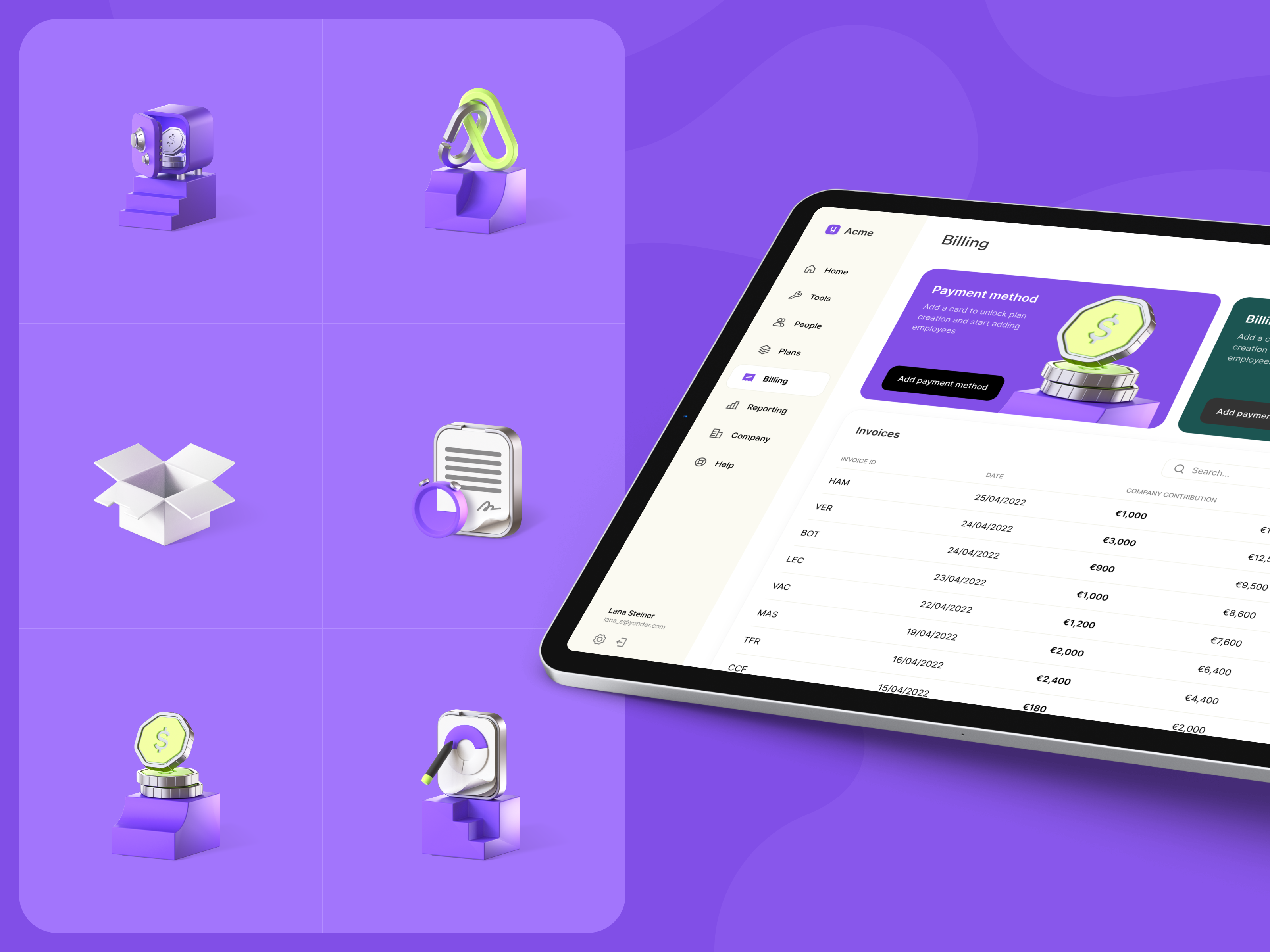

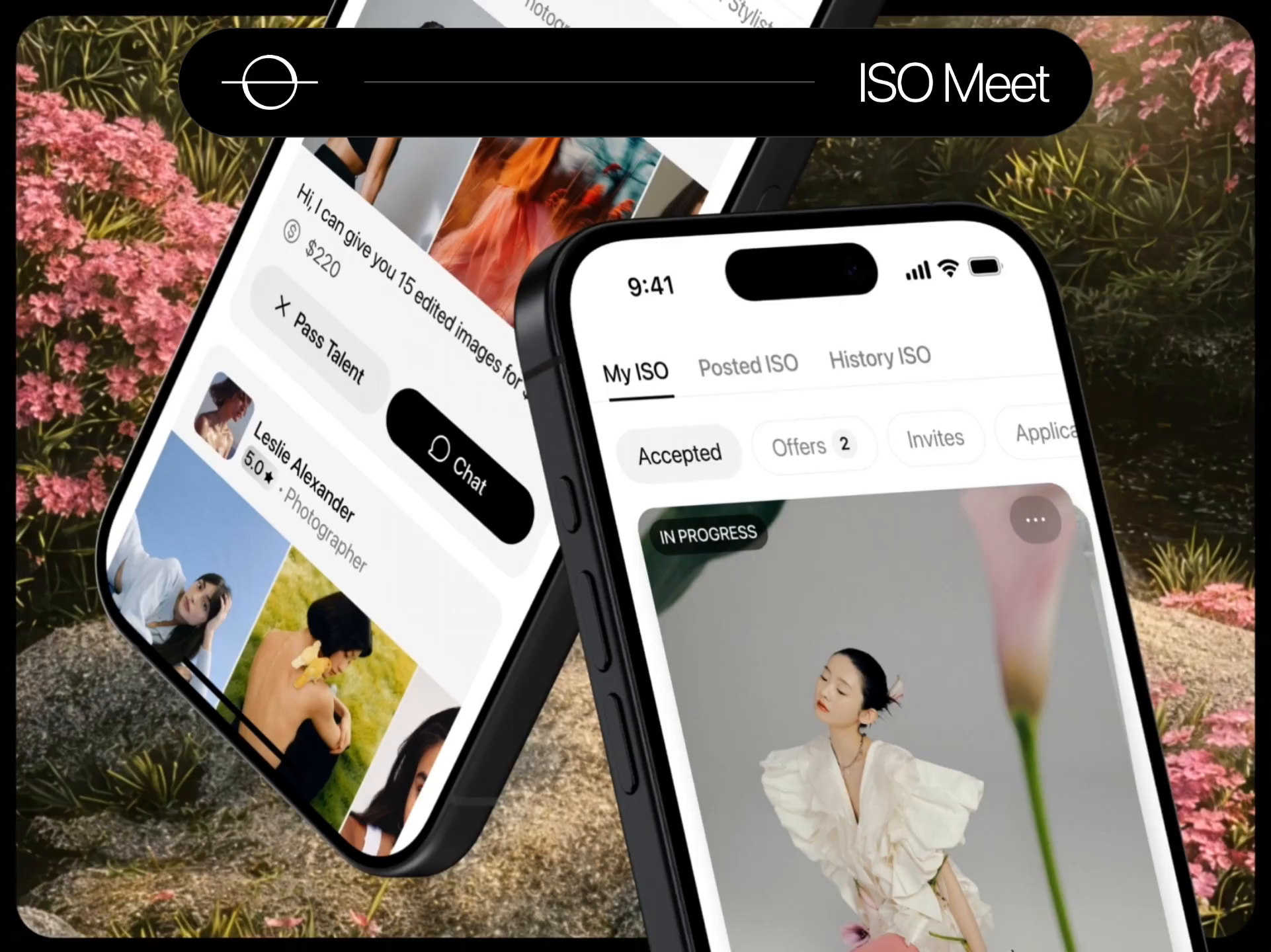





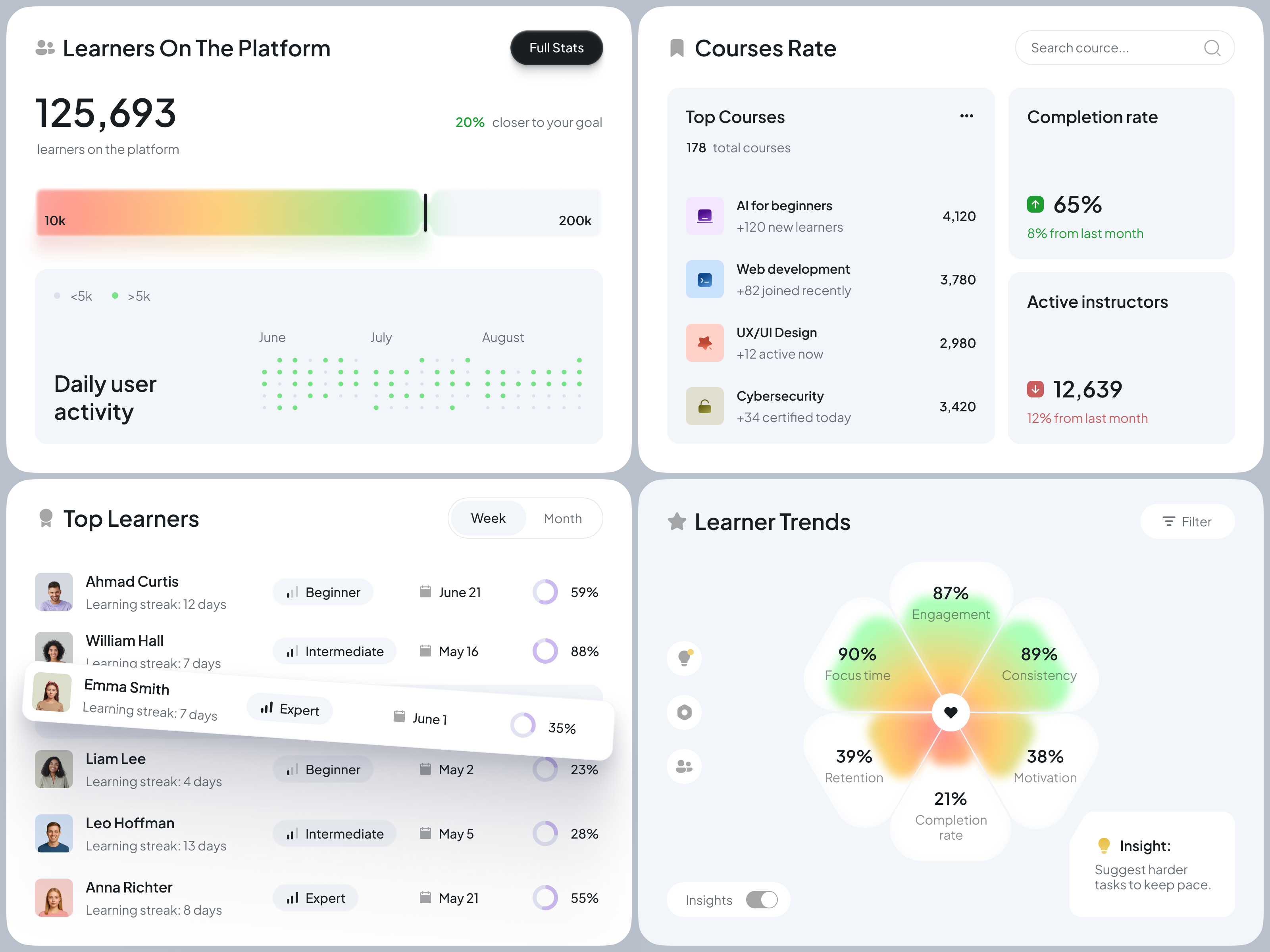















Discover more Freelance Mobile UI Designers on Dribbble














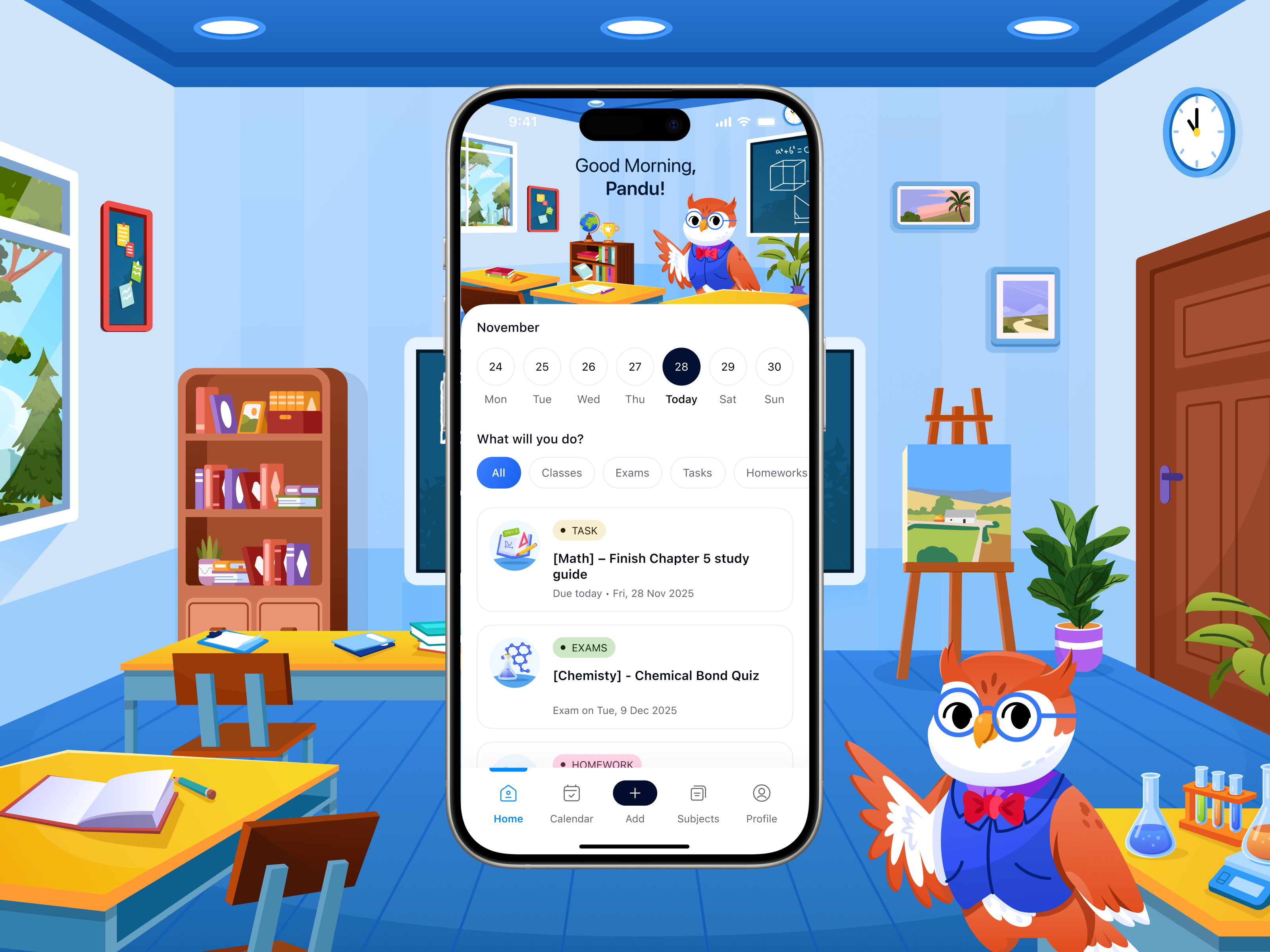
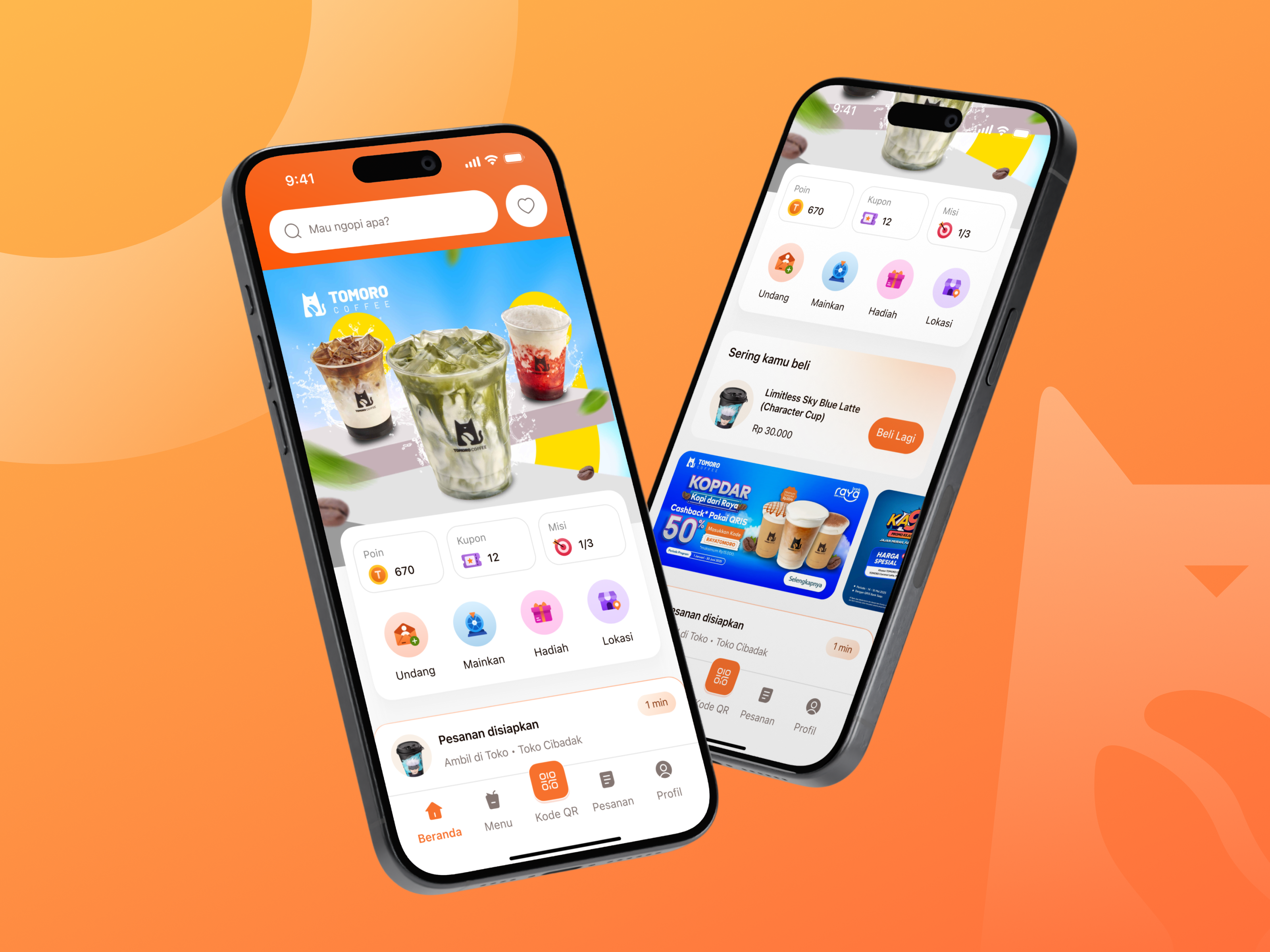

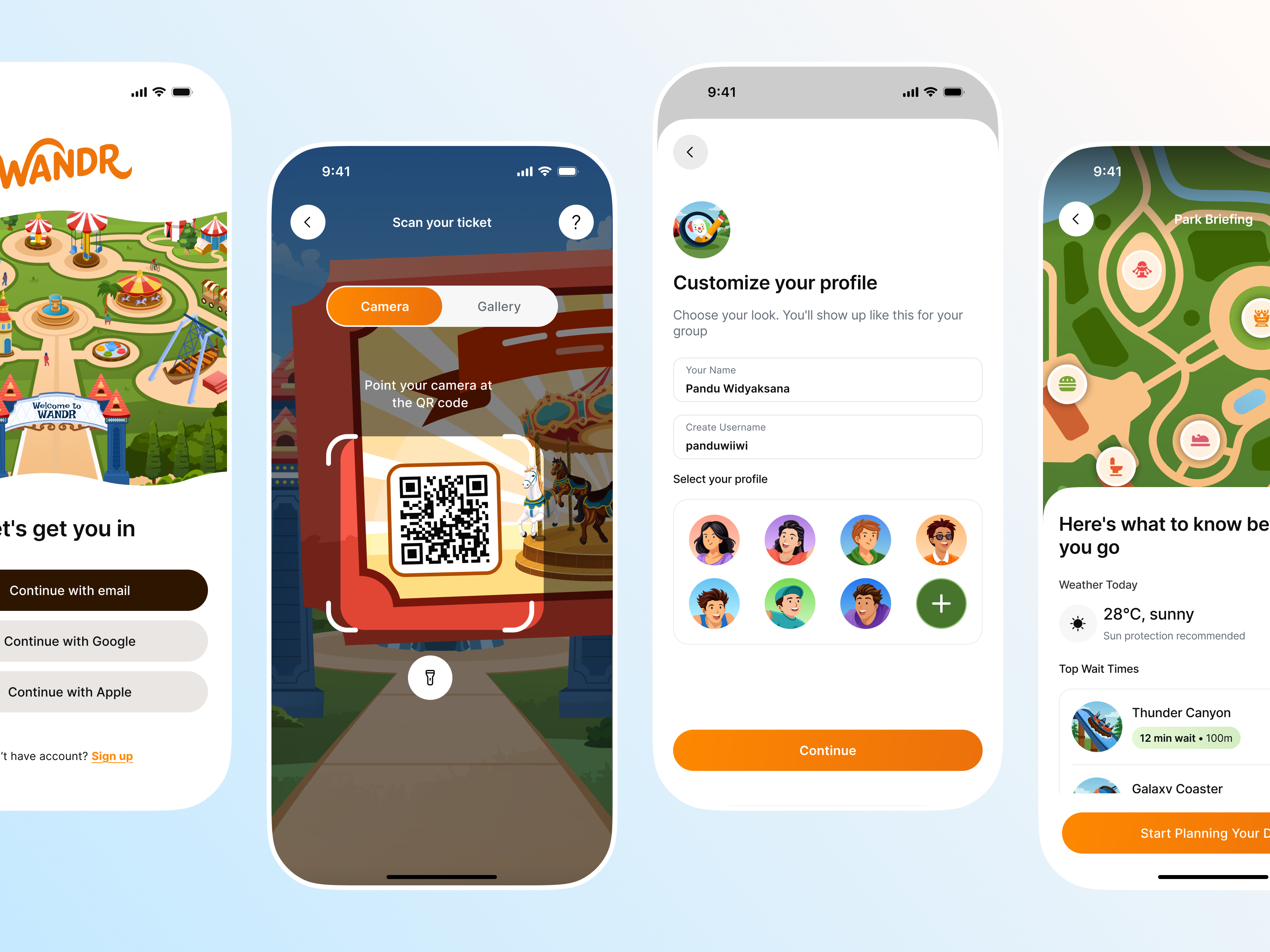
 Art by Karen Novelo
The Dribbble Standard
Dribbble is the creative marketplace where businesses discover, hire, and pay leading designers and agencies with community-validated portfolios since 2009. Clients, from startup founders to global brands, trust our human-first ecosystem for finding designers.
What sets Dribbble apart:
- Strong community of design experts ready for hire
- Verified experience and skill sets
- Direct access to Mobile UI Designers and agencies
Top Mobile UI Design profiles showcase real work, giving you confidence in both craft and capability.
The Definitive Guide To Hiring Mobile UI Designers
What Does a Mobile UI Designer Do?
A mobile UI designer creates interfaces for apps on iOS, Android, or both. They design screens, navigation, controls, and interactions while considering the conventions users already expect on each platform.
Mobile interfaces also have to work across different screen sizes, safe areas, keyboards, larger text settings, and light and dark modes. Designers plan touch targets, gestures, transitions, and component states so the interface remains clear and usable in different situations.
They also prepare files for development, including screen specifications, icons, assets, component states, and prototypes that show interactions or motion. Depending on the project, they may also design app icons and store screenshots.
Why Hire a Mobile UI Designer?
A mobile UI designer helps make an app feel familiar to users while adapting the interface to the requirements of iOS, Android, and different device sizes.
Mobile UI designers can help:
- Adapt interfaces for iOS and Android conventions
- Design clear navigation and touch-friendly controls
- Create layouts that work across different phone and tablet sizes
- Account for safe areas, keyboards, and system interface elements
- Design light and dark modes
- Define gestures, transitions, and micro-interactions
- Prepare app icons and store screenshots
- Export developer-ready icons and assets
- Design loading, disabled, error, and offline states
How to Hire a Mobile UI Designer
Step 1: Define your platforms, device range, and app scope
Decide whether you are shipping iOS, Android, or both, and whether the build is native per platform or cross-platform, since that determines how far the two designs may diverge. List the screens the first release genuinely needs, note the smallest device you will support, and say whether tablet layouts are required.
Pro tip: Check whether your engineering team has already chosen a UI framework. A designer briefed on that early will work within its component set instead of specifying controls that turn into custom engineering.
Step 2: Review mobile UI designer portfolios
Prefer apps you can install over rendered screens on a floating device frame. Presentation mockups hide the things that matter on mobile, including how the layout responds to a larger system text size and whether the design survives on a small, older handset.
Pro tip: If the designer has worked on a shipped app, try it on a real phone. Touch targets, navigation, text size, and gesture comfort are much easier to judge on the device than from portfolio images.
Step 3: Evaluate their process
Ask where they let iOS and Android diverge and where they hold them identical, how they build a dark mode palette, how they handle keyboard avoidance on forms, how they design for accessibility settings such as larger text and reduced motion, and how they communicate motion to developers.
Pro tip: Ask what they do when a client requests an iOS pattern on Android. A designer who explains the specific user expectation being broken, rather than simply agreeing or refusing, understands both platforms rather than defaulting to one.
Step 4: Align on the scope and timeline
Confirm the screen list per platform, whether tablet and dark mode variants are included, how many revision rounds cover each, what the handoff package contains, which asset formats and density scales are delivered, whether the app icon and store screenshots are in scope, and whether the designer stays available for build questions after handoff.
Pro tip: Retain a small block of hours for the implementation phase and write it into the agreement. Developers hit questions no design file anticipated, and a designer who has already moved to another client is the most common cause of an app shipping visibly off-spec.
Cost of Hiring a Mobile UI Designer
Freelance mobile UI designers typically charge $25 to $150+ per hour, depending on experience, app complexity, and location.
Hourly rates by experience commonly fall into these ranges:
- Entry-level: $25–$50 per hour
- Mid-level: $50–$90 per hour
- Senior or expert: $90–$150+ per hour
More complex mobile products can command higher rates, particularly when the work involves advanced interactions, AI or AR features, multiple platforms, or enterprise requirements.
Final pricing depends on the number of screens, whether separate iOS and Android treatments are required, tablet and dark mode variants, gestures and motion, the number of component states, app store assets, and the level of developer handoff required.
Freelance Mobile UI Designer vs App Development Company
The main difference is scope: a freelance mobile UI designer focuses on the app interface and developer handoff, while an app development company can also build, test, and release the product.
| Factor | Freelance Mobile UI Designer | App Development Company |
|---|---|---|
| Best for | Interface design and developer-ready assets for a team that already builds | Taking an app from concept through build, testing, and store release |
| Typical scope | Screens, states, motion specification, icon, and store assets | Design, engineering, QA, backend work, store submission, and maintenance |
| Communication | Direct access to the designer | Communication with a multidisciplinary team |
| Flexibility | Often more flexible | More structured process |
| Team | Usually one specialist | Multiple creative specialists |
| Choose when | You have developers and need the interface designed properly | You have no engineering capacity and need the app built and released |
Explore app development companies
Featured Mobile UI Designer Success Story
Dribbble gives mobile UI designers a platform to show how complex app journeys can be organized into clear, usable screens. This featured project demonstrates a travel app designed around booking and trip management.
Explore: Travel and flight application mobile UI design by Roohi Koohi
- Challenge: The designer needed to create a mobile experience that brings flight booking, destination discovery, and trip management into one app.
- Solution: Roohi Koohi designed a coordinated set of mobile screens with clear navigation, travel imagery, and real-time information.
- Result: The finished concept presents the main travel-planning tasks through a consistent mobile interface.
Related Mobile UI Design Resources
How To Hire A Professional Mobile UI Designer on Dribbble
Use InstantMatch to connect with the right designer fast.
-
Step 1
Submit your Project Brief
-
Step 2
Get Matched with Vetted designers
-
Step 3
Start your project
Frequently Asked Questions on Hiring Mobile UI Designers
Ideally, if your app will launch on both platforms. iOS and Android have different navigation patterns, components, gestures, and interface conventions. A strong mobile UI designer should know when the design can remain consistent across platforms and when it should adapt to each operating system.
Look beyond polished individual screens. Strong mobile UI work should show complete flows, navigation, forms, empty and error states, different screen sizes, and reusable components. If possible, review apps that have actually been launched and test how the interface feels on a real device.
For apps with multiple screens or ongoing development, a design system is usually valuable. It gives the product consistent colors, typography, spacing, components, and interaction patterns while making future screens easier to design and build.
Developers should receive organized design files with components, states, assets, spacing, responsive behavior, and interaction details clearly defined. For complex flows, prototypes or annotations can also show how screens and elements should behave once the app is built.
Browse Mobile UI Designer profiles on Dribbble or use InstantMatch to quickly connect with vetted Mobile UI Designers who fit your platform coverage, screen count, and timeline.
Have another question? Check out the Dribbble Help Center for more answers.


