

Hire the Best SaaS Designers
Work with the world's best SaaS designers. Explore our curated marketplace of top-rated freelance talent trusted by global brands.
Find your SaaS Designer on Dribbble

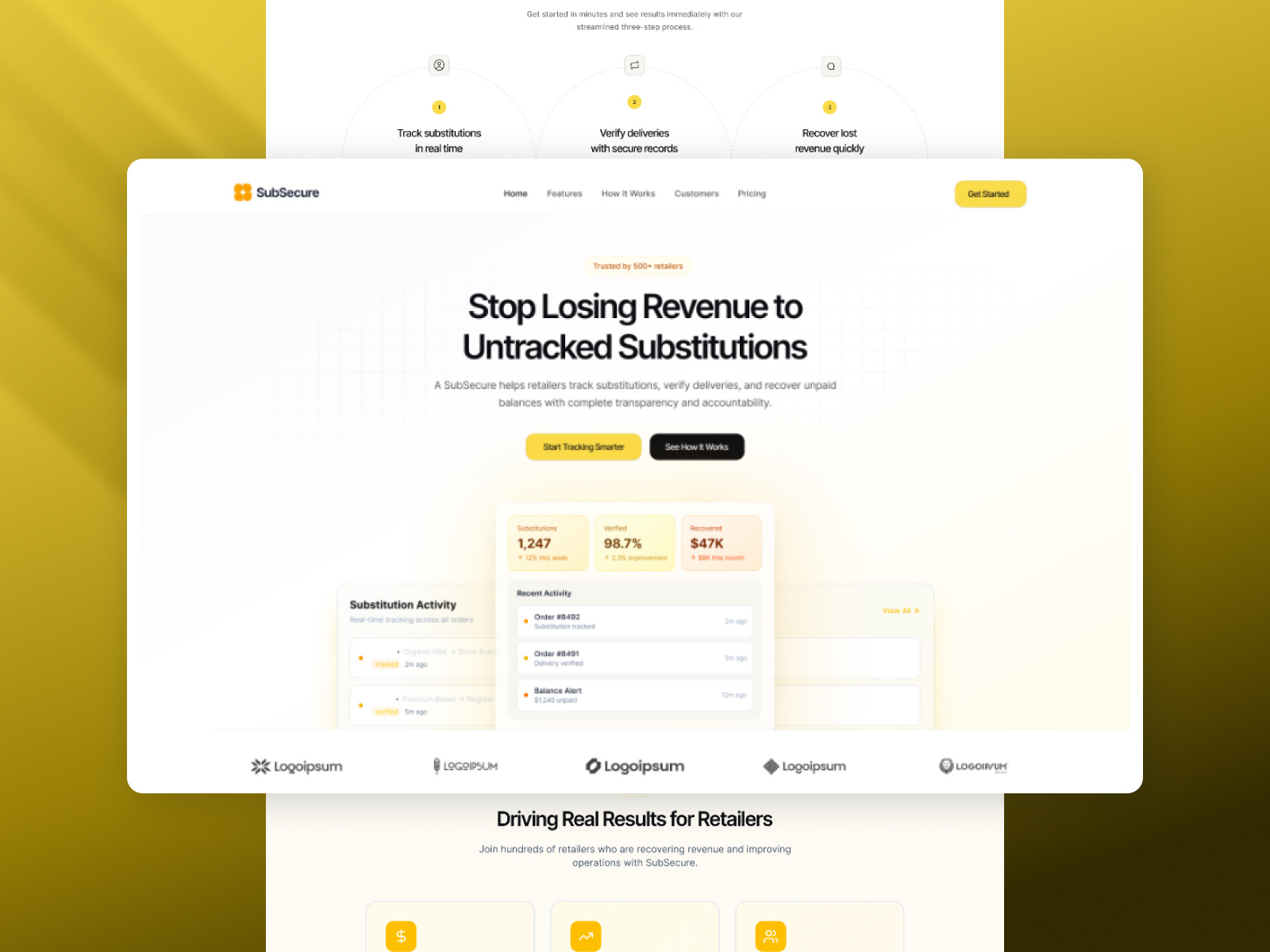
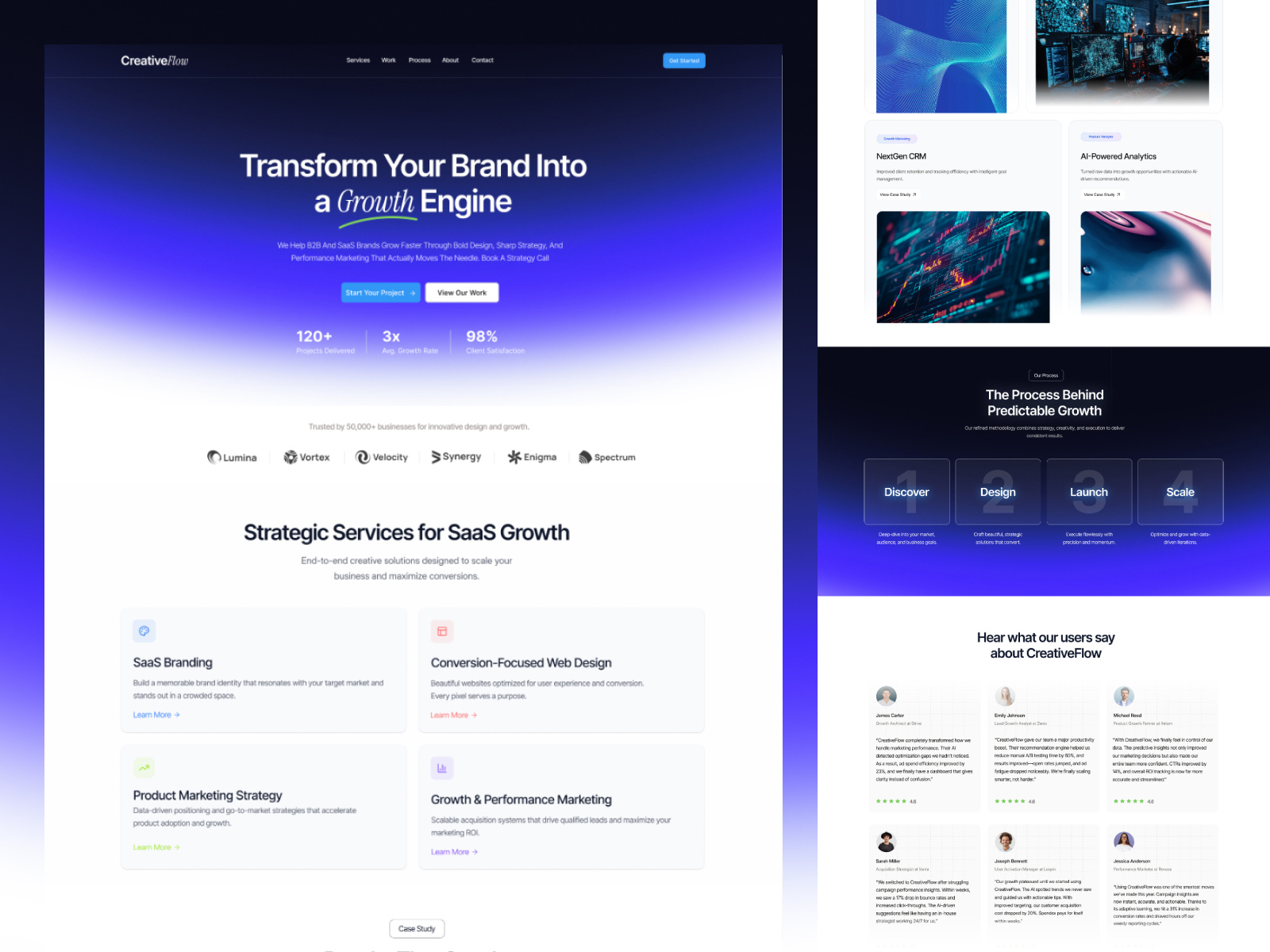
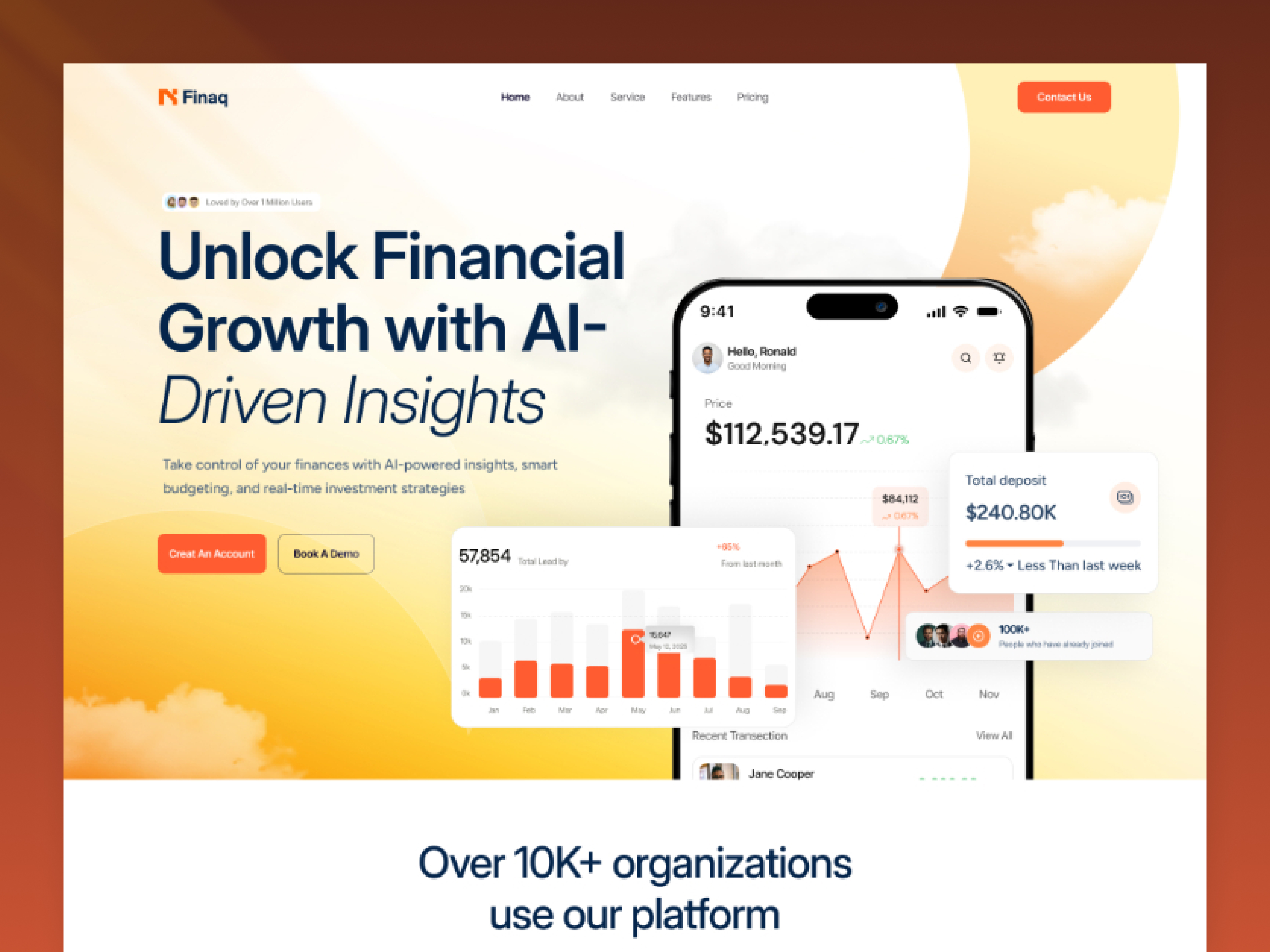
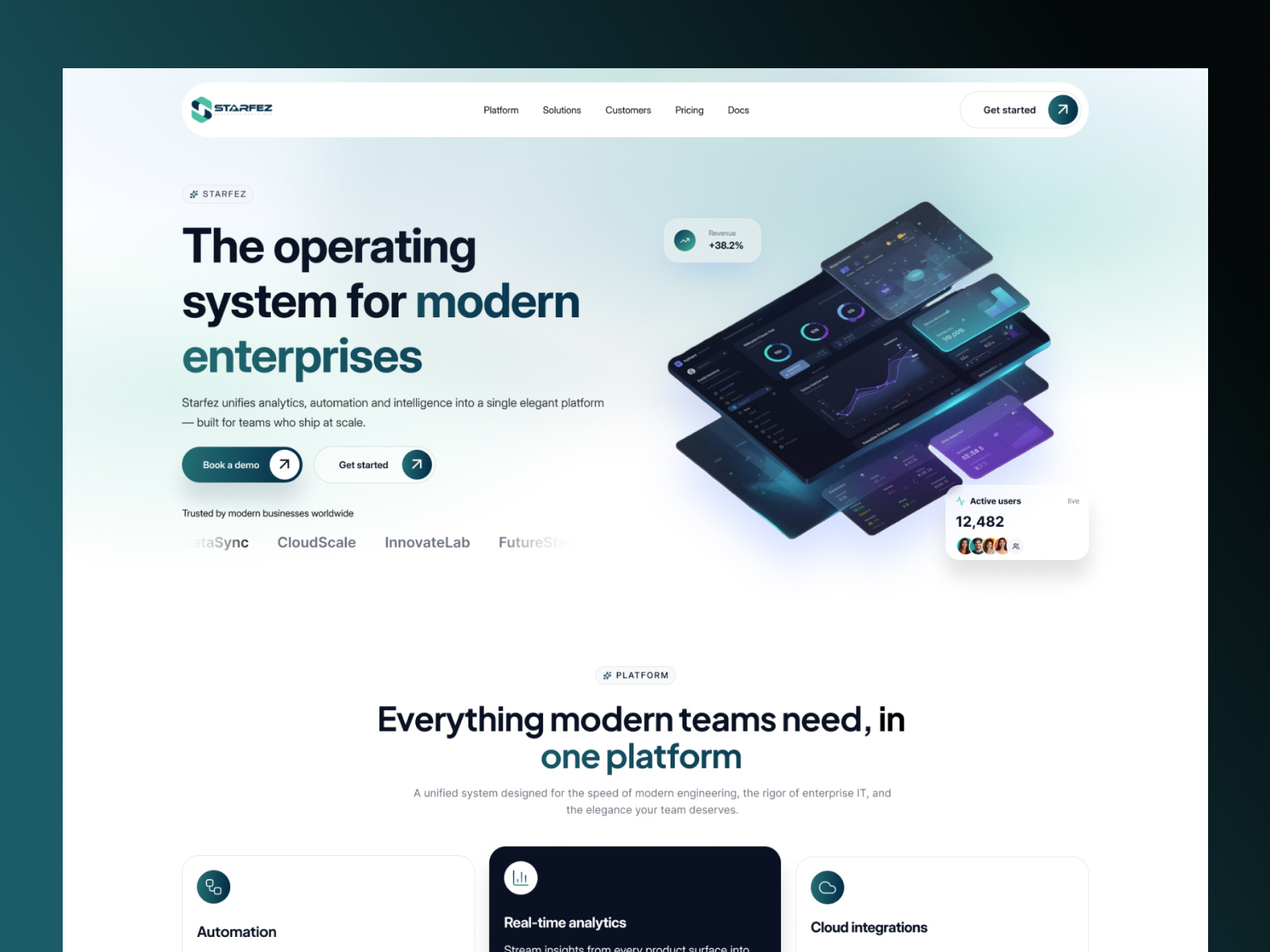


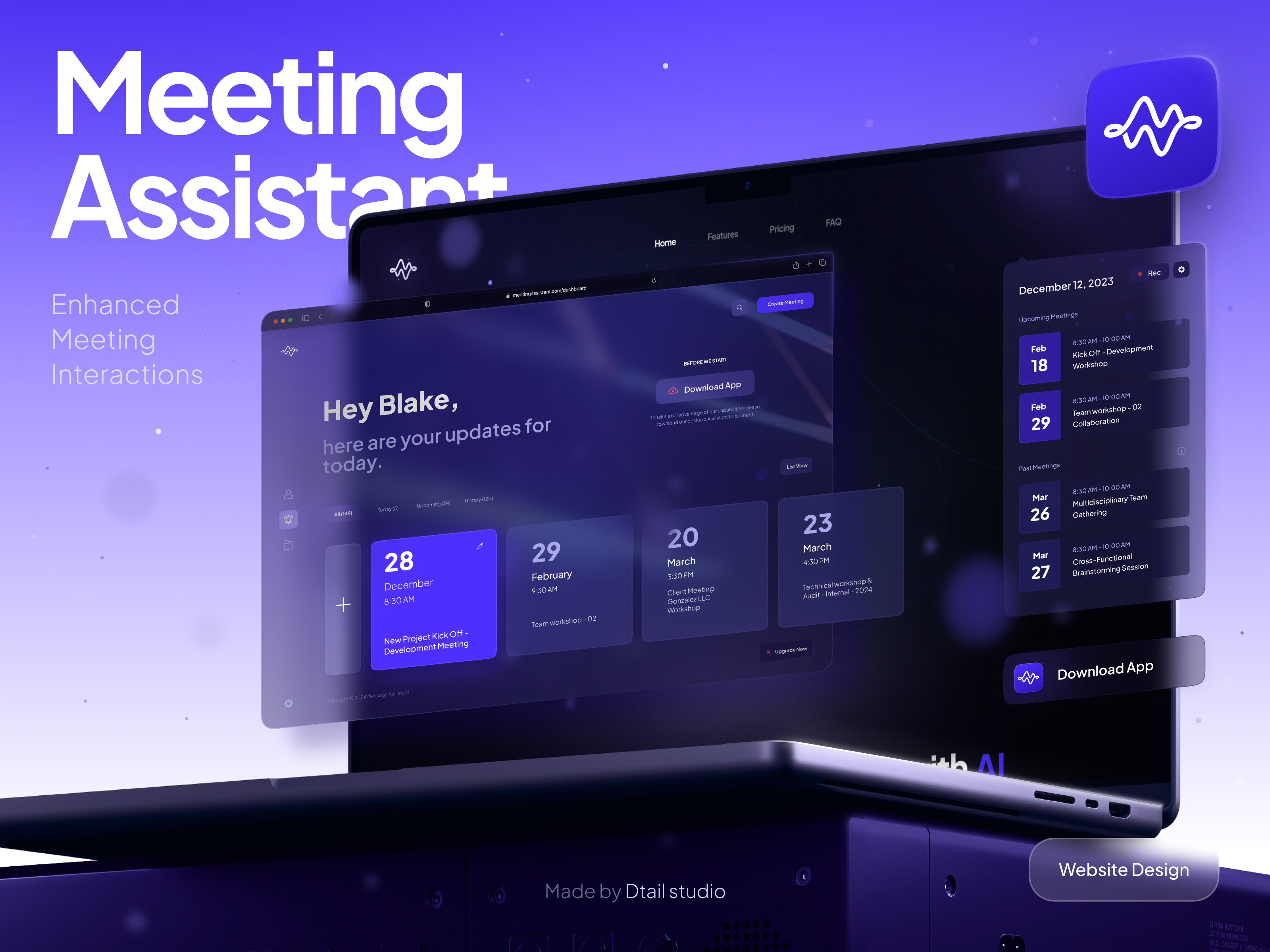
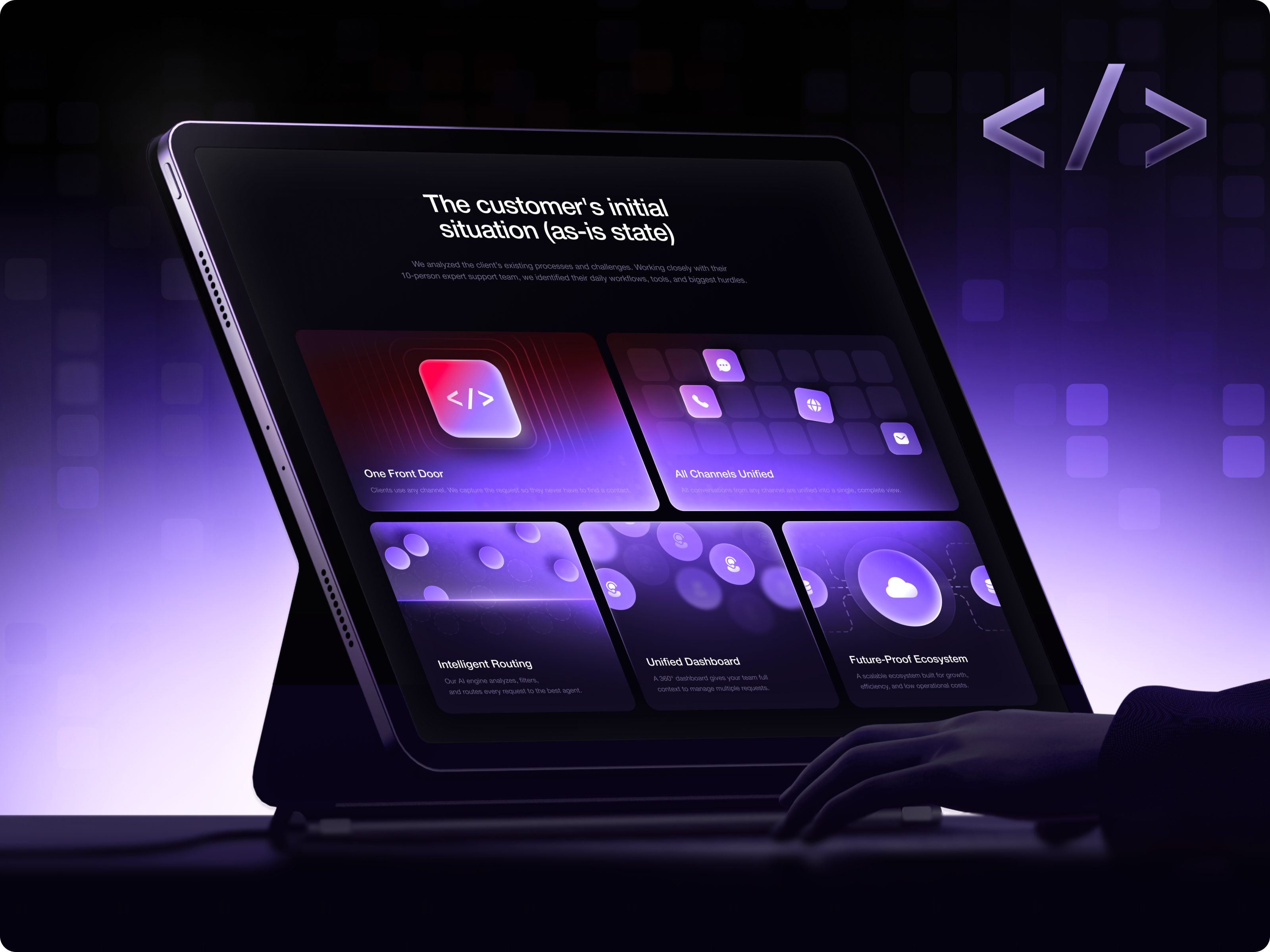

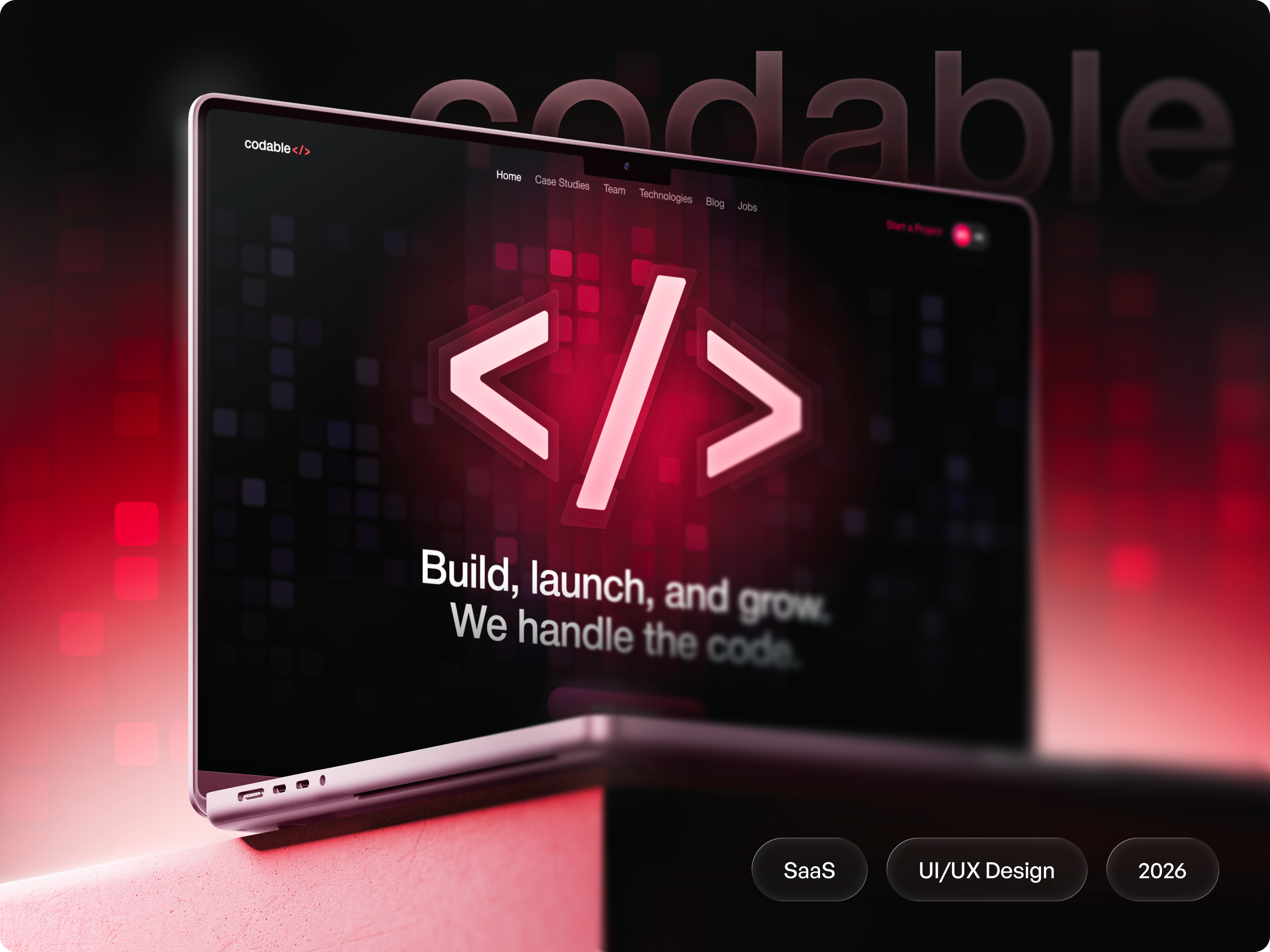













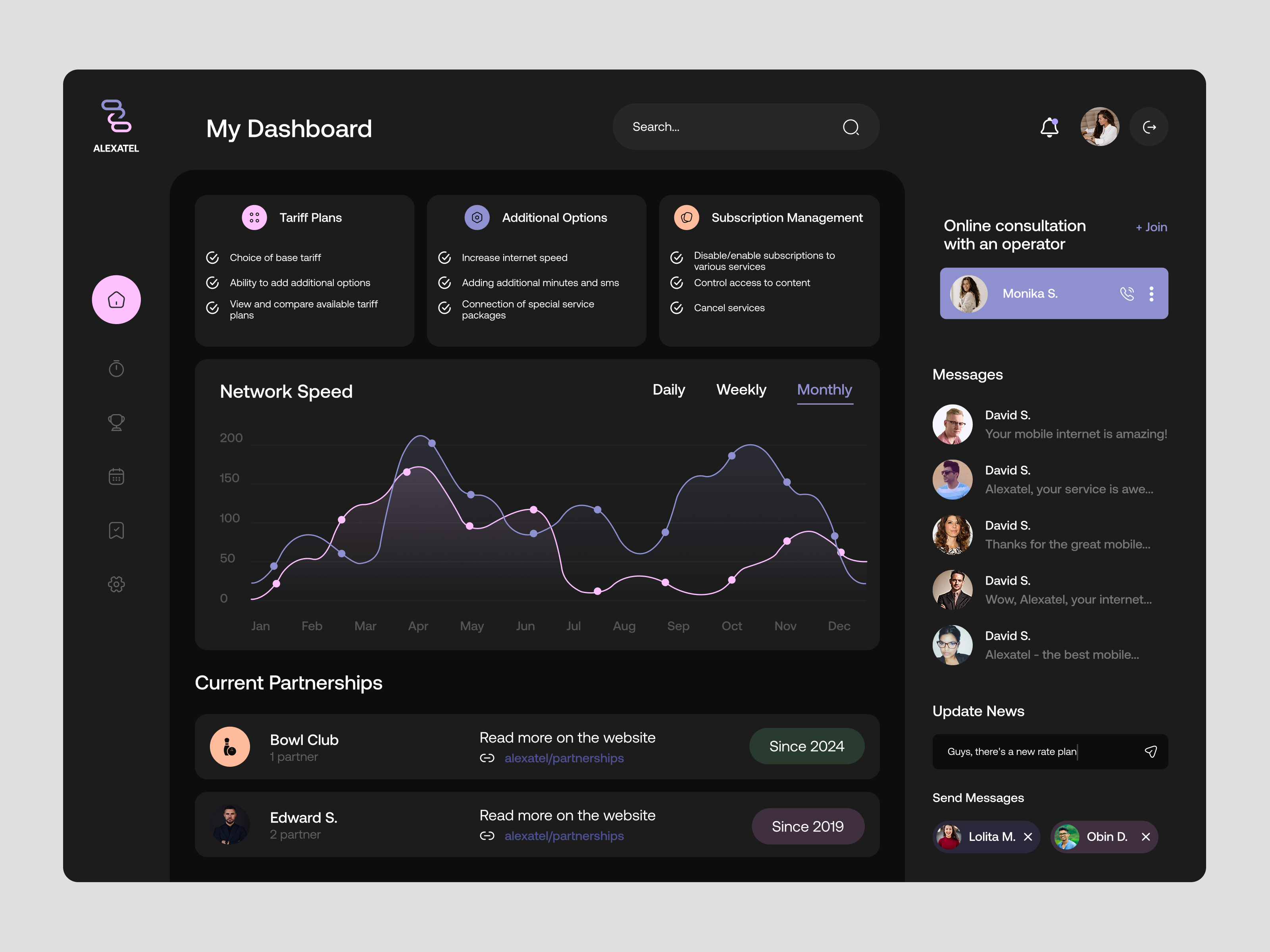


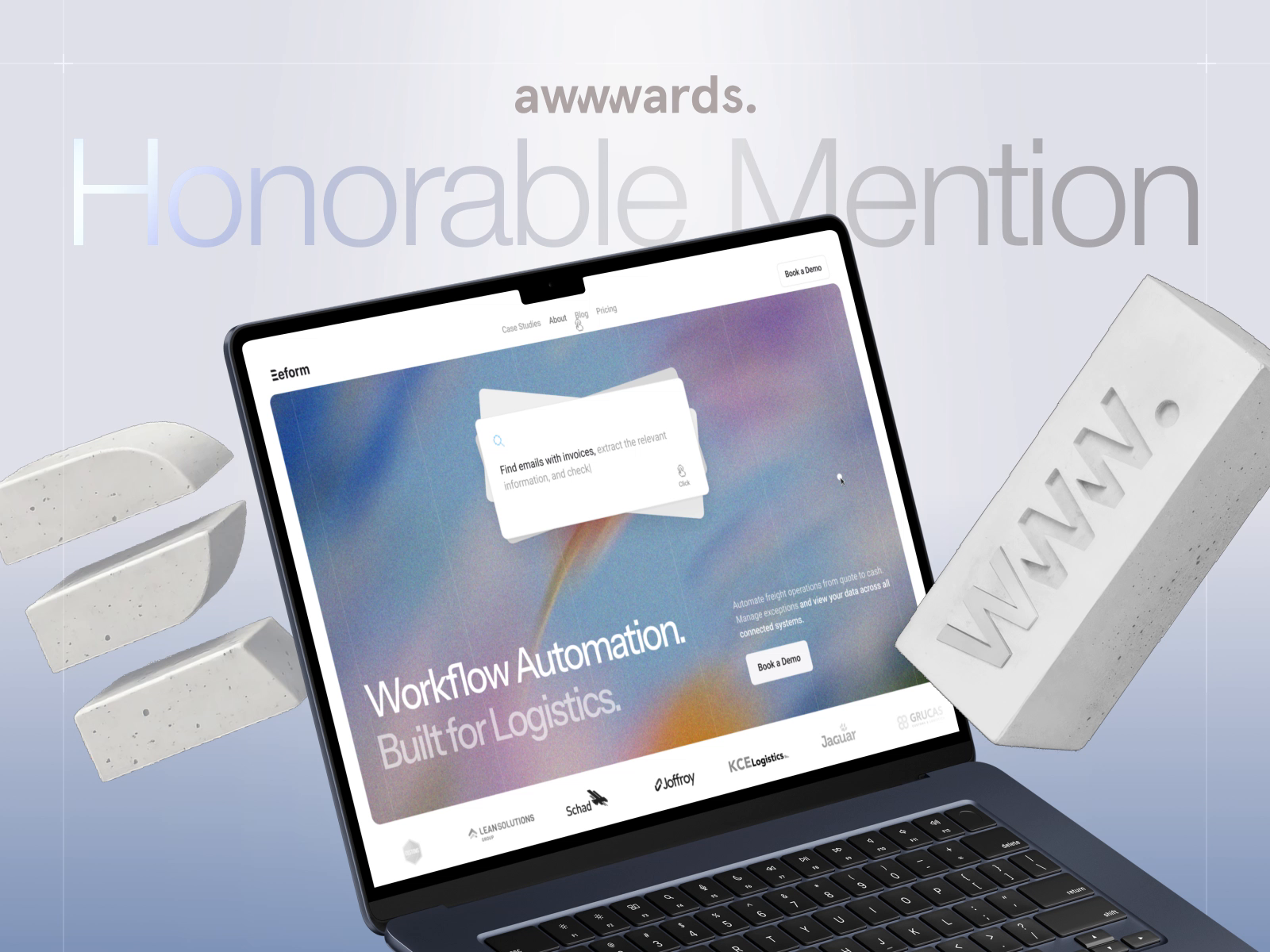
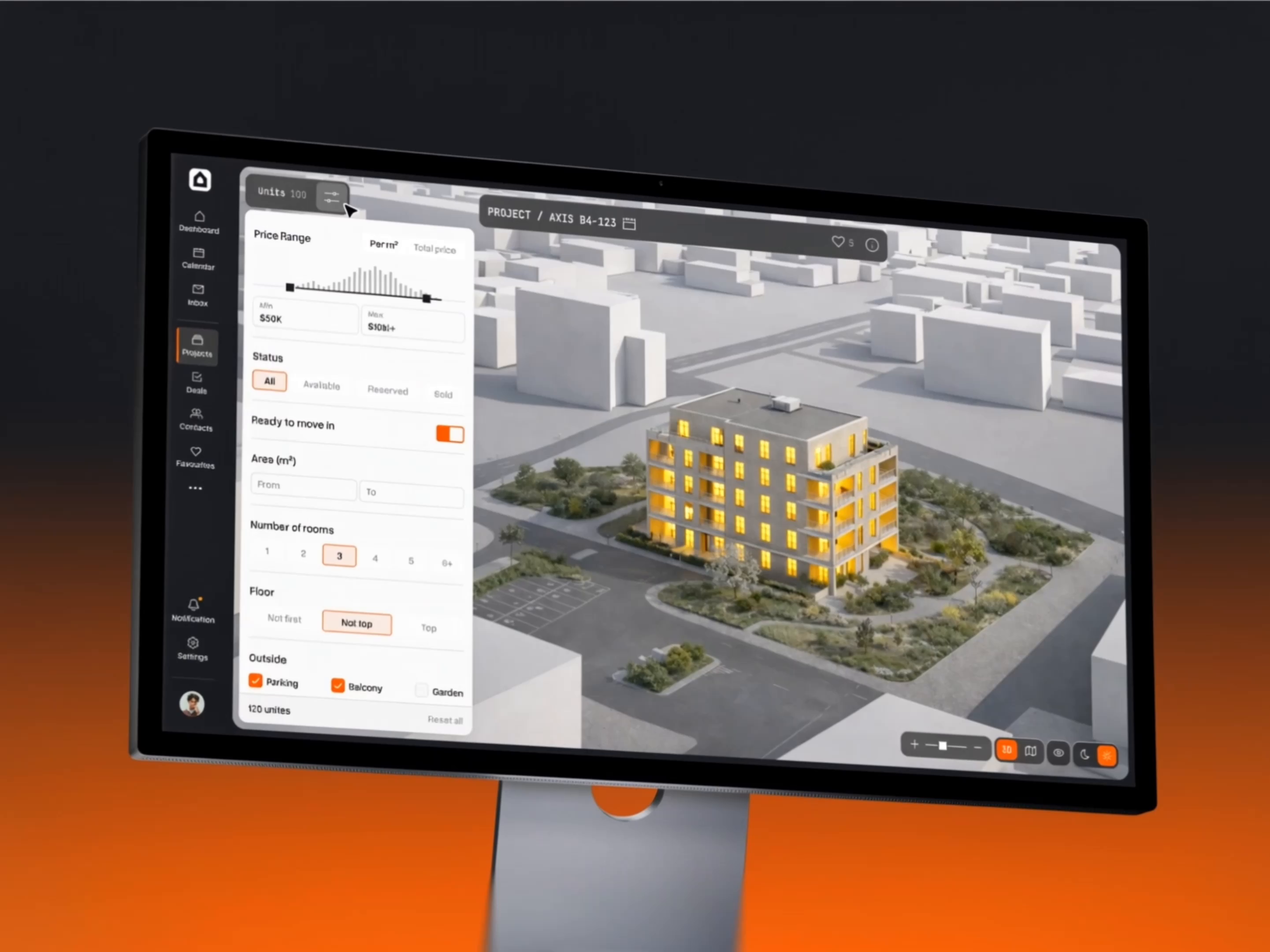

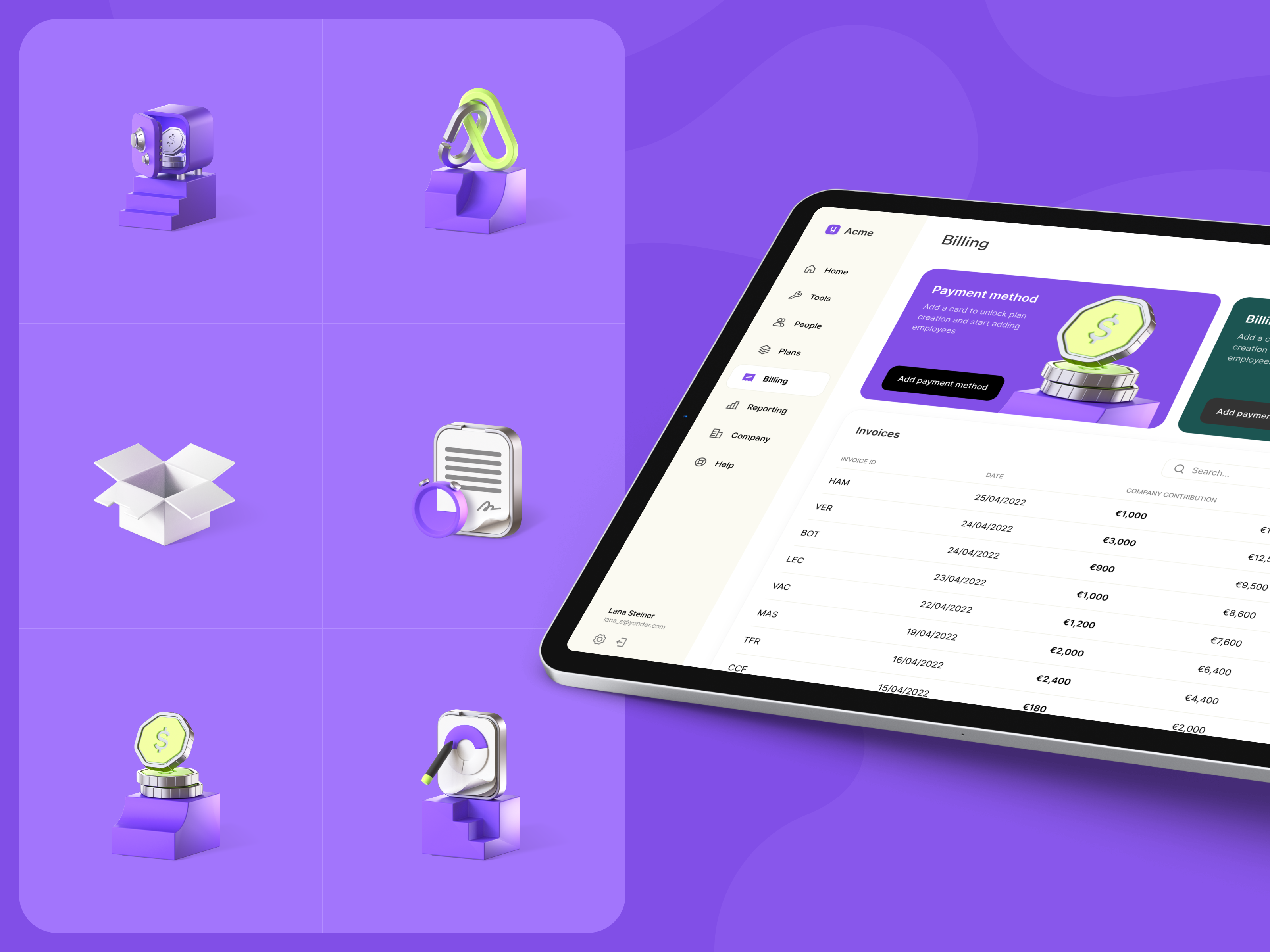





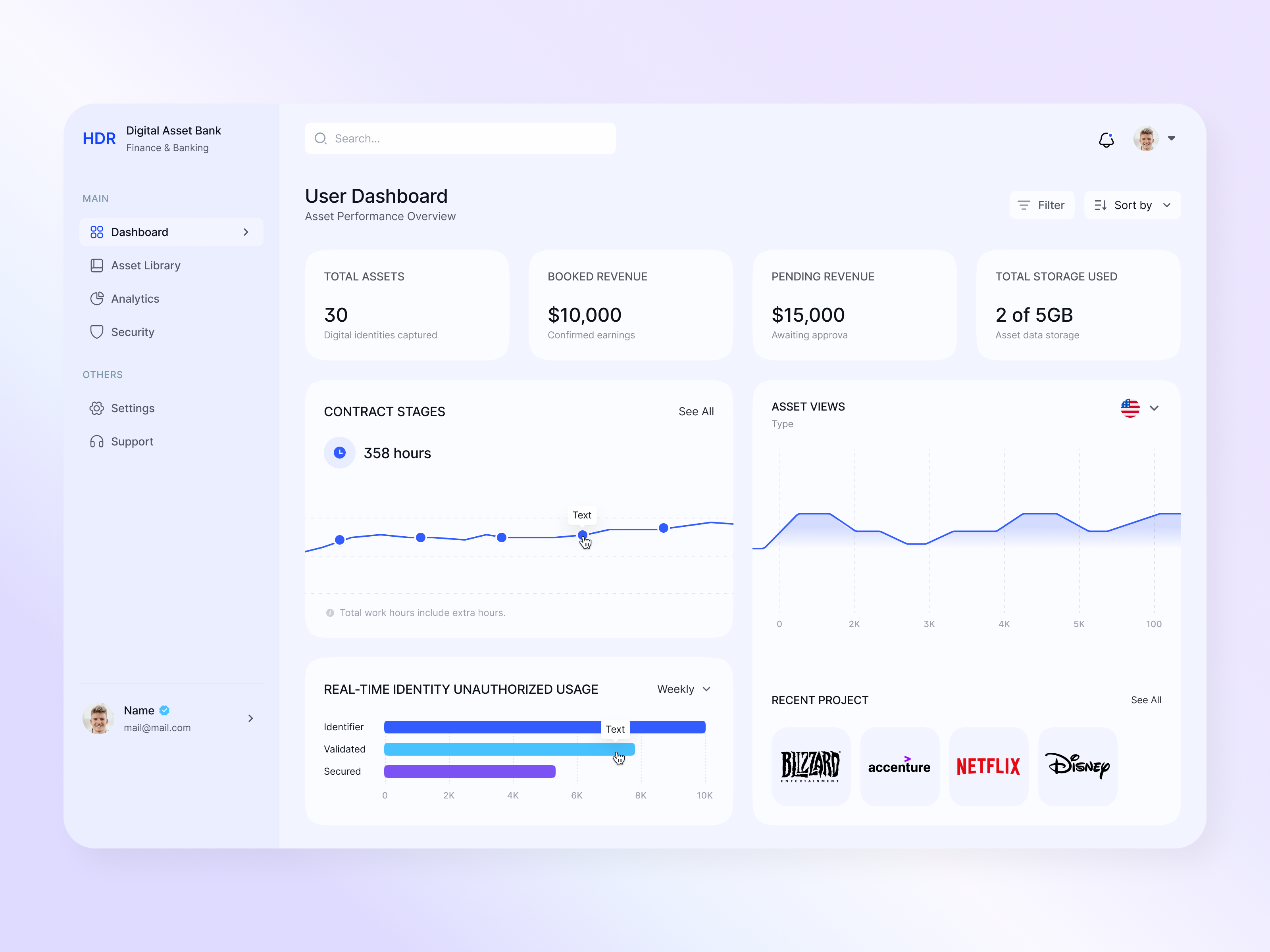
Discover more Freelance SaaS Designers on Dribbble






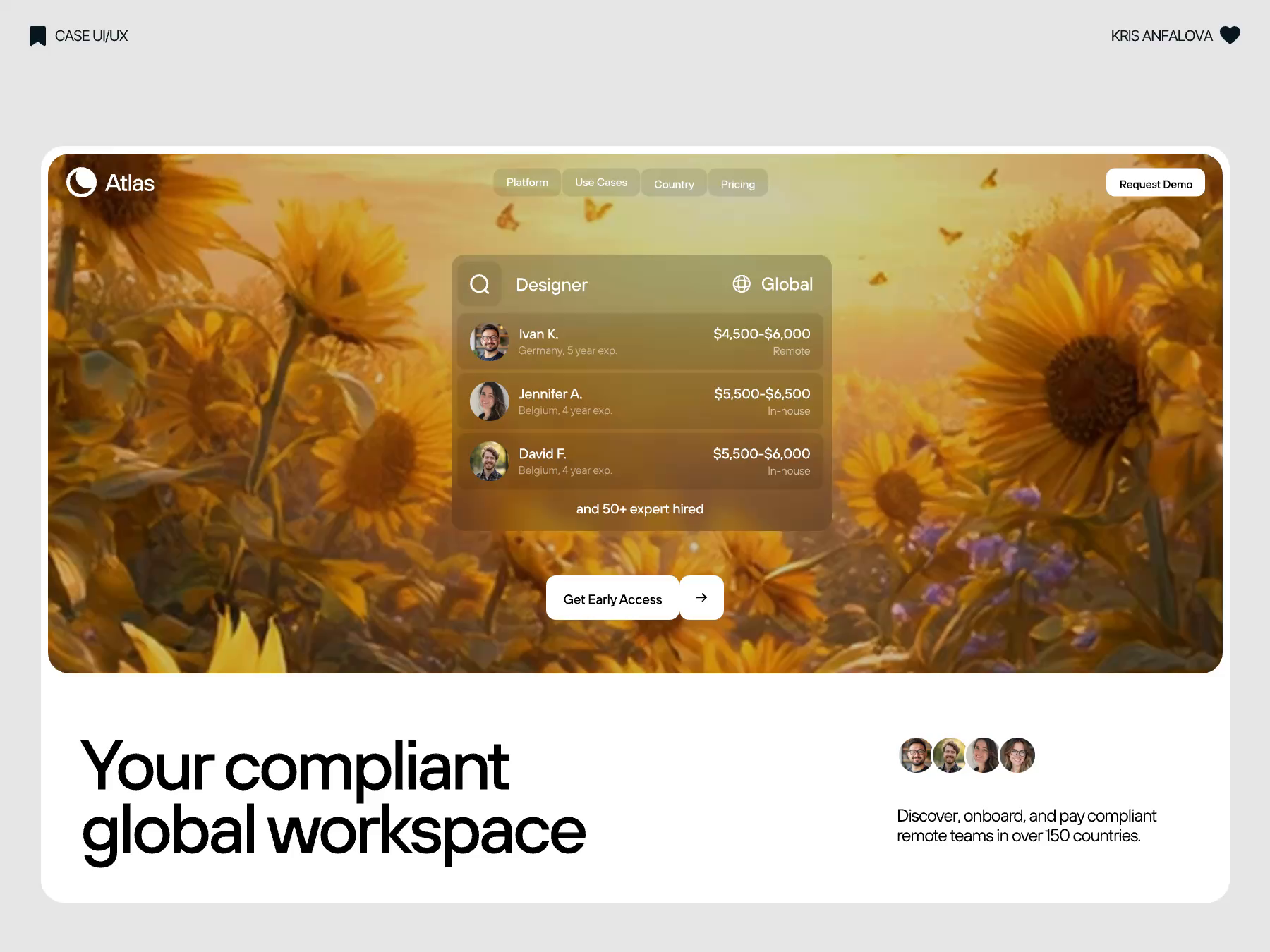



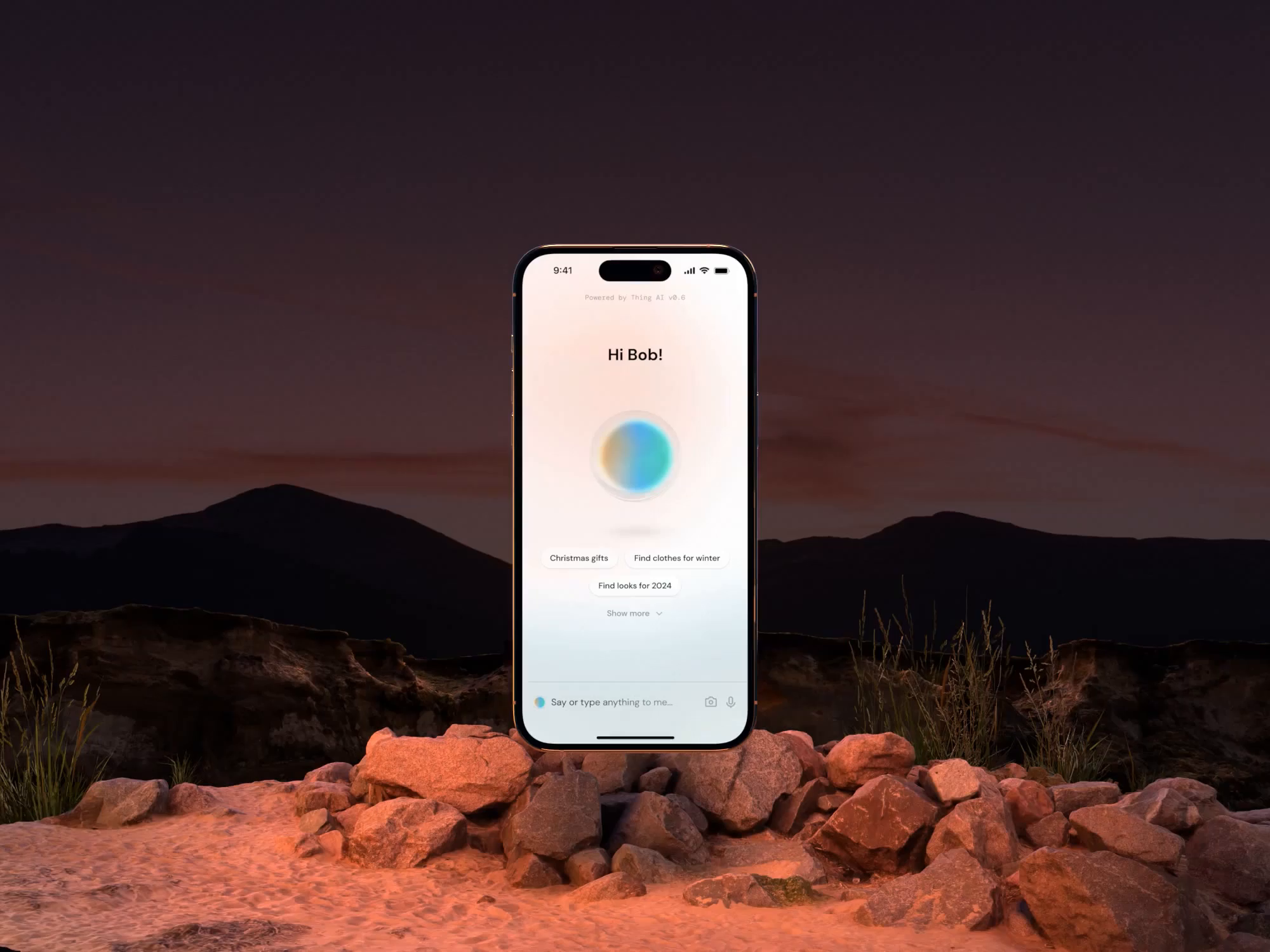
 Art by Karen Novelo
The Dribbble Standard
Dribbble is the creative marketplace where businesses discover, hire, and pay leading designers and agencies with community-validated portfolios since 2009. Clients, from startup founders to global brands, trust our human-first ecosystem for finding designers.
What sets Dribbble apart:
- Strong community of design experts ready for hire
- Verified experience and skill sets
- Direct access to SaaS Designers and agencies
Top SaaS Design profiles showcase real work, giving you confidence in both craft and capability.
The Definitive Guide To Hiring SaaS Designers
What Does a SaaS Designer Do?
A SaaS designer creates the interfaces people use repeatedly inside subscription software. Their work often covers dashboards, onboarding, settings, billing, permissions, and other core product flows.
They organize complex information so users can understand data, complete tasks, and move between features without unnecessary friction. This includes tables, charts, filters, forms, empty states, error states, and role-based views.
SaaS designers also create reusable components and patterns that help the product stay consistent as new features are added.
Why Hire a SaaS Designer?
A SaaS designer focuses on the product experiences users encounter after signup, including onboarding, recurring workflows, settings, and account management.
SaaS designers can help:
- Design dashboards that stay readable as the underlying data grows
- Rebuild a first-run experience around a first useful result rather than a setup checklist
- Design empty, loading, error, and permission-denied states for every new screen
- Model roles and permissions so one screen renders correctly for every access level
- Build a component library of tables, filters, and form patterns with defined states
- Design a pricing page where plan differences and usage limits are self-explanatory
- Use product analytics and session recordings to identify interface problems
- Design internal admin tooling so support staff can resolve issues without engineering
How to Hire a SaaS Designer
Step 1: Define the product stage and the metric you want to move
A pre-launch product, a product fighting trial drop-off, and a mature product buried in accumulated inconsistency need different people. State which one you are, name the metric under pressure, and identify the user role the work is aimed at, since designing for an end user and designing for the administrator who provisions them are separate jobs.
Pro tip: Export a list of your most-used and least-used features before briefing. A designer who can see what people actually open will argue about the right screens instead of redesigning the whole product.
Step 2: Review SaaS designer portfolios
Look past marketing shots of dashboards. Ask for screens showing a table under real load, a permissions matrix, a billing page, or an error state, because those are the screens that reveal whether someone has shipped software or only illustrated it.
Pro tip: Ask to see the least attractive screen a candidate has designed and why it looks that way. The answer tells you whether they can subordinate visual ambition to a constraint the product imposed.
Step 3: Evaluate their process
Ask how they design a table for an unknown row count, how they handle a chart when a customer has three days of data instead of three years, how they decide what belongs in settings rather than in the main flow, how they work with engineers on states the design file cannot show, and what product analytics they have worked from.
Pro tip: Describe a permission edge case from your own product and ask how they would resolve it. Candidates who ask what the read-only user should see rather than proposing a layout are the ones who understand multi-role software.
Step 4: Align on the scope and timeline
Count screens by state, not by name, since one settings page with four role variants and three error conditions is not one screen. Confirm whether a component library is a deliverable or a by-product, how design tokens reach engineering, how many revision rounds are included, whether dark mode and responsive breakpoints are in scope, and who maintains the library after handoff.
Pro tip: Confirm whether responsive layouts and dark mode are included in the quoted scope rather than assuming they are part of every screen.
Cost of Hiring a SaaS Designer
Freelance SaaS designers typically charge $50 to $250+ per hour, depending on experience, specialization, and project complexity.
- Junior freelancer: $50–$100 per hour
- Mid-level freelancer: $100–$150 per hour
- Senior freelancer: $150–$250+ per hour
Common freelance project ranges include:
- Focused product-area redesign: $4,000–$10,000
- Dashboard or product design project: $5,000–$30,000
- Data-heavy analytics interface: $15,000–$50,000
- Discovery sprint: $1,500–$4,000
Pricing increases with the number of screens and states, user roles, data complexity, component-library requirements, responsive coverage, and research needs.
Freelance SaaS Designer vs Product Design Agency
The main difference is scope: a freelance SaaS designer focuses on a defined product area, while a product design agency can support broader research, strategy, and full-product design.
| Factor | Freelance SaaS Designer | Product Design Agency |
|---|---|---|
| Best for | A defined product area such as onboarding, a dashboard, or billing | Redesigning an entire product alongside research and strategy |
| Typical scope | Screens and states, a component library, and handoff to your engineers | Discovery, user research, full product design, and continuing delivery |
| Communication | Direct access to the designer | Communication with a multidisciplinary team |
| Flexibility | Often more flexible | More structured process |
| Team | Usually one specialist | Multiple product, UX, and research specialists |
| Choose when | You have engineering capacity and a clear product problem to solve | You need research, design, and product strategy resourced together |
Explore product design agencies
Featured SaaS Designer Success Story
Dribbble gives SaaS designers a platform to show how complex product workflows can be organized into clear, usable interfaces. This featured project demonstrates a marketplace dashboard designed around operational data and vendor activity.
Explore: Home Service Marketplace Dashboard UI SaaS Design App UX Vendor by Ruslan Kosinov
- Challenge: Design a dashboard for a home service marketplace where vendors need to understand activity, performance, and operational information in one place.
- Solution: Ruslan Kosinov created a clean SaaS dashboard interface that organizes marketplace data into a structured web app experience with clear hierarchy and analytics-focused views.
- Result: The finished concept demonstrates how a service marketplace can present vendor and performance information through a cohesive, data-focused SaaS interface.
Related SaaS Design Resources
How To Hire A Professional SaaS Designer on Dribbble
Use InstantMatch to connect with the right designer fast.
-
Step 1
Submit your Project Brief
-
Step 2
Get Matched with Vetted designers
-
Step 3
Start your project
Frequently Asked Questions on Hiring SaaS Designers
Look for real product flows rather than mostly marketing websites or isolated UI screens. Relevant work includes dashboards, onboarding, settings, billing, permissions, data-heavy interfaces, and multi-step workflows. Strong case studies should also explain the problem, design decisions, and how the product changed as a result.
Yes. SaaS designers often work on signup, onboarding, empty states, setup flows, feature discovery, and other moments that determine how quickly users reach value. Look for experience designing and testing these flows if activation or retention is a priority.
The designer should understand what different users need to see and do, then structure navigation, permissions, dashboards, and workflows around those needs. This is particularly important for B2B SaaS products where admins, managers, and regular users may have very different tasks and access levels.
For a growing SaaS product, usually yes. A design system provides reusable components, interaction patterns, and rules that help new features remain consistent as the product expands. If you already have one, look for a designer who can work within it; if not, an experienced SaaS designer can help establish one as the interface becomes more complex.
Browse SaaS Designer profiles on Dribbble or use InstantMatch to quickly connect with vetted SaaS Designers who fit your product stage, screen and state count, and timeline.
Have another question? Check out the Dribbble Help Center for more answers.


