

Hire the Best Presentation Designers
Work with the world's best presentation designers. Explore our curated marketplace of top-rated freelance talent trusted by global brands.
Find your Presentation Designer on Dribbble

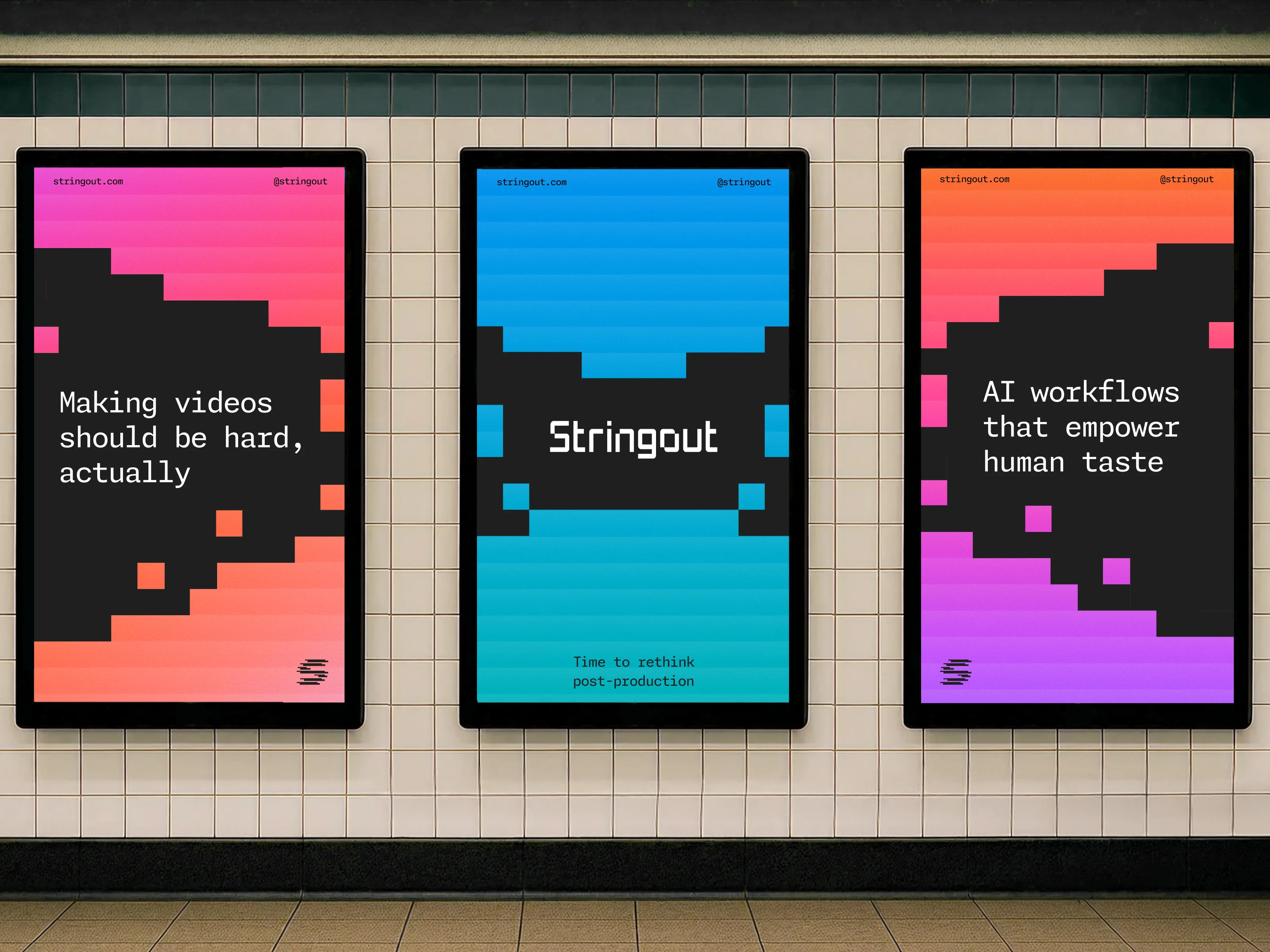









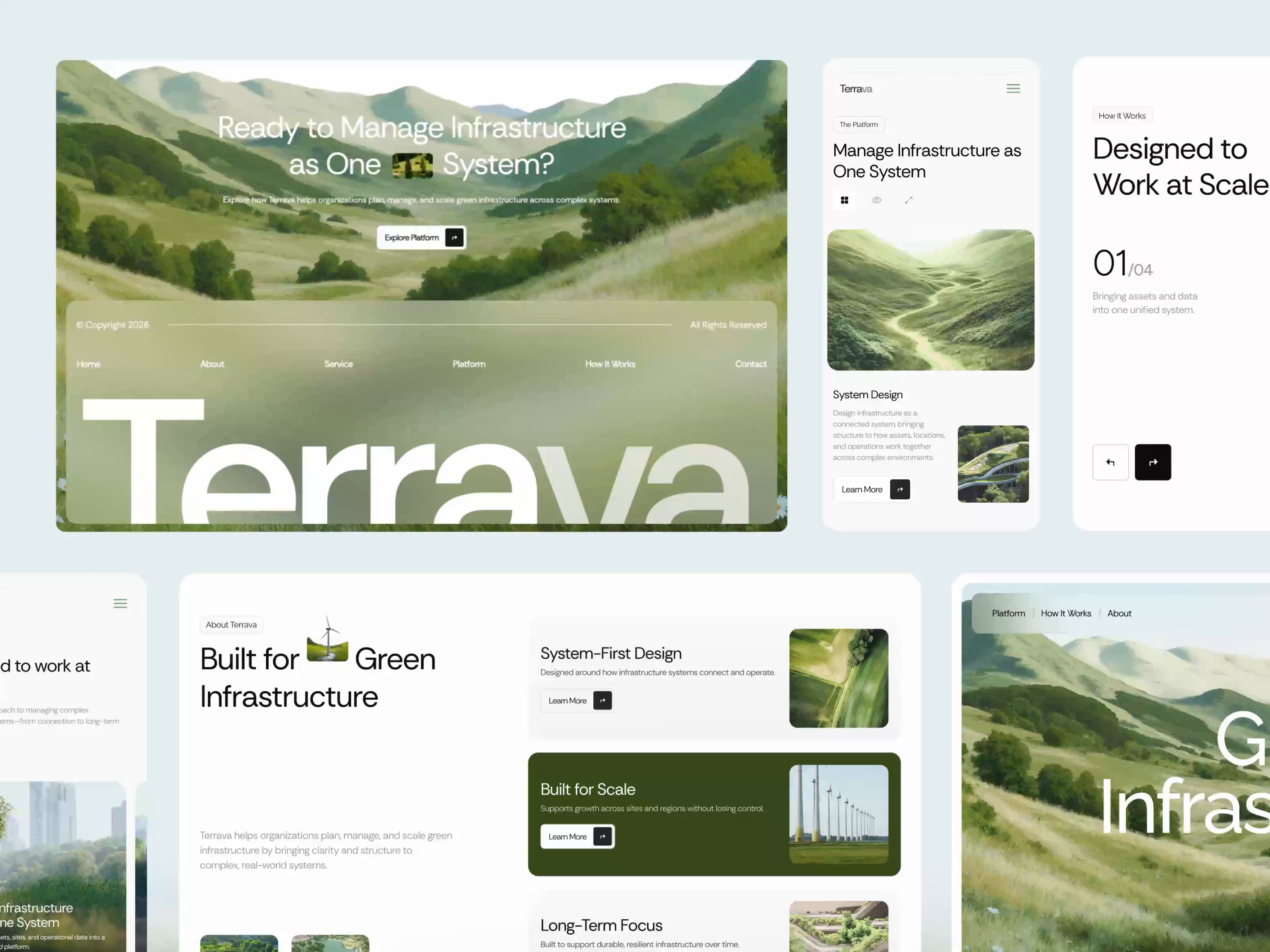











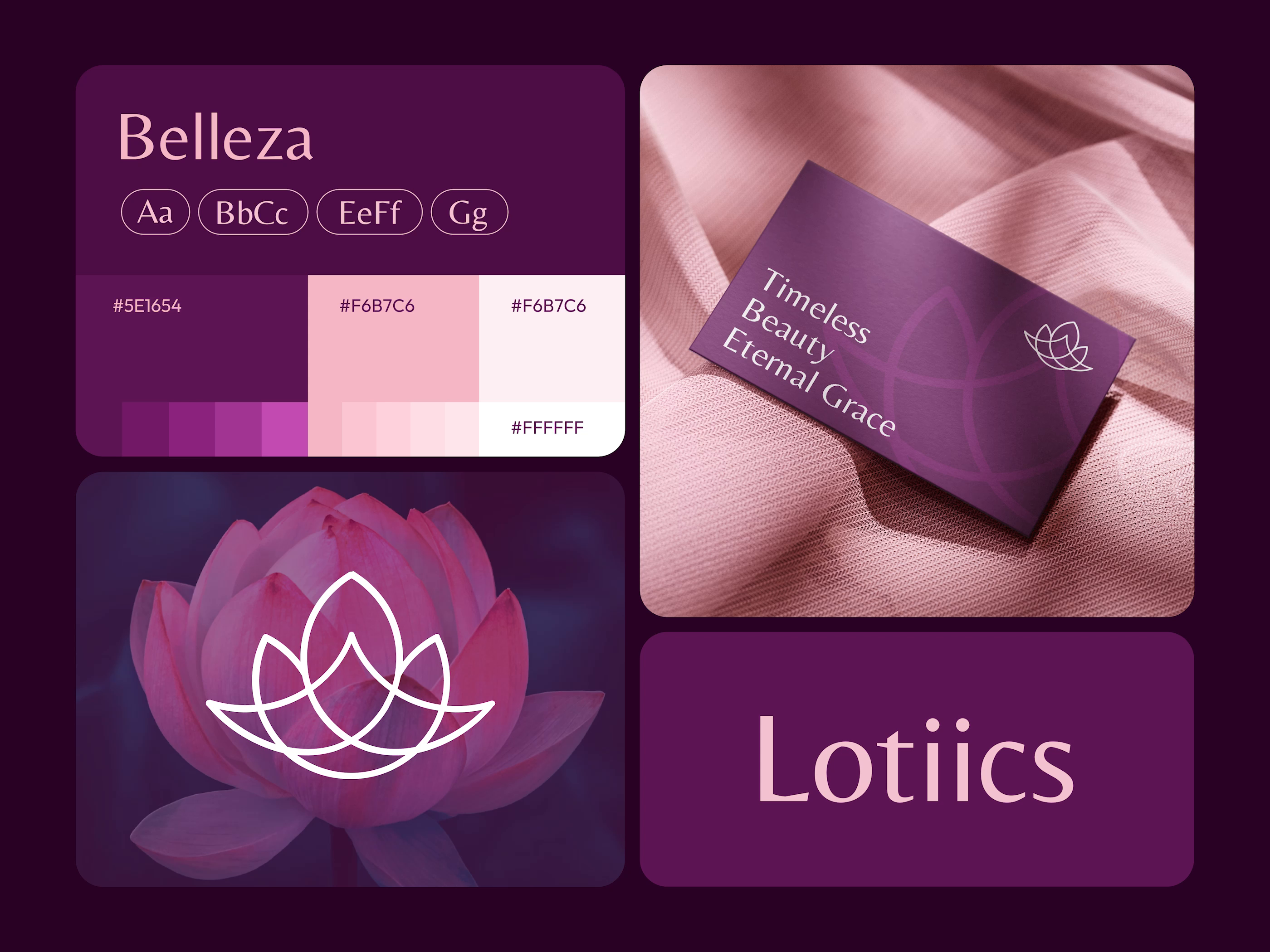








Discover more Freelance Presentation Designers on Dribbble



 Art by Karen Novelo
The Dribbble Standard
Dribbble is the creative marketplace where businesses discover, hire, and pay leading designers and agencies with community-validated portfolios since 2009. Clients, from startup founders to global brands, trust our human-first ecosystem for finding designers.
What sets Dribbble apart:
- Strong community of design experts ready for hire
- Verified experience and skill sets
- Direct access to presentation designers and agencies
Top Presentation Design profiles showcase real work, giving you confidence in both craft and capability.
The Definitive Guide To Hiring Presentation Designers
What Does a Presentation Designer Do?
A presentation designer takes raw content, often a rough deck or a written document, and turns it into slides that carry an argument. The job is part editing and part design: deciding what belongs on each slide, what the audience should notice first, and what can be cut without weakening the case.
Deliverables usually include the designed deck in PowerPoint, Google Slides, or Keynote, a reusable master template with slide layouts for the team, charts rebuilt as native editable objects, custom icons and process diagrams, and in some projects a separate printed leave behind version.
File construction matters more here than in most design disciplines, because the client has to edit the deck afterwards. Strong presentation designers build on slide masters and layouts, use theme colors and fonts instead of manual formatting, keep charts native rather than pasting them in as images, embed or convert fonts so the deck survives being opened on another machine, and check that the design holds up both on a projector and as a PDF export.
Why Hire a Presentation Designer?
A presentation designer improves how well your material lands, not only how it looks. Most decks fail because the argument is buried under text and unreadable charts, and fixing that requires someone who edits content as well as formats slides.
Presentation designers can help:
- Turn a dense document into a clear slide narrative
- Rebuild charts as editable native objects
- Create a reusable master template with slide layouts
- Design diagrams that explain a process at a glance
- Apply brand fonts, colors, and spacing consistently across every slide
- Reduce slide count without losing the argument
- Prepare separate versions for presenting live and for reading alone
- Deliver files your team can edit without breaking the design
How to Hire a Presentation Designer
Step 1: Define your deck goals and audience
Decide what the deck has to achieve: raise money, win a client, report results, or train a team. Confirm the approximate slide count, which software the final file must open in, and whether the deck will be presented live, sent to be read, or both.
Pro tip: Send your existing content before asking for a quote. Slide count alone does not tell a designer how much editing the deck needs, and a rough 40 slide draft can be less work than a dense 15 slide one.
Step 2: Review presentation designer portfolios
Look for decks where the underlying information is genuinely difficult, not only well styled title slides. Check how the designer handles charts, tables, and long text, since those are the slides where most decks fall apart.
Pro tip: Ask to see a before and after from a real project. It shows whether the designer improved the argument or simply restyled what they were handed.
Step 3: Evaluate their process
Ask whether they work from raw content or expect a finished script, how many revision rounds are included, whether they rebuild charts natively, and whether they set up slide masters your team can reuse afterwards.
Pro tip: Ask whether charts will remain editable in the delivered file. Charts pasted in as images cannot be updated when your numbers change, which turns every correction into a design request.
Step 4: Align on the scope and timeline
Confirm the slide count, the software the final file uses, the number of revision rounds, whether a reusable template and extra layouts are included, who supplies the data and copy, and what a rush deadline costs.
Pro tip: Agree in advance how added slides are priced. Decks almost always grow during revisions, and per slide work is where scope creep is hardest to argue about later.
Cost of Hiring a Presentation Designer
Freelance presentation designers typically charge $15 to $100+ per slide, with rates varying by experience, content complexity, and turnaround.
Per slide rates by experience:
- Entry level freelancer: $15 to $30 per slide, usually template based work
- Mid level freelancer: $30 to $75 per slide
- Senior freelancer: $75 to $100+ per slide, typically investor and executive decks
Freelancers who bill hourly instead charge:
- Entry level: $15 to $50 per hour
- Mid level: $50 to $100 per hour, where most working freelancers sit
- Senior specialist: $100 to $150+ per hour
For a project reference point, a 10 slide deck runs $500 to $1,500 with a mid level freelancer and $1,400 to $1,800 with a senior one.
Cost climbs with the amount of raw content the designer has to edit rather than simply lay out, the number of custom charts and diagrams, the level of animation, whether a reusable master template is part of the deliverable, brand guideline complexity, revision rounds, and rush turnaround.
Freelance Presentation Designer vs Design Agency
The main difference is scope: a freelance presentation designer shapes the deck you already have, while a design agency can define the message it carries in the first place.
| Factor | Freelance Presentation Designer | Design Agency |
|---|---|---|
| Best for | A specific deck or a template your team will reuse | Presentation work that sits inside a wider brand or campaign program |
| Typical scope | Content editing, slide design, charts, and file setup | Messaging strategy, brand system, deck design, and supporting collateral |
| Communication | Direct access to the designer | Communication with a multidisciplinary team |
| Flexibility | Often more flexible | More structured process |
| Team | Usually one specialist | Multiple creative specialists |
| Choose when | Your content exists and needs shaping into slides | The message itself is still being defined across channels |
Featured Presentation Designer Success Story
Dribbble gives presentation designers a platform to show how complex ideas can be structured into clear, visually consistent slides. This featured project demonstrates how a pitch deck can combine strong hierarchy, typography, and visual storytelling across multiple slide types.
Explore: AI Pitch Deck Presentation by Ibitoye Sanmi
- Challenge: Present AI-focused information in a pitch deck format that remains visually engaging while keeping the content easy to scan and follow.
- Solution: Ibitoye Sanmi designed a coordinated set of pitch deck slides using consistent typography, layout, imagery, and visual hierarchy to organize the information across the presentation.
- Result: The finished work demonstrates a cohesive pitch deck system that maintains a consistent visual direction across different slide layouts without relying on a single repeated composition.
Related Presentation Design Resources
How To Hire A Professional Presentation Designer on Dribbble
Use InstantMatch to connect with the right designer fast.
-
Step 1
Submit your Project Brief
-
Step 2
Get Matched with Vetted designers
-
Step 3
Start your project
Frequently Asked Questions on Hiring Presentation Designers
Yes. Presentation designers often work from notes, documents, spreadsheets, or an existing presentation. They can organize the material into clearer slides, improve visual hierarchy, and redesign outdated or inconsistent pages without requiring you to start from scratch.
Many can. Experienced presentation designers may help organize the slide sequence, clarify key messages, reduce unnecessary content, and create a stronger narrative flow. Check whether content restructuring is included, since some designers focus primarily on visual execution.
Yes. Data visualization is a common part of presentation design. A designer can turn spreadsheets, research findings, financial information, or performance metrics into charts, diagrams, tables, and other visuals that make the information easier for an audience to understand.
You should confirm this before hiring. Many presentation designers deliver native PowerPoint, Google Slides, or Keynote files rather than flattened PDFs. If your team will reuse the deck regularly, you can also ask for slide masters, reusable layouts, or a branded presentation template.
Browse Presentation Designer profiles on Dribbble or use InstantMatch to quickly connect with vetted presentation designers who fit your deck type, software, and timeline.
Have another question? Check out the Dribbble Help Center for more answers.


