Hire the Best 3D Designers
Work with the world's best 3D designers. Explore our curated marketplace of top-rated freelance talent trusted by global brands.
Find your 3D Designer on Dribbble
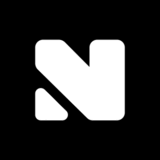





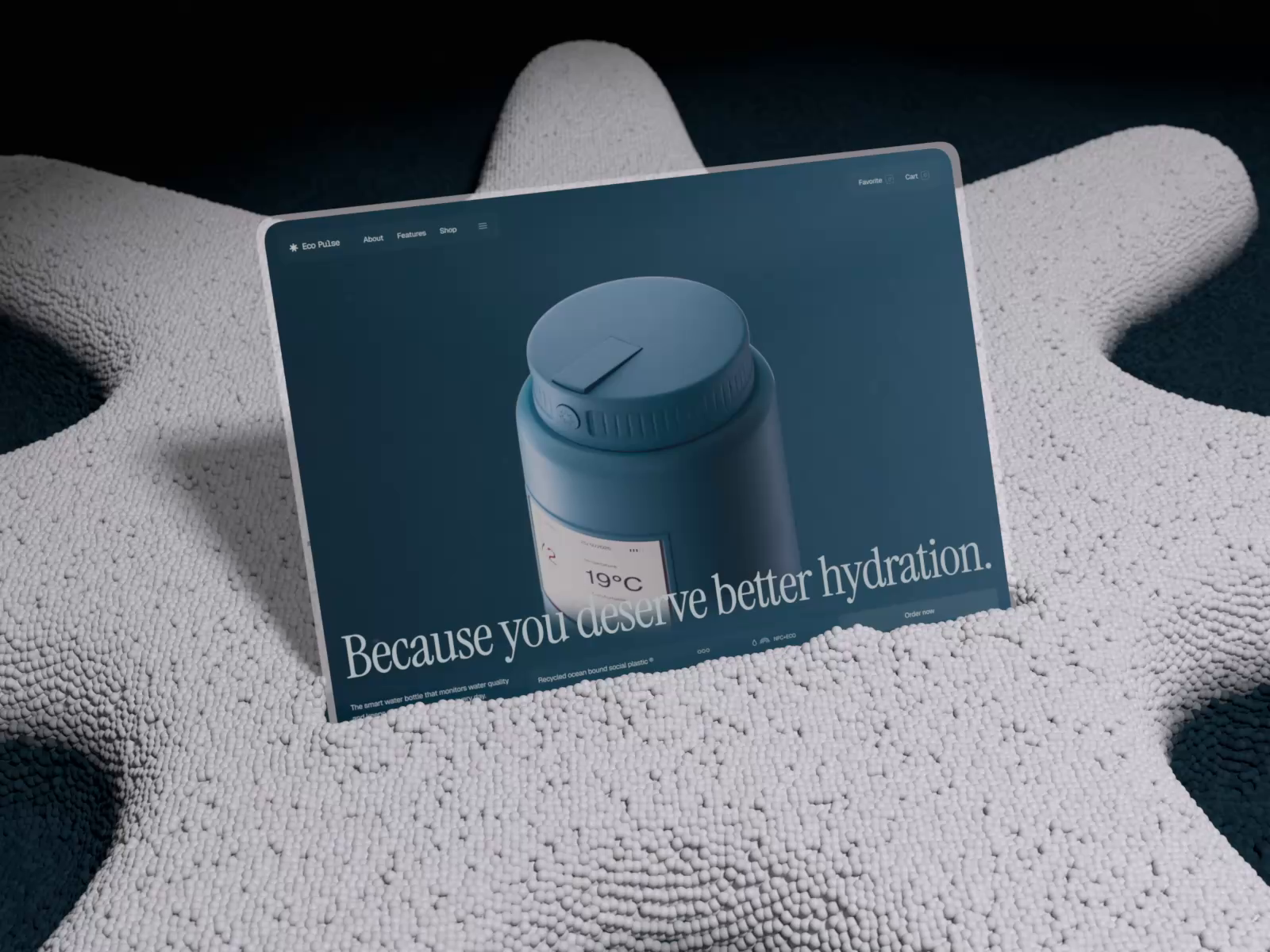









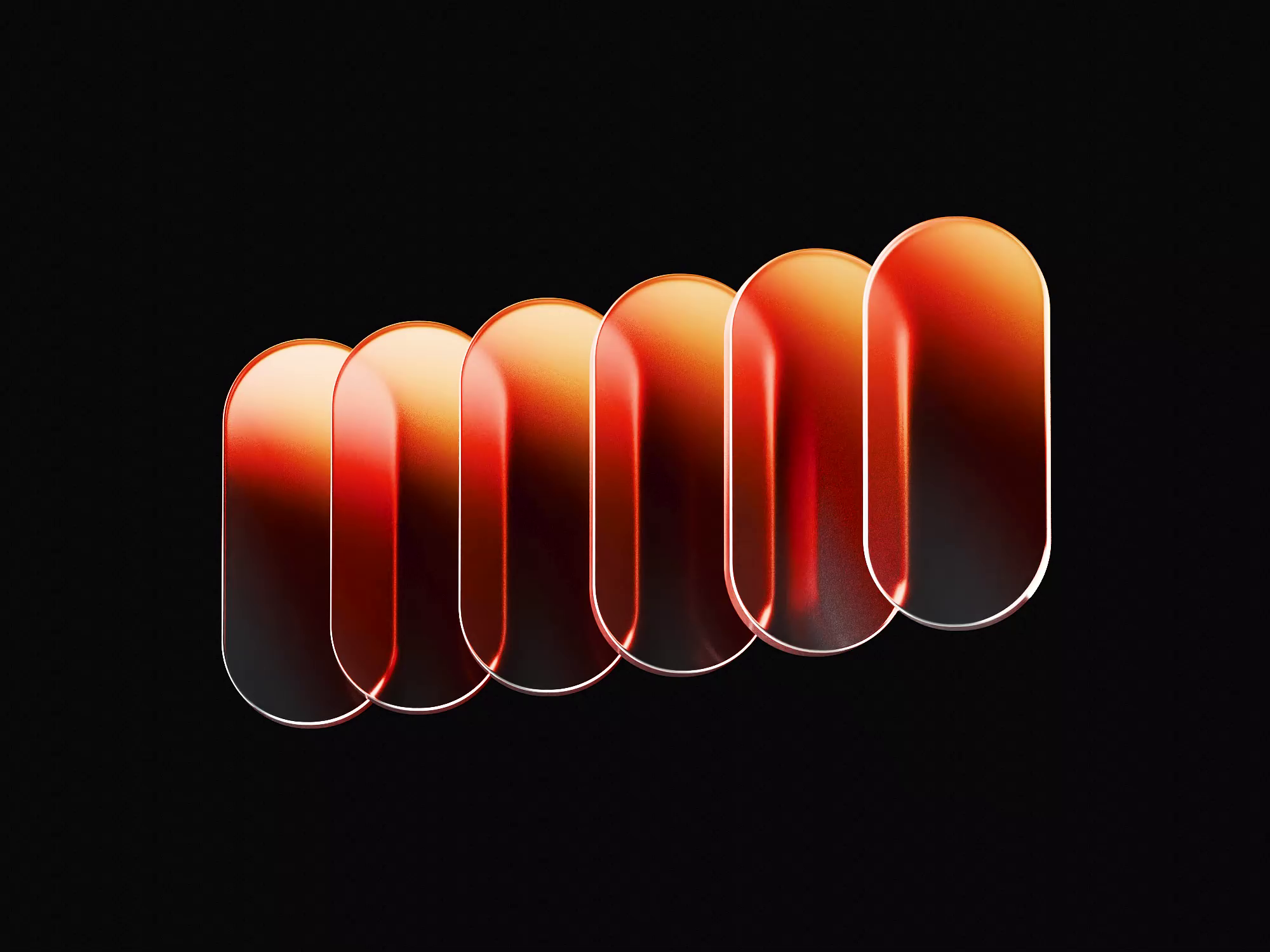










Discover more Freelance 3D Designers on Dribbble
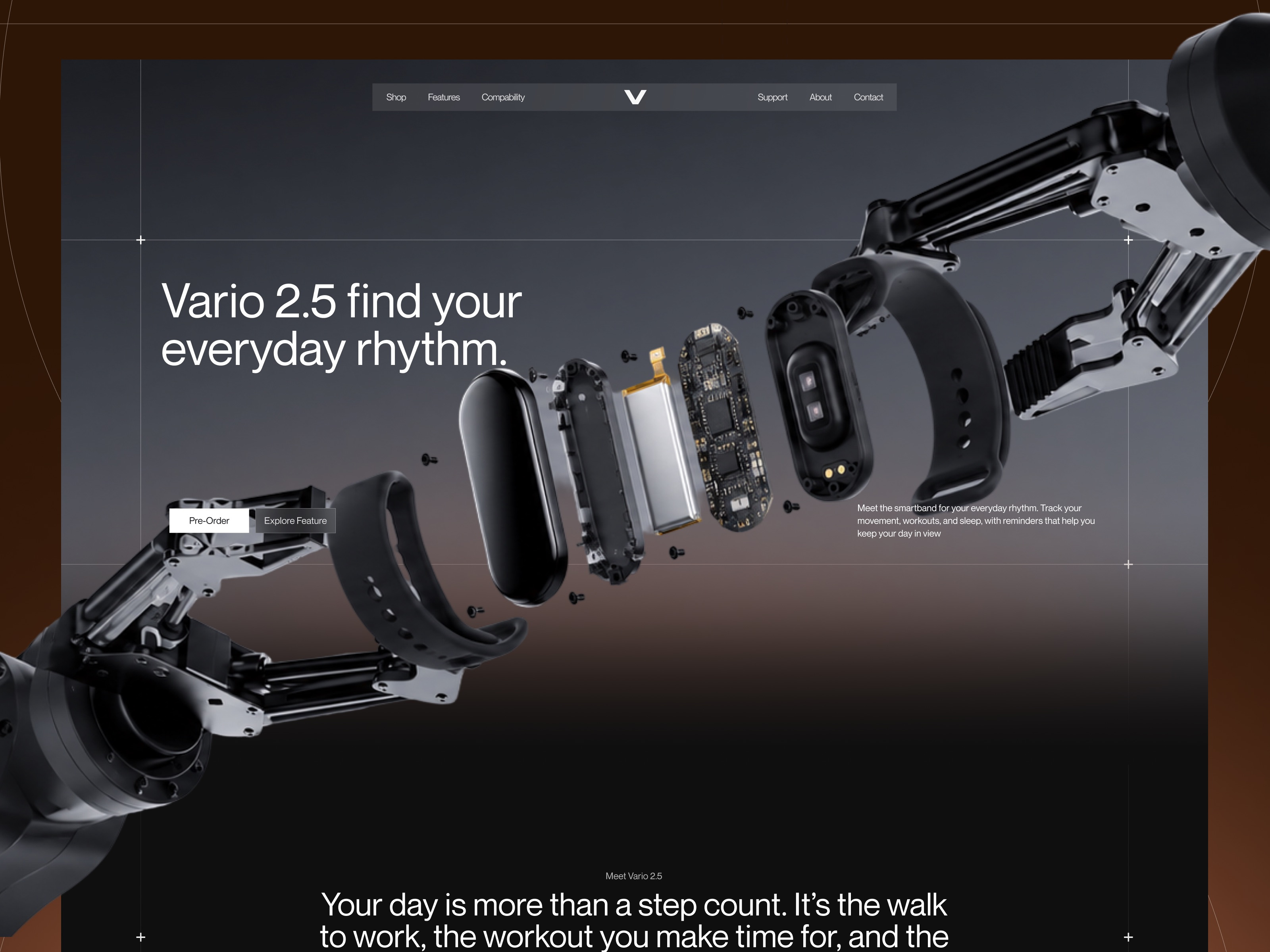
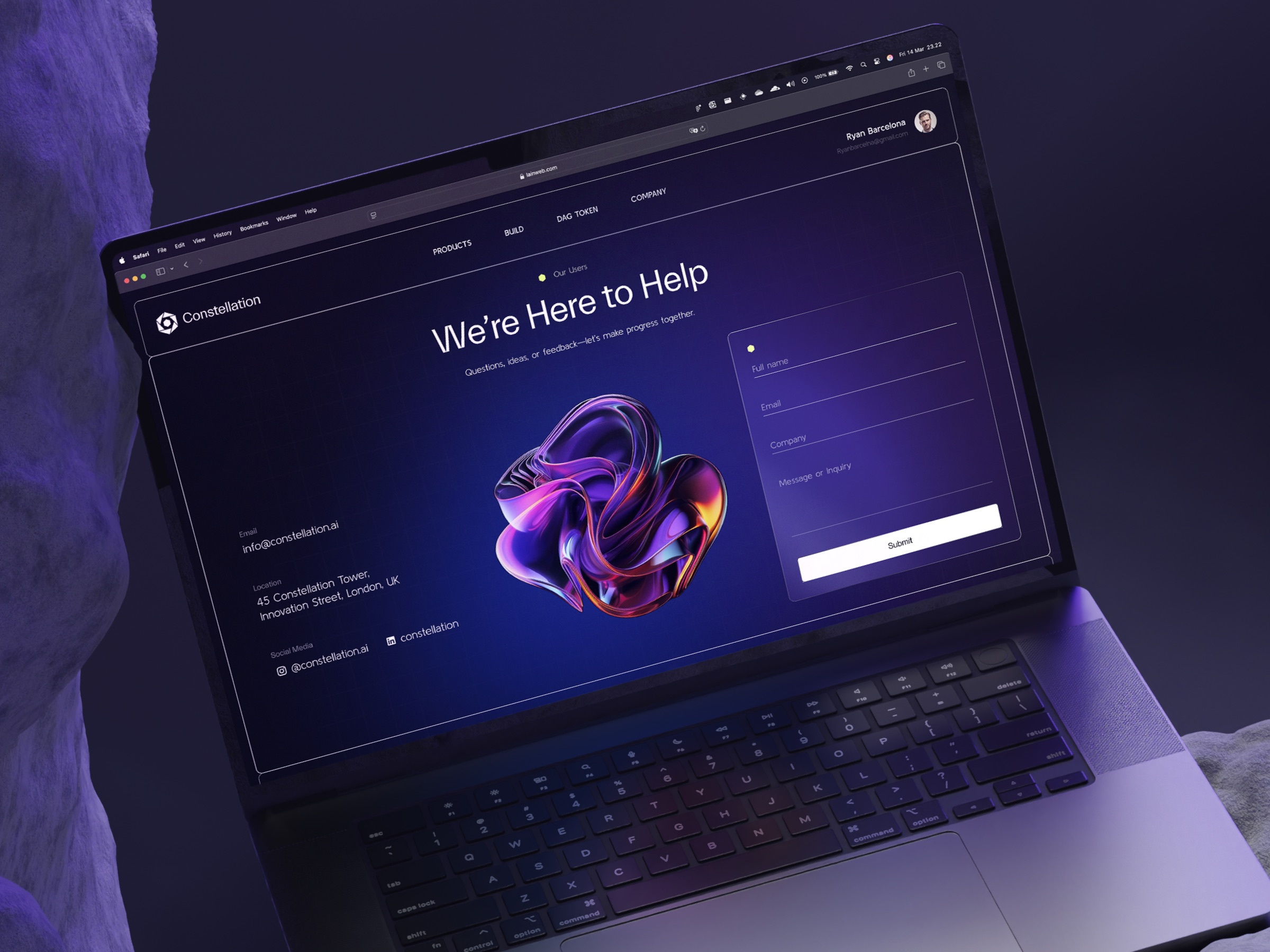


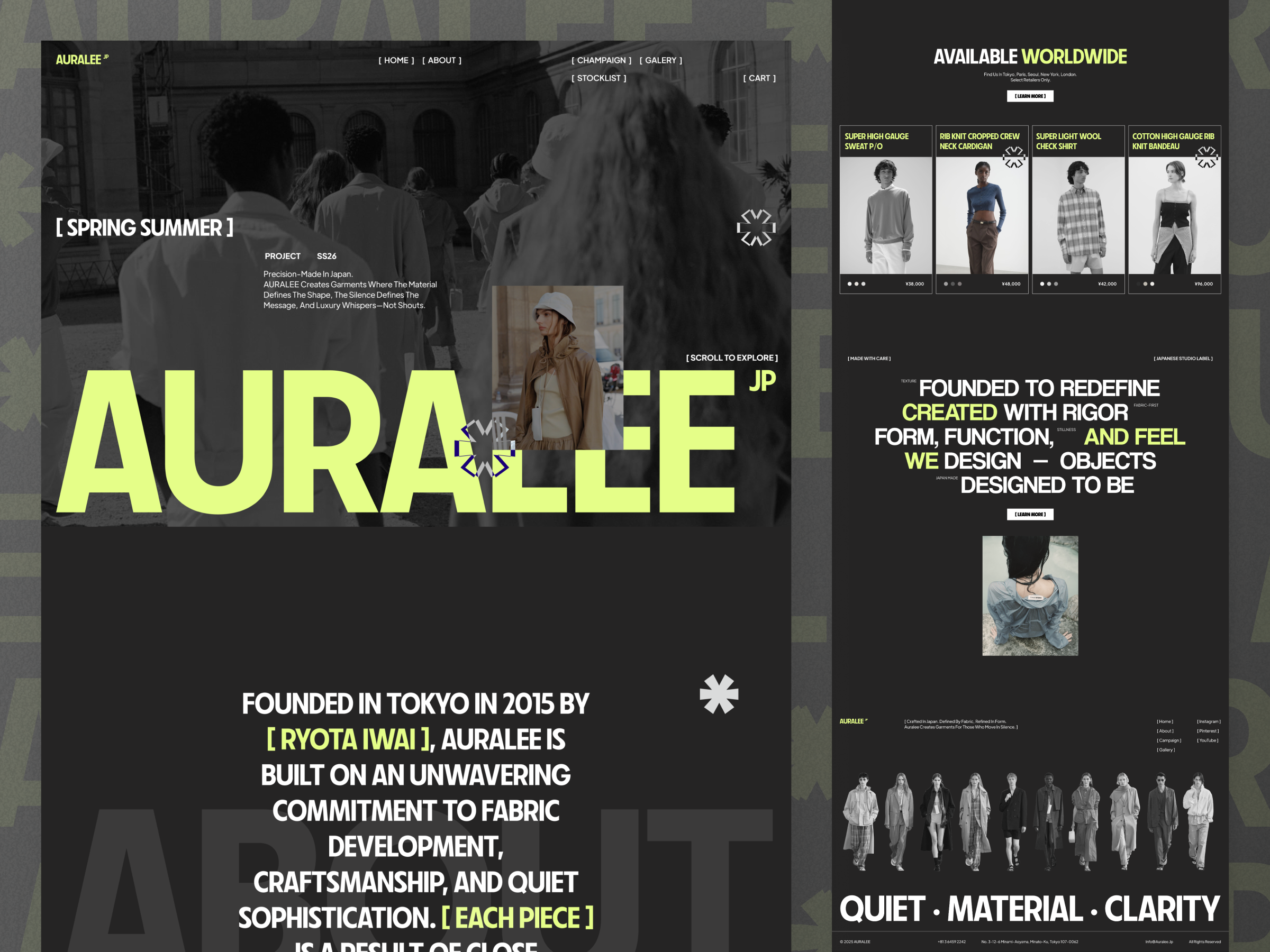

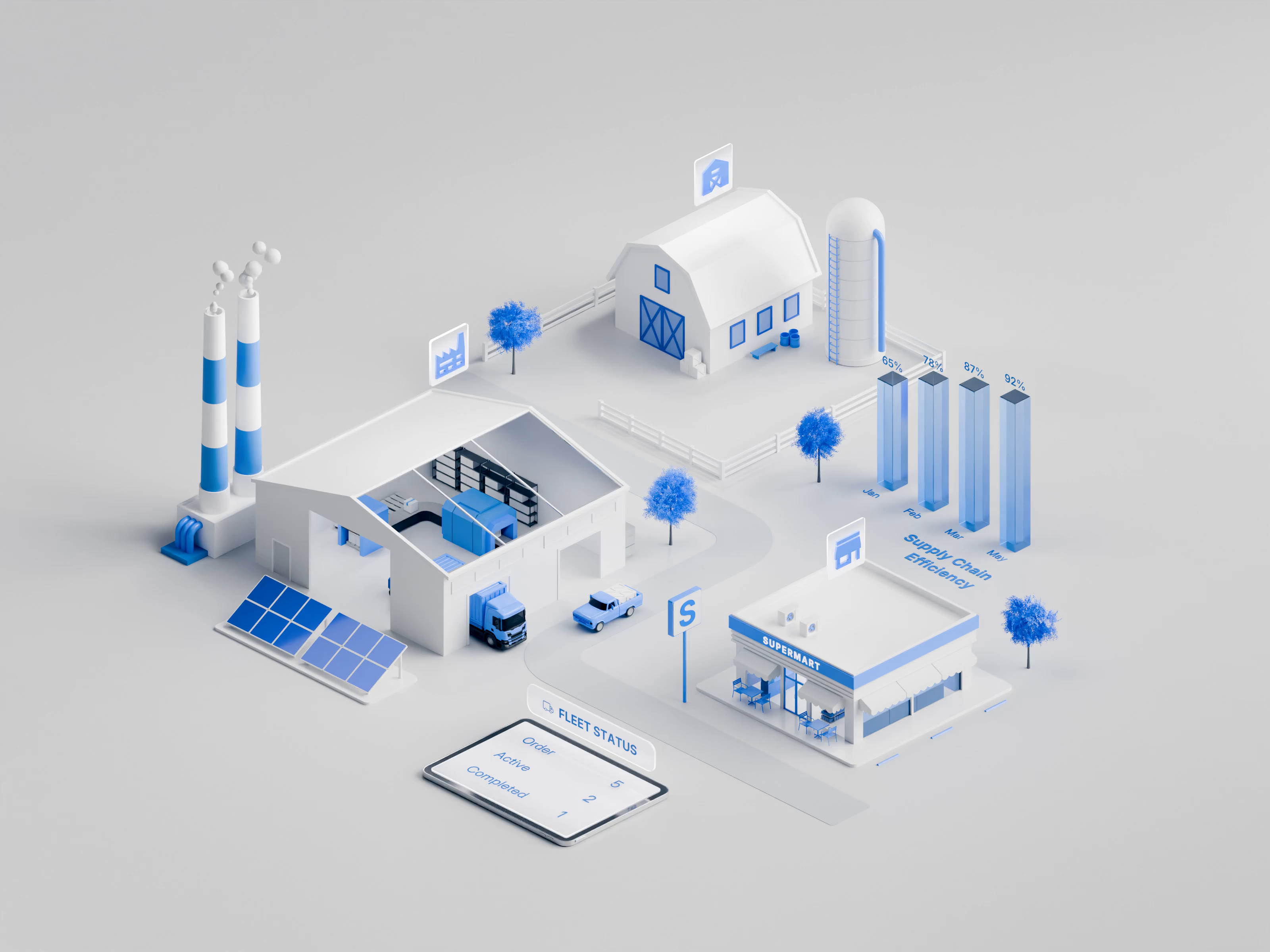






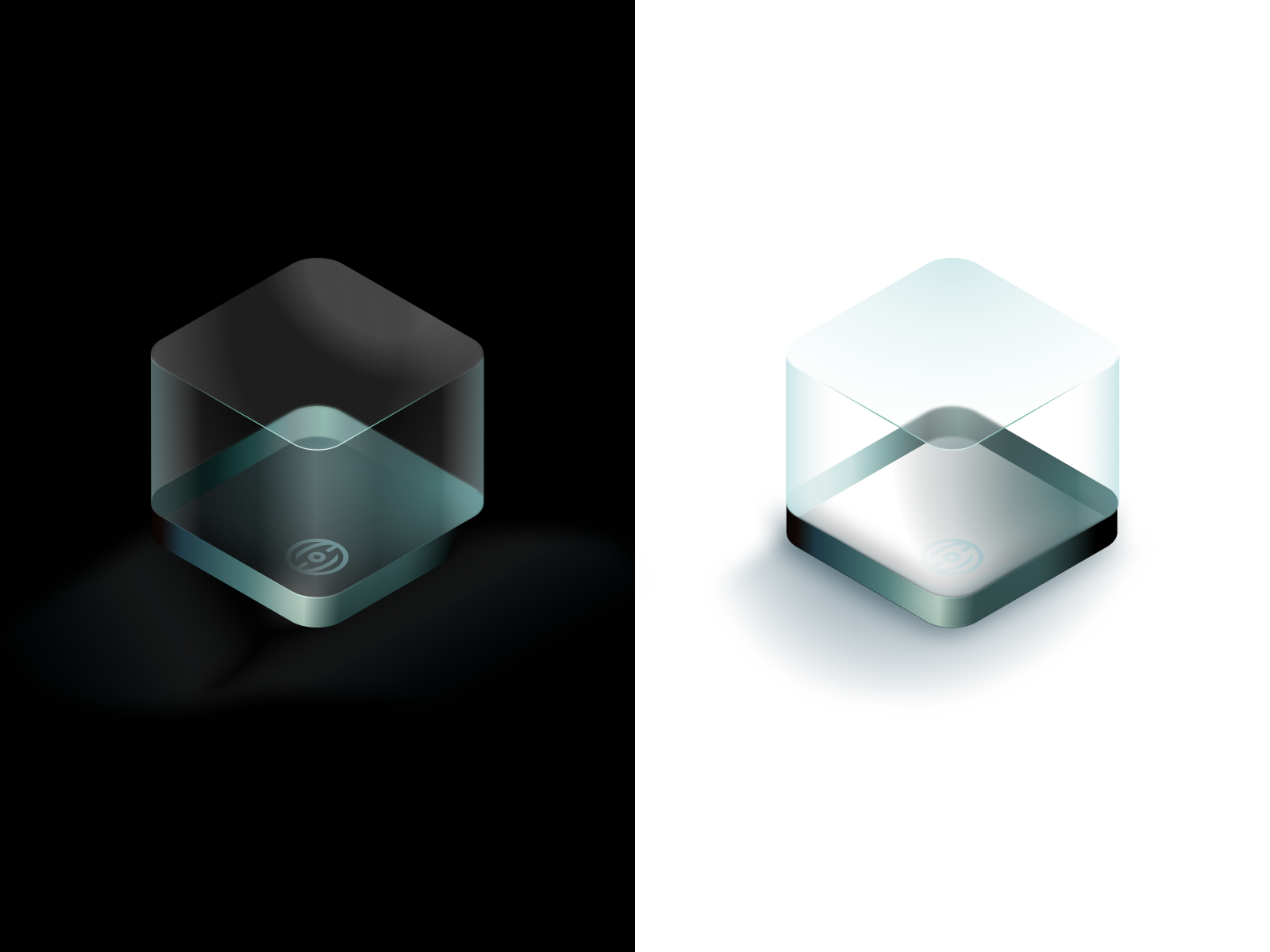




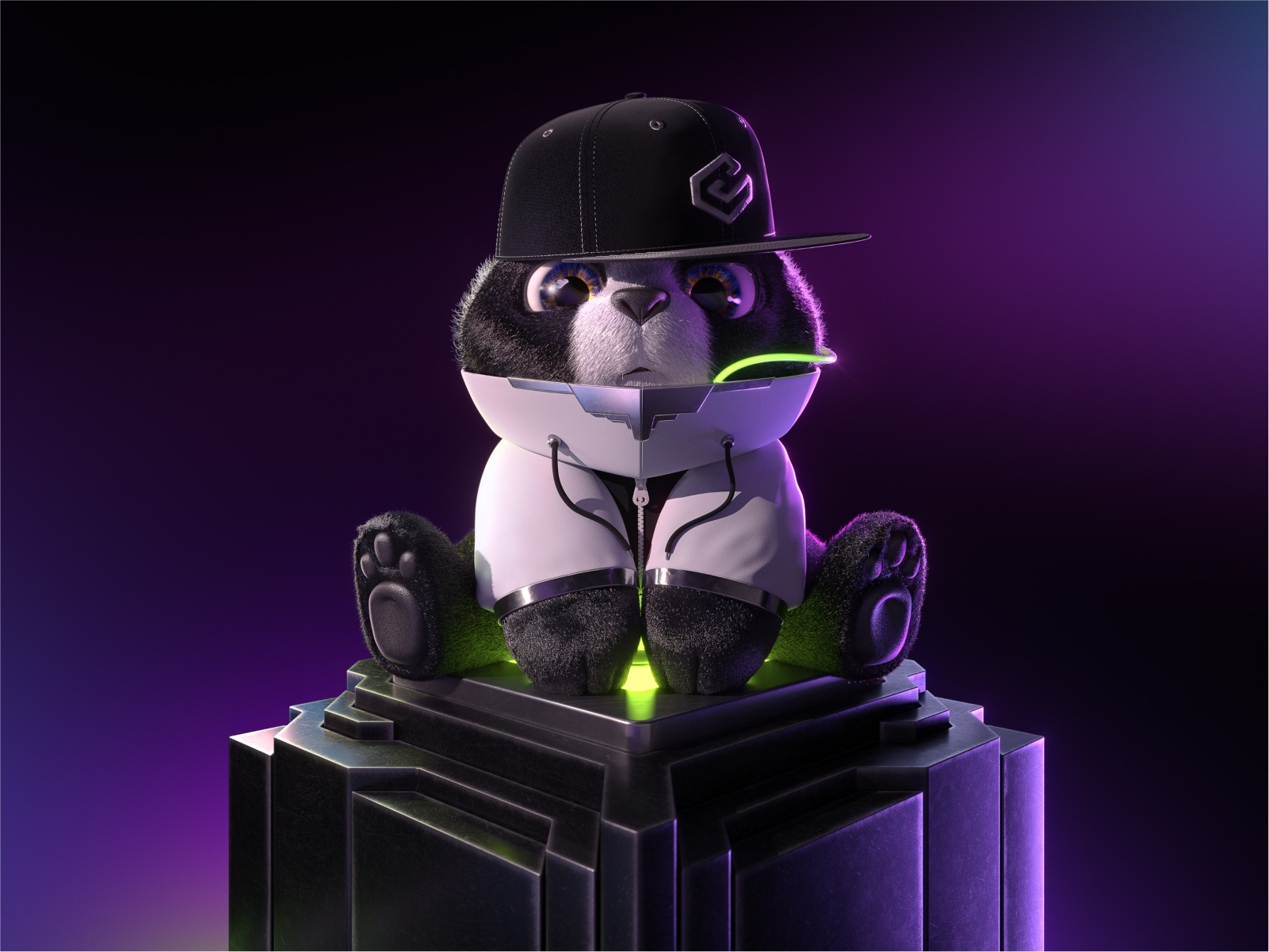


 Art by Karen Novelo
The Dribbble Standard
Dribbble is the creative marketplace where businesses discover, hire, and pay leading designers and agencies with community-validated portfolios since 2009. Clients, from startup founders to global brands, trust our human-first ecosystem for finding designers.
What sets Dribbble apart:
- Strong community of design experts ready for hire
- Verified experience and skill sets
- Direct access to 3D designers and agencies
Top 3D Design profiles showcase real work, giving you confidence in both craft and capability.
The Definitive Guide To Hiring 3D Designers
What Does a 3D Designer Do?
A 3D designer builds objects, characters, and environments in three dimensional space, then turns them into images, animations, or files that other software can use. The work moves through modeling the geometry, applying materials and textures, setting up lighting, and rendering the final frames.
Deliverables depend on where the work will appear. Common outputs include still renders for product pages and packaging, looping animations for social and advertising, turntables that show a product from every angle, exploded views for technical documentation, and model files in formats such as OBJ, FBX, GLTF, or STL for web, game engines, and manufacturing.
Typical tools include Blender, Cinema 4D, Maya, 3ds Max, and ZBrush for modeling, Substance Painter for texturing, and renderers such as Redshift, Octane, KeyShot, or Cycles. Production constraints matter as much as the software. Polygon budgets, UV layouts, render resolution, and render time all shape what is realistic on a deadline, and the file formats a designer delivers determine whether the asset can be reused later or has to be rebuilt.
Why Hire a 3D Designer?
A 3D designer lets you show a product, space, or character before it physically exists, and produce visuals that photography cannot capture. Once a model is built, the same asset can generate unlimited angles, colorways, and variations without a new shoot.
3D designers can help:
- Model products before a physical prototype exists
- Render packaging and product shots without a photo studio
- Produce unlimited angles, colorways, and variants from one model
- Build optimized assets for game engines and real time use
- Create animations that show how a product works
- Prepare high resolution renders for print and large format
- Deliver reusable model files for future campaigns
- Visualize interiors, architecture, or environments before construction
How to Hire a 3D Designer
Step 1: Define your 3D project goals and output formats
Decide what the 3D work has to produce: still renders, animation, real time assets, or files for manufacturing. Confirm resolution, aspect ratios, how many angles you need, and where the assets will appear.
Pro tip: Name the target platform before you brief anyone. A model built for a game engine has a polygon budget and texture limits that a print render does not.
Step 2: Review 3D designer portfolios
Look at how the designer handles materials, lighting, and scale, not only the subject matter. Check whether they have worked in the style you need, whether photoreal, stylized, or technical, and whether they have modeled anything comparable to your product.
Pro tip: Look for wireframe or clay renders in the portfolio. They reveal topology and modeling discipline that a polished final render can hide.
Step 3: Evaluate their process
Ask how they move from reference and blockout to final render, at what point materials and lighting get locked, how many revision rounds happen before that, and how they manage render time when a deadline is tight.
Pro tip: Ask which renderer they use and whether they render locally or on a farm. The answer tells you what a late change actually costs in hours.
Step 4: Align on the scope and timeline
Confirm the number of renders or the animation length, resolution, revision rounds, delivery formats, and whether source scene files and textures are included. Agree on who supplies reference images, product dimensions, and brand assets, and consider commissioning a single hero render before a full set.
Pro tip: Put source scene files and texture maps in the deliverables list. Without them, no other designer can adjust the render later.
Cost of Hiring a 3D Designer
Freelance 3D designers typically charge $20 to $100 per hour, with rates varying by experience, specialization, project complexity, and location.
Final costs depend on the complexity and detail of the model, the designer’s experience, turnaround time, required software and tools, and the intended use of the asset.
Specialized work such as medical visualization, high-end product design, detailed characters, or technically demanding models can also command higher rates.
Freelance 3D Designer vs Design Agency
The main difference is scope: a freelance 3D designer produces the assets you specify, while a design agency can decide where those assets sit inside a wider campaign.
| Factor | Freelance 3D Designer | Design Agency |
|---|---|---|
| Best for | A defined set of models, renders, or animations | Campaigns that need 3D alongside strategy, copy, and design |
| Typical scope | Modeling, texturing, lighting, rendering, and file delivery | Concept, art direction, 3D production, and rollout across channels |
| Communication | Direct access to the designer | Communication with a multidisciplinary team |
| Flexibility | Often more flexible | More structured process |
| Team | Usually one specialist | Multiple creative specialists |
| Choose when | You know which assets you need and in which formats | You need 3D as one part of a larger creative program |
Featured 3D Designer Success Story
Dribbble gives 3D designers a platform to show how modeling, materials, lighting, and rendering come together in a finished visual. This featured 3D project demonstrates how expressive character design and detailed material treatment can turn a typographic concept into a cohesive 3D composition.
Explore: 3D Design by Mako Tsereteli
- Challenge: Create a distinctive 3D composition that combines typography and character design while keeping multiple reflective and transparent elements visually clear.
- Solution: Mako Tsereteli built a stylized scene around large dimensional lettering and expressive book characters, using metallic surfaces, translucent materials, blue illuminated details, and controlled lighting to separate the forms within a complex composition.
- Result: The finished artwork demonstrates detailed 3D modeling, material treatment, lighting, and character work within one cohesive visual system.
Related 3D Design Resources
How To Hire A Professional 3D Designer on Dribbble
Use InstantMatch to connect with the right designer fast.
-
Step 1
Submit your Project Brief
-
Step 2
Get Matched with Vetted designers
-
Step 3
Start your project
Frequently Asked Questions on Hiring 3D Designers
It depends on what you need to produce. 3D designers may specialize in product visualization, architectural visualization, character modeling, animation, game assets, 3D printing, or CAD-based product design. Look for portfolio experience in the specific type of output you need rather than general 3D skills alone.
Useful inputs can include sketches, photographs, dimensions, CAD files, floor plans, product drawings, brand assets, material references, or examples of the visual style you want. The exact requirements depend on whether the designer is creating a model from scratch or working from an existing design.
That depends on how you plan to use the work. Final deliverables may include rendered images or video as well as editable 3D files such as BLEND, MAX, OBJ, FBX, STL, STEP, or GLB. Confirm the required formats and whether editable source files are included before the project begins.
Sometimes, but usually some adaptation is required. A model built for photorealistic rendering may be too detailed for real-time web use, while a model intended for 3D printing needs different geometry than one created only for visualization. Tell the designer every intended use upfront so the asset can be built with the right geometry, file format, textures, and level of detail.
Browse 3D Designer profiles on Dribbble or use InstantMatch to quickly connect with vetted 3D designers who fit your output formats, visual style, and timeline.
Have another question? Check out the Dribbble Help Center for more answers.