

Hire the Best Game Designers
Work with the world's best game designers. Explore our curated marketplace of top-rated freelance talent trusted by global brands.
Find your Game Designer on Dribbble













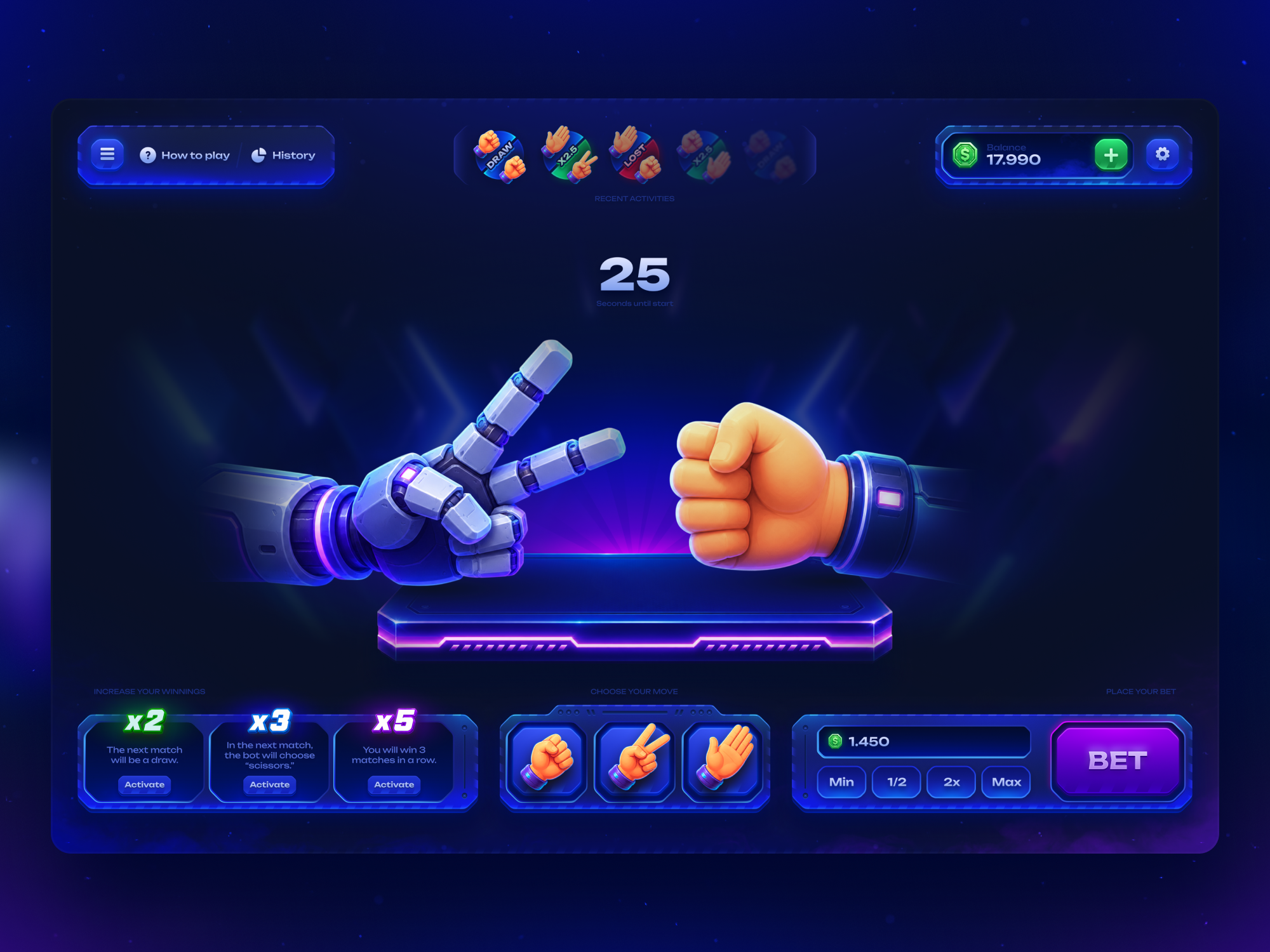
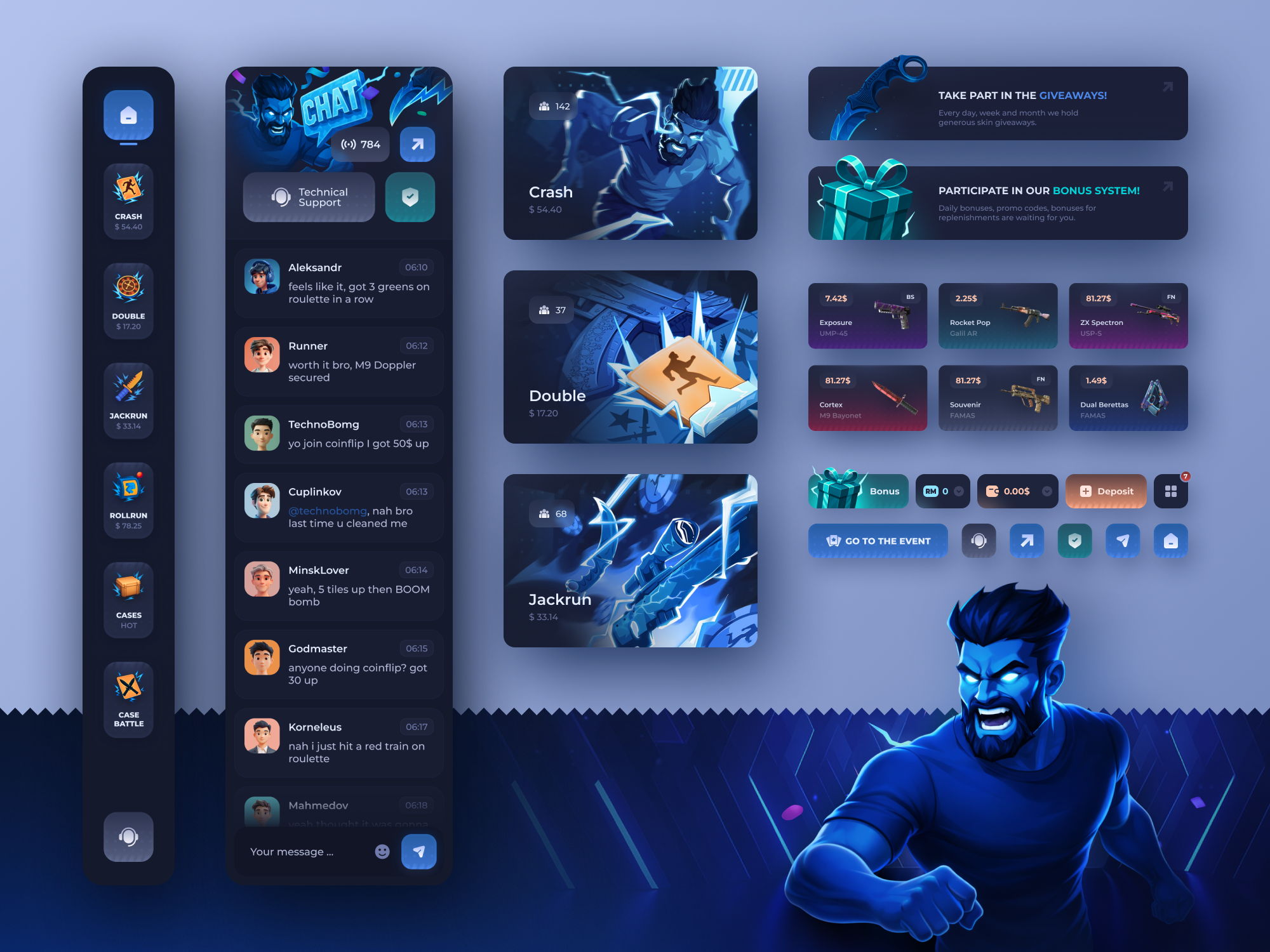






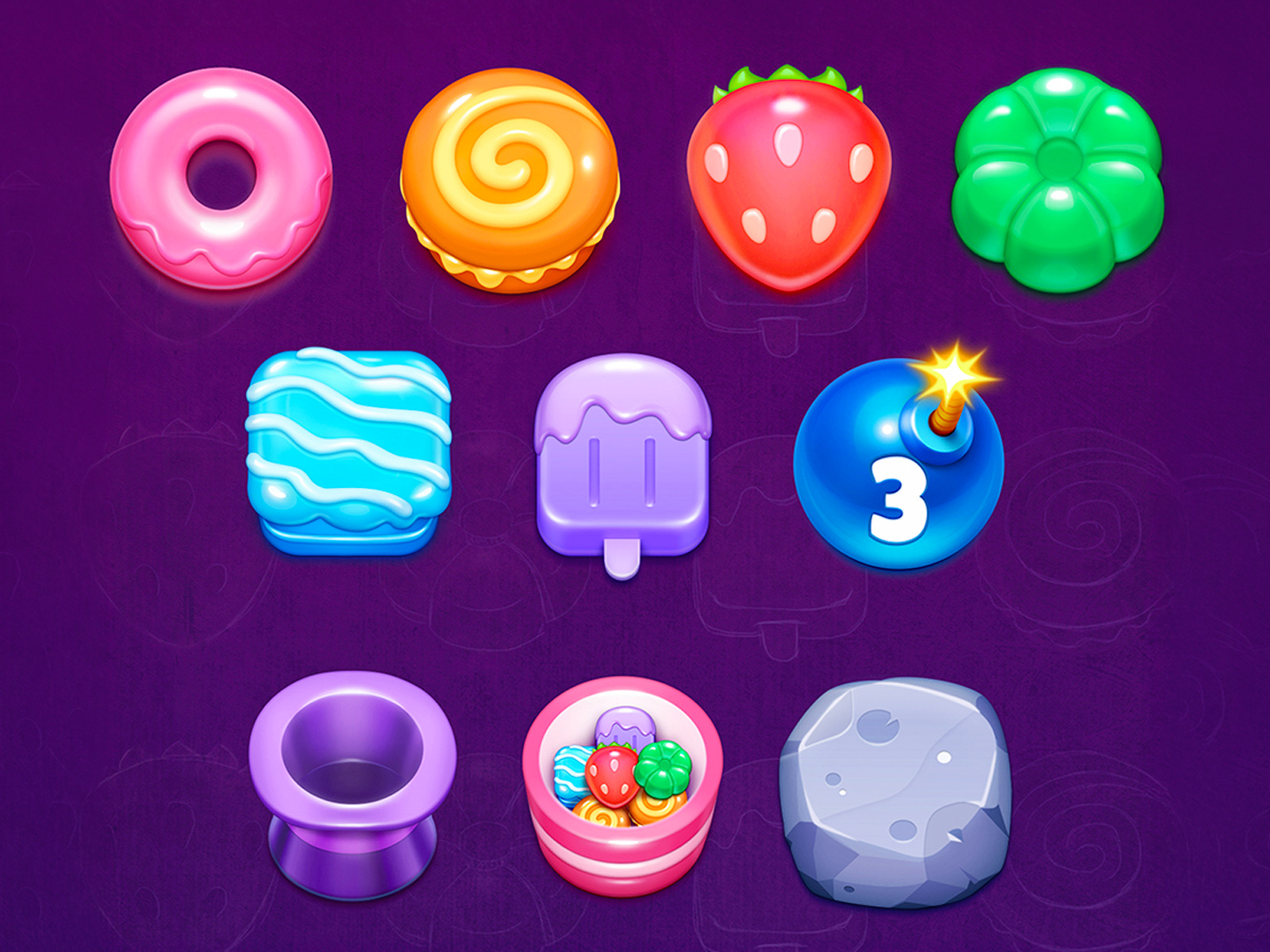
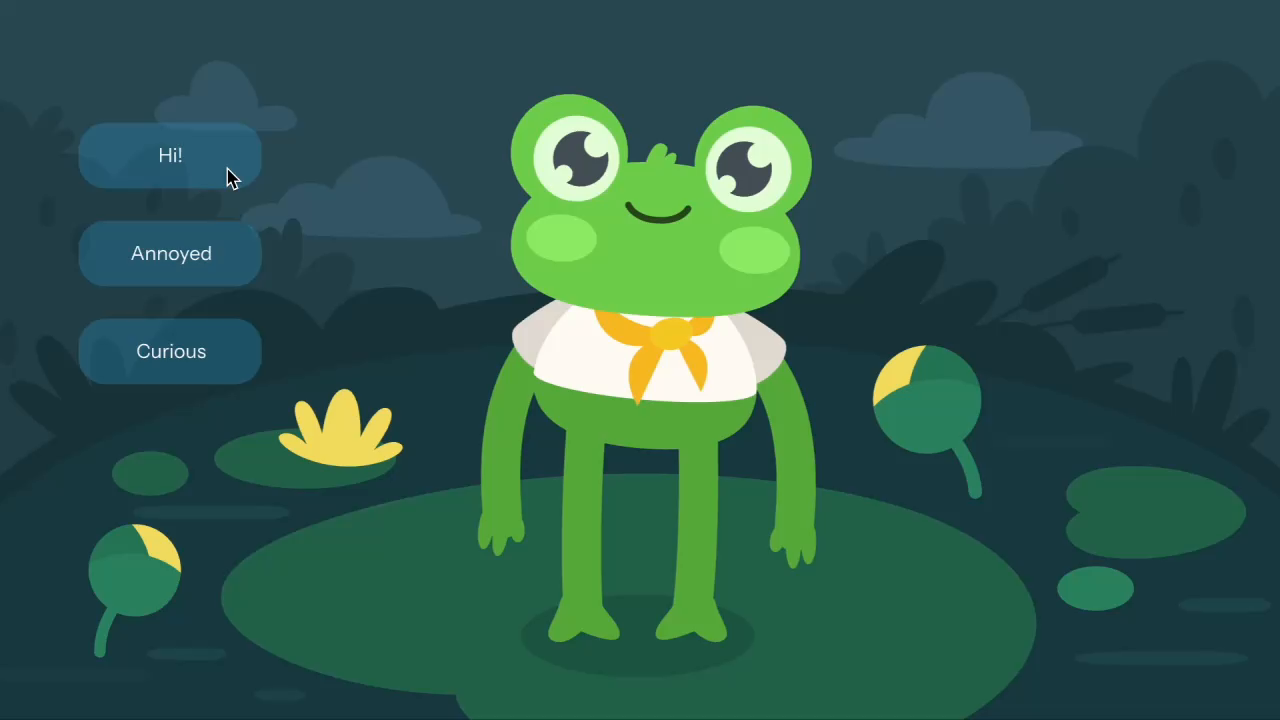







Discover more Freelance Game Designers on Dribbble


 Art by Karen Novelo
The Dribbble Standard
Dribbble is the creative marketplace where businesses discover, hire, and pay leading designers and agencies with community-validated portfolios since 2009. Clients, from startup founders to global brands, trust our human-first ecosystem for finding designers.
What sets Dribbble apart:
- Strong community of design experts ready for hire
- Verified experience and skill sets
- Direct access to game designers and agencies
Top Game Design profiles showcase real work, giving you confidence in both craft and capability.
The Definitive Guide To Hiring Game Designers
What Does a Game Designer Do?
Game designers on visual marketplaces typically focus on the interface and art players interact with throughout a game. Their work can include menus, HUDs, inventory and shop screens, characters, environments, sprites, icons, and promotional artwork.
Interface work covers the screens and states players use during gameplay, from health meters and ability indicators to settings, matchmaking, and inventory flows. Visual asset work can include character sheets, sprite sets, tiles, props, item icons, and other artwork that must remain consistent across the game.
Strong game design also accounts for the platform and engine the assets will enter. Designers need to consider screen size, controller or touch input, text legibility, localization, and the file formats developers need for implementation in engines such as Unity or Unreal.
Why Hire a Game Designer?
A specialist game designer can make interfaces, characters, and visual assets easier to understand, more consistent, and better suited to the platform players use.
Game designers can help:
- Design HUDs that stay legible over a moving, high-contrast game scene
- Build menu and settings flows that work on a gamepad without a cursor
- Produce character turnarounds, expression sheets, and animation-ready poses
- Create sprite sheets, tilesets, and props that tile and repeat cleanly
- Draw icon families for items, abilities, and status effects at small sizes
- Export engine-ready assets and atlases for Unity or Unreal import
- Establish an art style guide so later assets stay consistent
- Design onboarding and tutorial screens that teach controls without text walls
- Produce store page key art, capsule images, and screenshots for a platform listing
How to Hire a Game Designer
Step 1: Define your game’s platform, engine, and art style
Settle the target platforms, the engine your team builds in, the input methods you must support, and the visual direction before you brief anyone. Be explicit about whether you need interface and artwork, systems and mechanics work, or both, since the two draw on different portfolios and are often held by different people.
Pro tip: State the target resolution and the smallest screen the game must be readable on. A HUD designed for a desktop monitor and a HUD designed for a handheld are not the same design at a different size.
Step 2: Review game designer portfolios
Look for screens shown in context over actual gameplay rather than isolated on a flat background, since that is the only way to judge whether a HUD survives a busy scene. Check whether a designer shows a full set of related assets that hold together as a style, and whether their work covers the genre you are building, since a match-three interface and a strategy game interface solve different problems.
Pro tip: Look for the unglamorous screens. Settings, key rebinding, inventory, and error states are where interface skill shows, and portfolios that only contain hero art usually have not shipped a full game UI.
Step 3: Evaluate their process
Ask which engines they have delivered assets into and what form the handoff took, whether sprite sheets, atlases, nine-slice panels, or Figma files a developer rebuilds by hand. Ask how they handle gamepad focus states and prompt swapping, and, if mechanics work is in scope, how they document a system and what they change after a playtest.
Pro tip: Ask what they do when localized text is 40% longer than the English string. The answer reveals whether they have shipped into a real build or only designed screens in a static file.
Step 4: Align on the scope and timeline
Fix the asset count precisely: number of screens and their states, number of characters and poses, number of icons, number of tiles. Agree on export formats and pixel densities, revision rounds, who supplies the engine build or a test scene for review, licensing for purchased fonts or base assets, and whether the layered source files and a style guide come with the delivery.
Pro tip: Agree on a per-asset rate for additions before work starts. Asset counts can grow during production, and a rate set in advance turns a scope change into a line item rather than a renegotiation.
Cost of Hiring a Game Designer
Freelance game design rates vary significantly by specialization. Systems-focused game designers typically charge $25 to $150+ per hour, while freelance 2D game artists commonly charge $15 to $30 per hour, with a median rate of about $25 per hour.
Systems-focused rates also vary by experience:
- Junior: $25–$45 per hour
- Mid-level: $50–$90 per hour
- Senior or lead: $100–$150+ per hour
Final pricing depends on the type and number of assets required, whether the work covers UI, characters, environments, or gameplay systems, the target engine and platforms, revision requirements, localization, and the level of implementation-ready preparation included.
Freelance Game Designer vs Design Agency
The main difference is scope: a freelance game designer focuses on a defined interface or asset set, while a design agency can coordinate several creative disciplines across a larger production.
| Factor | Freelance Game Designer | Design Agency |
|---|---|---|
| Best for | A defined asset set, a UI pass, or a single art discipline | Full art and interface production across a game with managed scheduling |
| Typical scope | Screens, HUDs, characters, sprites, icons, and engine-ready exports | Art direction, multi-discipline production, style governance, and delivery management |
| Communication | Direct access to the designer | Communication with a multidisciplinary team |
| Flexibility | Often more flexible | More structured process |
| Team | Usually one specialist | Multiple creative specialists |
| Choose when | You know the asset list and your team can integrate the files | The art volume exceeds one person or several disciplines must stay in sync |
Featured Game Designer Success Story
Dribbble gives game designers a place to show how interface design, gameplay clarity, and visual style come together inside a playable concept. This featured project shows how a tap-to-earn game can use structured UI and strong visual hierarchy to make a crypto gaming experience easier to understand.
Explore: Telegram Tap-to-Earn Crypto Game Design by Vladimir Rakshâ
- Challenge: The project required creating a clear, engaging interface for a tap-to-earn crypto game that helps players understand the core interaction and rewards.
- Solution: Vladimir Rakshâ used strong visual contrast and structured game UI to organize gameplay elements and supporting screens into a cohesive experience.
- Result: The finished concept presents the Web3 game mechanics through a clear, visually consistent interface.
Related Game Design Resources
How To Hire A Professional Game Designer on Dribbble
Use InstantMatch to connect with the right designer fast.
-
Step 1
Submit your Project Brief
-
Step 2
Get Matched with Vetted designers
-
Step 3
Start your project
Frequently Asked Questions on Hiring Game Designers
Game design covers several specialties, including gameplay, systems, levels, narrative, economy, and technical design. Match the designer’s experience to the part of the game they will own. For example, a systems designer may focus on progression and game economies, while a level designer specializes in pacing, environments, and player flow.
Look for evidence of how the designer thinks and iterates, not just screenshots of finished games. Strong portfolios may include playable prototypes, game mechanics, level designs, balancing sheets, design documents, playtesting results, and explanations of what changed during development.
For many digital game projects, engine experience is valuable because it allows the designer to prototype mechanics, test ideas, and collaborate more effectively with developers. If your team already uses Unity, Unreal Engine, or another engine, look for a designer who is comfortable working within that environment.
Game designers use prototypes and playtesting to see how mechanics work with real players. They may adjust difficulty, progression, rewards, game economies, pacing, or other systems based on player behavior and feedback. Look for designers who can explain how they have tested and refined their decisions on previous projects.
Browse Game Designer profiles on Dribbble or use InstantMatch to quickly connect with vetted game designers who fit your platform, engine, art style, and timeline.
Have another question? Check out the Dribbble Help Center for more answers.


