About the Author:
Unfold Founder & Creative Director Eddie Lobanovskiy builds high-impact brand identities and UI/UX ecosystems at the intersection of classical design and AI innovation. Designer of the XRP logo.
For most of the history of software, design meant screens. People clicked through dashboards, opened menus, and moved between apps to get one job done. That pattern is changing. More and more, people tell an agent what they want done, and the agent works across tools in the background. Design in the age of AI agents starts from that shift.
It changes what designers actually design. We still design screens, though fewer of them. Increasingly, we design behaviors, instructions, permissions, handoffs, states, and the moment an agent takes action.
At Unfold, we see this in our own work. A growing share of our recent projects involve agents, connectors, skills, plugins, and workflows, where a few years ago we would have built standalone app screens. Here is what that shift has taught us so far.
From clicking through tools to telling an agent what to do
We have already started replacing standalone tools with agents. A workflow that used to mean opening several apps can now run as one request. The agent moves through the steps across those tools while the person does something else.
Think of a weekly client report. Traditionally, someone pulls numbers from an analytics tool, updates a project board, drafts a summary, and sends it. An agent can handle each step. The person’s job moves from operating the tools to stating the goal and checking the result.
For designers, the starting question changes. We used to ask which screen a user needs next. Now we often ask what the user is trying to get done, and how much of it they want to watch happen.
Intent, action, result: the new shape of UX
Traditional software might require five screens and ten clicks to complete a task. An agent experience may need only three moments: a prompt, a confirmation, and a result.
We think of the new UX as intent, action, and result, and each stage carries its own design problems. Intent needs to be captured clearly, even when the request is vague. Action needs boundaries, so the agent knows what it may do alone and what needs approval. The result needs to be presented so the person can trust it, check it, and change it.
Fewer screens still leave plenty to design. The decisions move from layout into logic, language, and timing.
Apps become infrastructure, agents become the interface
People will keep using CRMs, project management platforms and analytics software. What changes is how they reach them. The agent increasingly becomes the layer people interact with, and the apps sit underneath as infrastructure.
That raises new questions for product teams. If users rarely open your product directly, where does your brand live? How do people know which system did what? What happens when an agent pulls data from one tool and writes it into another? These are as much design questions as engineering ones.
What we design now: behaviors, permissions and handoffs
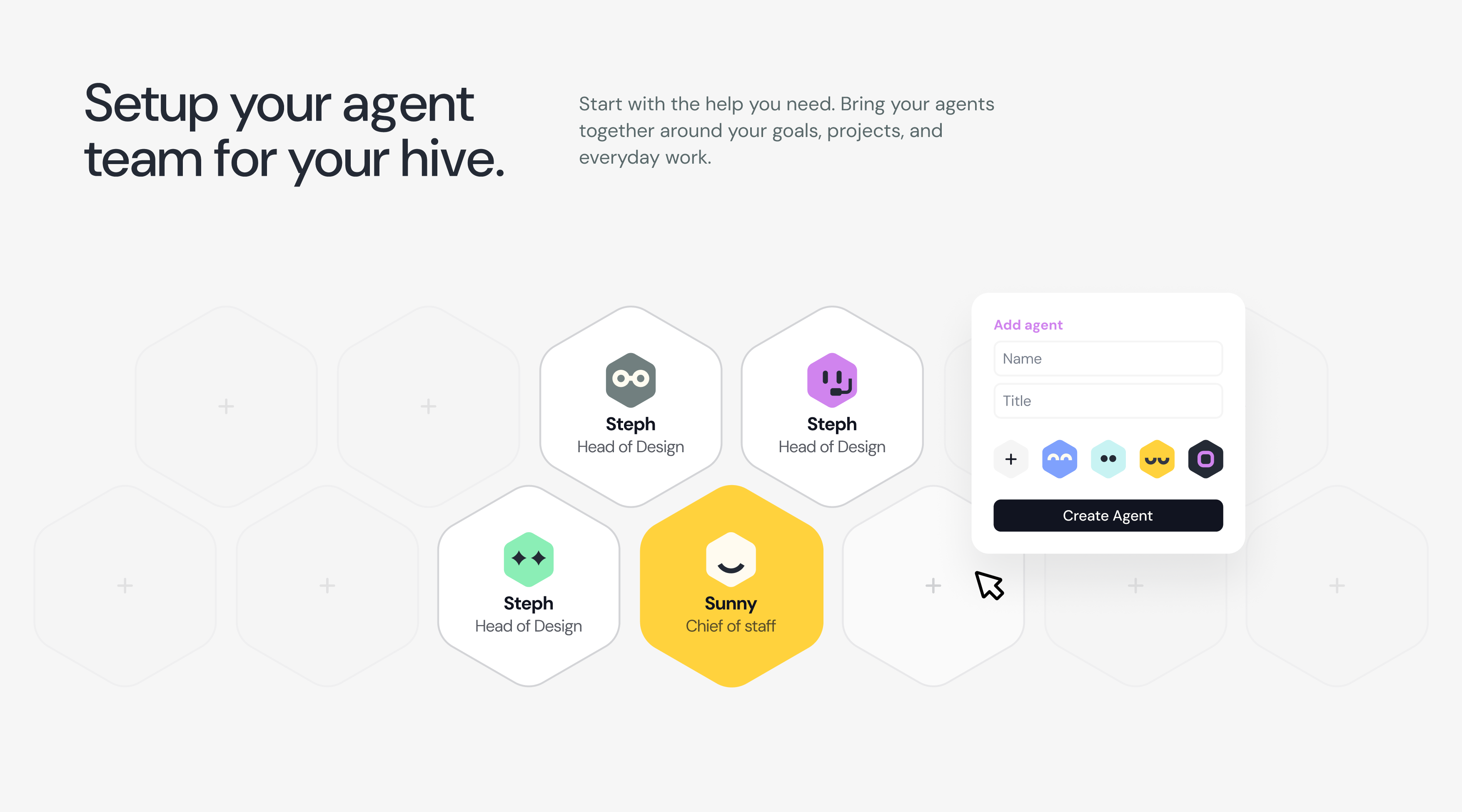
Our recent work has shifted toward agents, connectors, skills, plugins, and workflows, often designed as clusters of capabilities. Our product design work now regularly includes deliverables that never appear on a screen.
We define how an agent should behave when a request is ambiguous. We decide which actions it can take on its own and which need a person’s approval. We map handoffs between agents, tools, and people, and the states a task can move through along the way. We also write the instructions that shape how the agent responds.
Good design here means making AI feel predictable, trustworthy, understandable, and easy to control. A polished interface still matters, but it cannot make up for an agent whose behavior surprises people.
Designing confirmation and transparency
Confirmation and transparency have become central UX problems in our work. If an agent is about to send a message, change data, spend money, or interact with another system, the person needs to understand what will happen before it happens.
A useful confirmation shows the action, the target, and the consequence in plain language. “Send this proposal to three client contacts” tells the person exactly what they are approving. A bare “Proceed?” leaves them guessing.
Transparency continues after the action. People should be able to see what the agent did, which tool it used, and how to undo it if something went wrong. The more consequential the action, the more visible those steps should be.
Where visual interfaces still belong
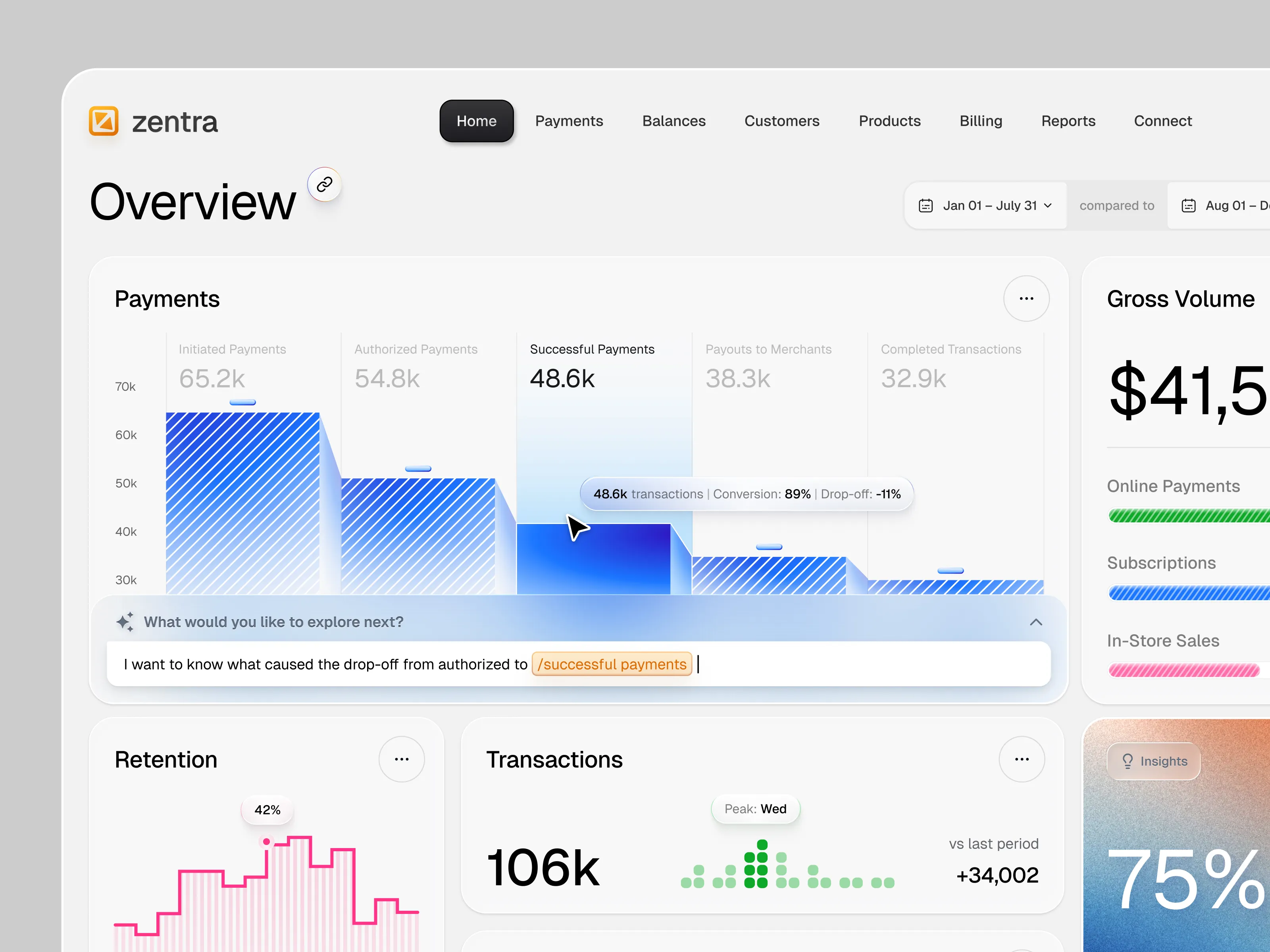
Interfaces will still exist, just fewer. We expect the strongest products to combine conversation with visual UI exactly where visuals help.
Those moments are fairly consistent: reviewing results, comparing options, editing, approving and monitoring. A conversation is a fast way to ask for something. A table, a chart, or a side-by-side view often lets you judge what came back faster. Knowing when to switch between the two is a design decision in its own right.
Designers as system architects
As screens shrink, our attention shifts to how everything connects. We think less about individual pages and more about how users, agents, tools, data, and actions relate to each other. In that sense, designers are starting to work like system architects.
This work sits close to engineering. In our experience, it goes best when product designers and AI developers work through it together. The designer’s contribution is the human side of the system: what people expect, what they need to see, and where they need control.
Deciding when an interface is needed at all
The opportunity for designers is getting bigger. AI can generate UI quickly. As generation gets cheaper, deciding what should exist, what should disappear, and how the whole experience should behave becomes more valuable.
For years, product design has aimed for better interfaces. In the age of AI agents, part of the job is figuring out when an interface is needed at all, and designing everything around it when it isn’t.
Find more Community stories on our blog Courtside. Have a suggestion? Contact stories@dribbble.com.