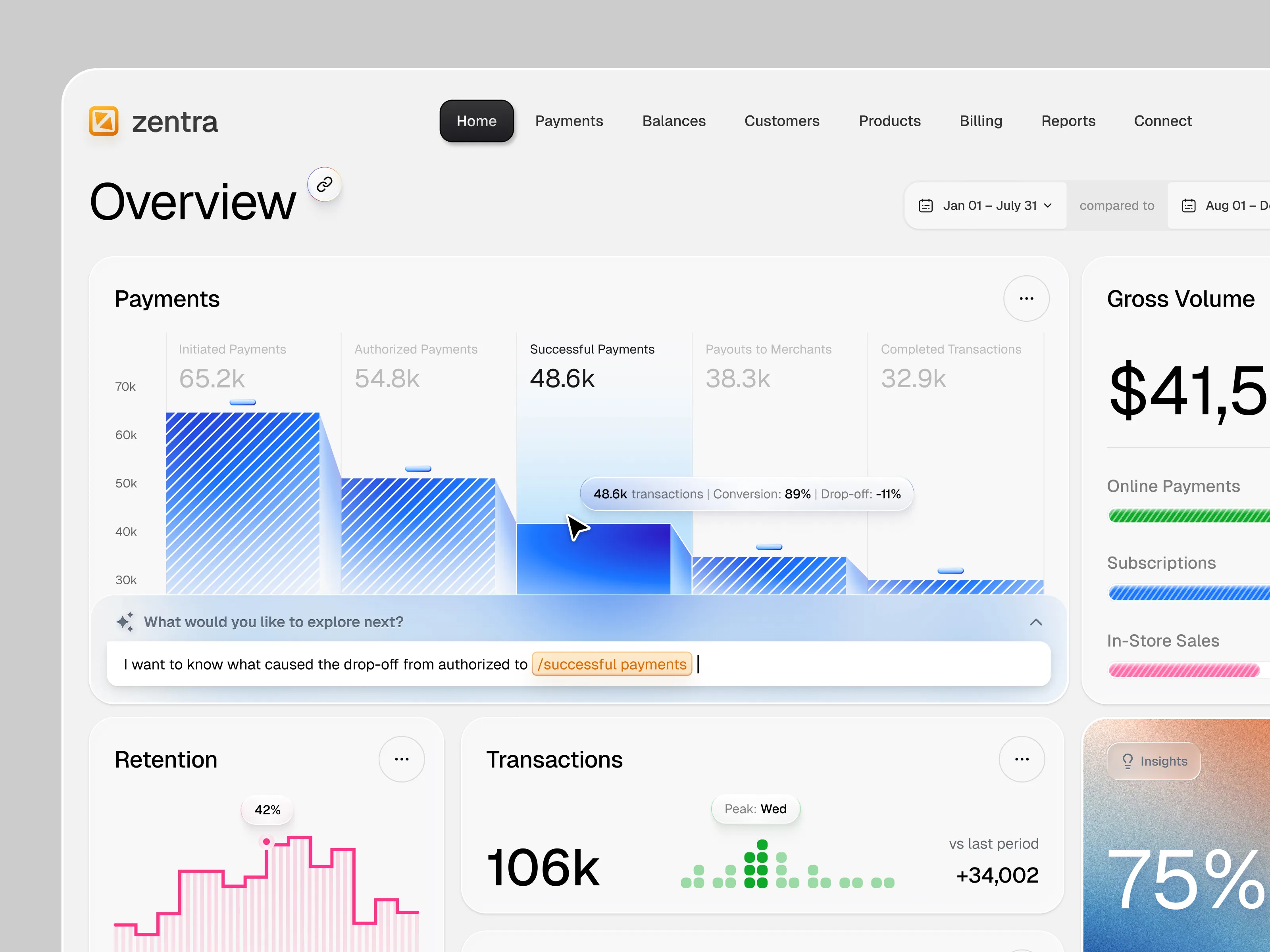
When people discover you on Dribbble, the first thing they see is your work.
Shots are how clients and peers understand your skills, taste, and process. And designers who grow their businesses on Dribbble tend to do two things well: they share work regularly and clearly. This guide walks through what to post, how to present it, and how to make every Shot work a little harder for you.
1. What belongs on Dribbble (and what doesn’t)
Dribbble is a place to share real design work and meaningful explorations, not generic ads or downloads.
In general, good candidates for Shots include:
- UI/UX and product design
- Web design and app design
- Branding and identity work
- Illustration, iconography, type and lettering
- Motion and interaction design, design systems, and components
Things that don’t usually belong as Shots:
- Pure “service ads” (e.g., “I’ll design 5 logos for $5”)
- Generic SEO / marketing graphics not tied to design work
- Asset packs or downloadable resources presented only as sales promos
- Non-design content, or work you don’t have rights to share
If you’re ever unsure, use the guidelines above as your source of truth and err on the side of sharing actual design outcomes or process rather than promotion.
2. Quality, consistency, and a realistic posting rhythm
There’s no required posting quota, but there is a pattern.
Our data shows that designers who regularly upload and optimize their Shots tend to achieve better results. The most successful designers often post at least weekly, while following our optimization recommendations.
That doesn’t mean you should upload everything you’ve ever worked on. Instead:
- Aim for quality and consistency instead of volume
- Share finished pieces, strong explorations, or processes that tell a story
- Avoid posting many near-identical variations just to take up space
- Pro tip: Only post examples that are the type of work you want to take on
A simple and sustainable rhythm could look like:
- 1-2 solid Shots per week
- A more in-depth project or case-study style Shot every month
You can always adjust based on your schedule and goals. What matters most is that clients see recent, representative work when they land on your profile.
3. Crafting a strong Shot
Your Shot’s visual and written details help Dribbble surface it to the right people and help clients understand what they’re looking at.
Use the uploader to tell a clear story
- Combine images, text, and video (where helpful) to show the work in context
- Choose a thumbnail that is clear and legible at small sizes
- Show key screens or views before secondary details
Titles and descriptions that actually help
Think of your title and description as a quick project summary, not just labels.
Title
- Briefly describe what it is (e.g., “Fintech Dashboard - Onboarding Flow” vs. “Exploration 03”)
Description
- What was the project brief or goal?
- Who was the client (if you can say)?
- What problem were you solving, or what constraints did you work under?
- Add any notable outcomes or learnings.
This context helps potential clients decide whether your experience and working style align with their needs.
Categories and tags as signposts
Accurate categories and tags help Dribbble’s search engine understand your work, making it easier for clients to find you when they’re looking for specific skills.
- Use specific tags that describe what’s actually in the Shot (e.g., dashboard, saas, booking app, landing page, onboarding, design system)
- Avoid tagging every Shot with the same generic list; it dilutes relevance and does not help your visibility.
Done well, your tags function less like social hashtags and more like meaningful filters.
👉 Creating Dribbble Shots
👉 Boost Your Dribbble Visibility and Win More Projects
4. Connect your Shots to a complete profile
Shots are usually the first thing people see. Your profile is where they decide whether to reach out.
Make sure you’ve covered the basics:
Toggle “Available for Work” if you’re open to client projects
- You’re less likely to receive project requests if you’re not marked available.
Keep your location, skills, and work preferences up to date
- This improves the match between your profile and client searches
Use your bio to explain:
- What you do (e.g., “Brand and product designer”)
- Who you help (e.g., “B2B SaaS teams,” “direct-to-consumer brands”)
- Any relevant specialties (e.g., “dashboards,” “design systems,” “CPG packaging”)
When your profile and Shots tell a consistent story, it’s easier for clients to decide whether you are the right person (or team) for them.
👉 Growing your Business on Dribbble
5. A quick pre-publish checklist
Before you hit “Publish,” run through a short checklist:
- Is this real design work or meaningful exploration? (if not, Dribbble Designer Advertising is always an option)
- Does the thumbnail read clearly at a small size?
- Did I pick a focused set of tags?
- Does the description explain what this is and why it exists?
- Is my profile ready if a client clicks through from this Shot?
👉 Boost Your Dribbble Visibility and Win More Projects

Find more Community stories on our blog Courtside. Have a suggestion? Contact stories@dribbble.com.