From project management to creative automation, these are the best workflow tools agencies and freelancers are actually using in 2026 to work smarter and deliver better work.

Running a successful business means producing great work and delivering it efficiently, consistently, and profitably. And the tools you use directly shape how well you can do that.
Our list covers the best workflow tools that agencies and freelancers are actively using in 2026 to manage client work, validate design decisions, automate workflows, produce content at scale, and get feedback that actually moves projects forward.
Whatever your current stack looks like, there’s something here worth adding to it.
Table of Contents
1. KineMaster
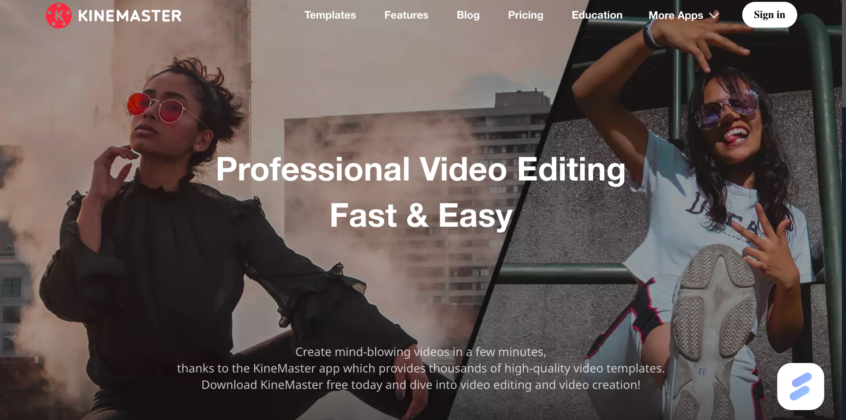
KineMaster is a mobile-first video editor that puts a professional-grade toolkit in your pocket, without the desktop price tag. For agencies and freelancers who need to turn around social content, reels, or client videos quickly, it removes the friction of being tied to a workstation.
Whether your web design company needs edits on the go or you’re a freelancer looking to add video without adding complexity, KineMaster keeps the bar to entry low and the output quality high.
- Why it’s essential in 2026: Short-form video is now a baseline deliverable for most creative teams. KineMaster’s 2026 update added AI-powered Auto Captions and Background Removal, meaning less time in post and faster turnaround on content that actually performs.
- Best For: Agencies and freelancers producing social video content who want desktop-level editing capabilities without the desktop setup.
Standout Features:
- Chroma Key & Alpha Video: Remove backgrounds and layer transparent elements without additional software.
- Multi-Layer Timeline: Stack video, images, text, and audio on separate tracks for precise control.
- AI Auto Captions & Background Removal: New in 2026—reduces post-production time on social-ready content.
Pricing: Free with watermark; Premium plan at $7.99/month or $51.99/year (no watermark, no ads, unlimited assets). See pricing or explore the full feature list.
2. MeetGeek

For agencies juggling back-to-back client calls, MeetGeek automatically turns every meeting into a searchable, actionable record. It records and transcribes across Zoom, Google Meet, Microsoft Teams, and even in-person calls via the Desktop App, then delivers structured summaries, decisions, and action items without anyone having to take notes.
What sets it apart from basic transcription tools is what happens after the call: MeetGeek pushes outputs directly into the tools your team already uses: Notion, Slack, Figma, ClickUp, and 10,000+ more. For product design agencies and other creative teams where context gets lost between client calls and delivery, that automatic handoff is what keeps projects moving.
- Why it’s essential in 2026: AI Voice Agents (available from the Pro plan) make MeetGeek the only tool in its category that can actively participate in and follow up on meetings, not just document them. 50,000+ teams in 100+ countries already rely on it.
- Best For: Agencies and freelancers who run frequent client calls and need meeting context to flow automatically into their project tools without manual admin.
Standout Features:
- Universal Meeting Coverage: Records Zoom, Google Meet, Teams, and in-person meetings through one platform.
- Auto-Sync to Your Stack: Summaries, decisions, and action items pushed directly to your workspace.
- AI Voice Agents: Unique to MeetGeek—AI that can engage with and follow up on meetings, not just transcribe them.
Pricing: Free plan available (3 hrs/month); Pro at $9.99/user/month (billed annually); Business at $17/user/month (unlimited transcription). See full pricing.
3. Neurons
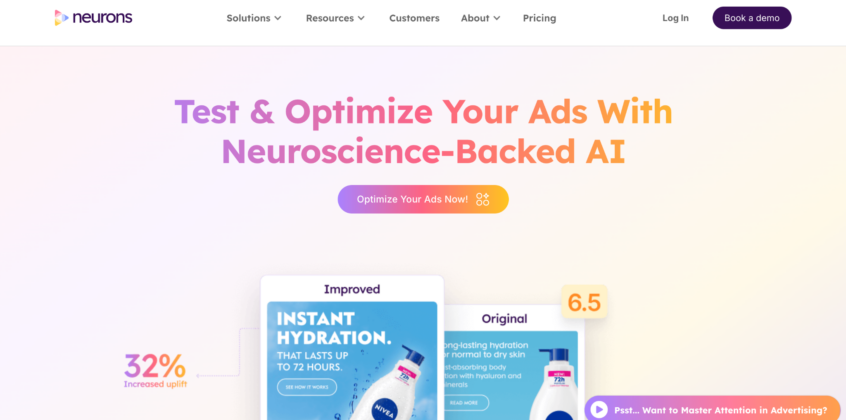
Most agencies test creative assets after they launch, but Neurons flips that entirely. Built on over 20 years of neuroscience research and a behavioral database from 300,000+ participants, it uses AI trained on real eye-tracking data to predict how any visual will perform before it goes live.
Upload a digital ad, video, OOH creative, or packaging design and get instant attention heatmaps, engagement scores, and actionable recommendations in seconds. For UX/UI design agencies producing high volumes of creative work, Neurons means fewer revision cycles, more confident presentations, and assets that are optimized before a client even sees them.
- Why it’s essential in 2026: Creative budgets are tighter and client expectations higher. Neurons removes the guesswork from what will actually capture attention, replacing gut instinct with data backed by the same neuroscience research used by Google, IKEA, and Ogilvy.
- Best For: Agencies and in-house creative teams that need to validate and optimize visual assets, such as ads, video, packaging, and web, before launch.
Standout Features:
- Attention Heatmaps: See exactly where viewers will look on any asset, before it’s published.
- Behavioral Scores: Cognitive demand, clarity, and engagement scores benchmarked against industry data.
- Instant Insights: Actionable recommendations on how to improve every asset—explaining not just what’s underperforming, but why.
Pricing: Custom pricing; book a demo to get a quote for your team.
4. Useberry
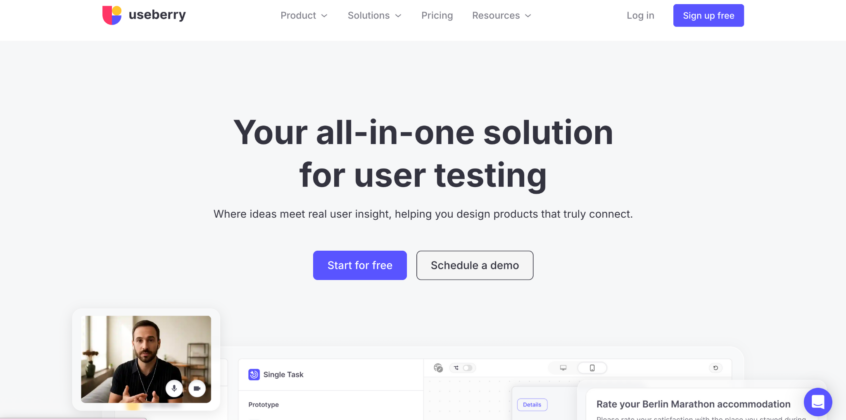
Shipping a design without user validation is a gamble most agencies can’t afford. Useberry is a method-agnostic UX research platform that lets design teams test with real users, across any research method, without the overhead of setting up separate tools for each study type.
From prototype testing and card sorting to surveys and tree testing, everything runs in one place: fast to set up, flexible on recruitment, and built to surface the insights that actually inform design decisions. For design agencies that need to validate work quickly and present findings to clients with confidence, it replaces the patchwork of research tools with a single workflow.
- Why it’s essential in 2026: UX research has moved from a nice-to-have to a client expectation. Useberry makes it fast enough to fit into agency timelines rather than extend them, without sacrificing the quality of what you learn.
- Best For: Design teams and agencies that need to run user research across multiple methods and present findings without stitching together multiple platforms.
Standout Features:
- Method-Agnostic Testing: Prototype tests, card sorting, tree testing, surveys—all in one platform.
- Flexible Participant Recruitment: Bring your own participants or tap into Useberry’s panel for faster turnaround.
- Actionable Insights: Results are structured for decision-making, not just data collection, making it easier to present to clients and act on internally.
Pricing: Free plan available (10 responses/month); Growth at $67/month (billed annually, 300 responses/month); Enterprise custom pricing. Check full pricing details and product overview.
5. Albato

Most agencies run on a stack of 10+ tools that barely talk to each other. Albato is a no-code automation platform that connects them with a library of 1,000+ apps and a built-in Integrator that lets teams build custom connections via API or webhooks without writing a single line of code.
The platform combines an intuitive builder with advanced conditional logic, pre-built automation templates, and AI-powered features to handle complex data pipelines effortlessly. Additionally, Albato goes a step further for product design agencies and SaaS creators with an AI-powered Embedded iPaaS solution, allowing teams to drop fully white-labeled app connectors directly into their own product interfaces to deliver a native experience for end users.
- Why it’s essential in 2026: AI-driven operational efficiency is a baseline requirement for scaling businesses. Albato’s oncoming AI Agents and robust integration engine offer a highly flexible, budget-friendly alternative to platforms like Zapier, specifically for teams that need deep custom tool ecosystems without developer overhead.
- Best For: Agencies and freelancers looking to automate cross-tool workflows seamlessly, as well as product development teams who want to embed native, white-label integrations into their software.
Standout Features:
- 1,000+ App Library & Advanced Logic: Connects daily operational tools using an intuitive builder, multi-step templates, and custom filtering.
- No-Code App Integrator: Visually build custom connections for niche or legacy tools using APIs or webhooks without engineering support.
- White-Label Embedded iPaaS: A dedicated infrastructure tier that allows SaaS builders to embed native app connectors directly into their user interface.
Pricing: Free plan available (100 transactions/month); Pro from $15/month billed annually (1K transactions, unlimited automations). Automation platform pricing and embedded iPaaS pricing are available separately.
6. ReviewStudio
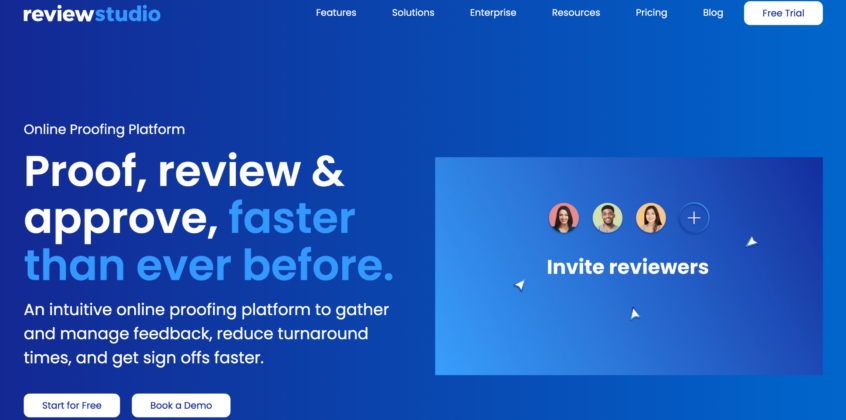
Client feedback on creative assets can get messy fast—email threads, scattered screenshots, version confusion are constant hazards. ReviewStudio replaces that chaotic loop with a single platform where teams can upload videos, images, PDFs, web pages, and documents, and then collect precise, contextual feedback directly on the asset.
By keeping markup tools, threaded conversations, and version comparison sliders directly on the canvas, it eliminates the need to cross-reference disjointed channels. Built-in approval gates then automatically move drafts down the production pipeline to ensure sign-offs happen without manual chasing.
- Why it’s essential in 2026: Review cycles are one of the biggest margin killers in creative agency work. ReviewStudio is purpose-built to reduce that overhead by consolidating feedback, eliminating revision paranoia, and cutting the time between “draft sent” and “approved.”
- Best For: Creative agencies and in-house teams that need a structured, centralized review and approval process across multiple asset types and client accounts.
Standout Features:
- Multi-Format Proofing: Video, images, PDFs, web pages, and documents, all reviewed in one place with context-specific markup tools.
- Version Comparison: Side-by-side version tracking so nothing gets lost between rounds of feedback.
- Approval Management & Automated Workflows: Built-in sign-off flows that replace manual follow-ups and scattered email chains.
Pricing: Free plan available (3 active reviews, unlimited users); Pro at $12/user/month ($144/year); Advanced at $20/user/month ($240/year, min. 5 users, unlimited reviews + workflow automations); Enterprise – custom. 30-day free trial, no credit card required. See full pricing.
7. Design Huddle

Every agency hits the same bottleneck: designers produce everything, and as client rosters grow, that stops scaling. Design Huddle solves it by turning finished designs into controlled, brand-approved templates that non-designers can edit, without breaking anything.
Designers keep working in the tools they already know—Illustrator, After Effects, and Figma—then import via PDF or LottieFiles into Design Huddle to apply brand controls, locking, and permissions. What comes out the other side is a system where clients or junior team members can customize and produce content at scale while maintaining brand consistency.
If your design agency handles high-output creative campaigns across multiple clients, this system completely removes the designer from the minor edit loop without sacrificing creative control.
- Why it’s essential in 2026: High-volume content production is now a non-negotiable requirement for most agency clients. Design Huddle’s creative automation and white-label capabilities enable agencies to deliver at that scale without proportionally growing their design team.
- Best For: Agencies and brands that need to produce large volumes of on-brand content across multiple clients, without making every asset a designer dependency.
Standout Features:
- Import from Any Design Tool: Bring in finished work from Illustrator, After Effects, or Figma via PDF or LottieFiles, then apply brand controls directly in Design Huddle.
- Template Locking & Permissions: Define exactly what can and can’t be edited—protecting brand integrity while enabling non-designer customization.
- Creative Automation: Generate high volumes of on-brand assets programmatically, without manual production for every variant.
Pricing: Starter from $500/month; Pro from $750/month; Enterprise – custom pricing. Annual billing saves 10%. See full pricing and explore all features.
8. InAppStory

Most in-app communication still depends on app releases, which means every new message, onboarding flow, or promo banner goes through a dev queue. InAppStory removes that dependency entirely. It gives mobile teams one platform to create and launch stories, banners, in-app messages, and mini-games directly inside a live app, without waiting for a new release.
Content adapts to user behavior through advanced targeting and segmentation, so the right message reaches the right user at the right moment, whether that’s onboarding a new user, driving feature adoption, or running a retention campaign.
- Why it’s essential in 2026: User attention inside apps is harder to hold than ever. InAppStory’s no-code editor and pre-built mini-games mean teams can test and iterate on in-app experiences at the pace users expect, not at the pace engineering allows.
- Best For: Mobile product teams and digital agencies building applications who need to launch real-time communications, walkthroughs, and engagement campaigns without creating technical bottlenecks.
Standout Features:
- Stories, Banners & In-App Messages: All formats managed in one platform—no separate tools for each channel.
- Mini-Games & Gamification: Deploy 10+ pre-built mini-games with no-code customization, ready to launch without custom development.
- Behavior-Based Targeting: Advanced segmentation and event-triggered messaging ensure content adapts to individual user actions and stages.
Pricing: Custom pricing based on Monthly Active Users (MAU) or in-app message impressions. One-month free trial available. Calculate your price.
9. Teamwork.com
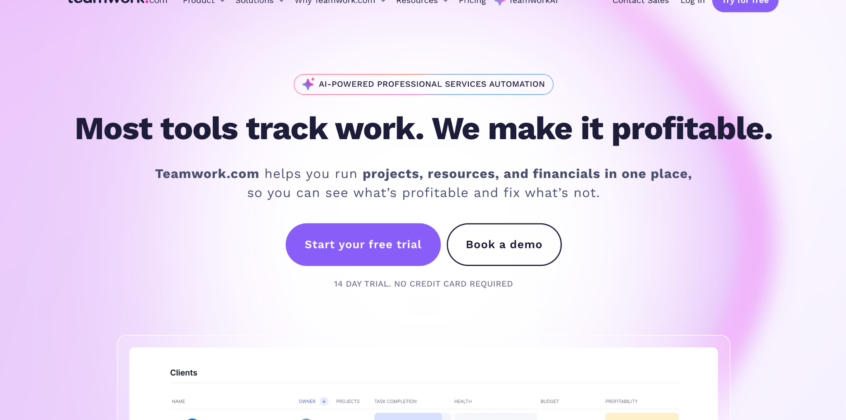
Most project management tools are built for internal teams. Teamwork.com is built specifically for client-facing work, and that distinction matters. It connects projects, time tracking, resource planning, budgets, and profitability reporting in one place, so agencies always know not just what’s happening, but whether projects are profitable.
Intake forms turn scattered client briefs into structured projects, while built-in time tracking and invoicing close the loop between delivery and billing. If you run a web design company managing multiple client projects simultaneously, it replaces the spreadsheets, disconnected tools, and end-of-month scramble with real-time visibility across every account.
- Why it’s essential in 2026: TeamworkAI, the platform’s built-in AI layer, now helps teams move faster from brief to execution, flagging capacity issues and surfacing project health signals before they become problems. It’s project management that actively helps protect margins, not just track tasks.
- Best For: Agencies and professional services teams that bill clients for their time and need full visibility over projects, resources, budgets, and profitability in one platform.
Standout Features:
- Real-Time Profitability Tracking: Monitor budgets, costs, and margins live—not just at the end of a project when it’s too late to adjust.
- Client-Facing Features: Unlimited free client users, intake forms, proofing, and client portals built in, no extra tools needed.
- Resource & Capacity Planning: See who’s overloaded and who has bandwidth before committing to new scopes.
Pricing: Free plan available (up to 5 users, 5 projects); Basics from $9.99/user/month (billed annually, min. 3 users); Accelerate from $24.99/user/month; Optimize and Enterprise – custom pricing. 14-day free trial, no credit card required. Check full pricing and agency-specific features.
10. Stripo
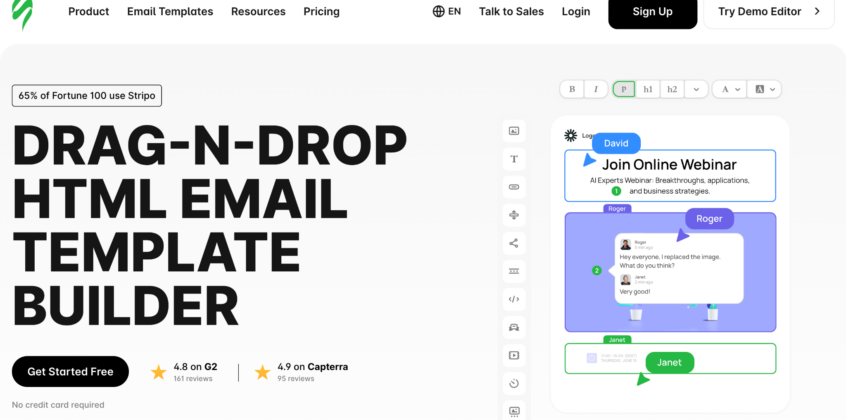
Email is still one of the highest-ROI channels agencies manage for clients, but production at scale is where most teams hit a wall. Stripo is an email design platform built to solve exactly that: it lets teams build, collaborate on, and export production-ready HTML emails without touching code, then push them directly to 90+ ESPs, including Mailchimp, HubSpot, Salesforce, and Klaviyo.
Modular email design, reusable content blocks, real-time collaboration, and built-in email testing across clients make it a serious production tool for teams handling high volumes. Whether you’re running campaigns for multiple clients or managing a large internal email program, Stripo removes the bottleneck between design sign-off and deployment.
- Why it’s essential in 2026: Enterprise email teams are under growing pressure to produce more assets at faster speeds while enforcing airtight brand guidelines. Stripo’s modular master-template system is tailored specifically for this environment, directly addressing the operational realities of scaling email production without ballooning your production schedule.
- Best For: Agencies and in-house marketing teams that need to produce high volumes of on-brand emails efficiently, with collaborative workflows and direct ESP export.
Standout Features:
- 90+ ESP Integrations: One-click export to Mailchimp, HubSpot, Klaviyo, Salesforce, and more.
- Modular Email Design: Reusable blocks and brand-locked modules keep output consistent at scale across clients and campaigns.
- Built-In Email Testing: Preview and test across email clients before export—no separate testing tool needed.
Pricing: Free plan available; Basic at $20/month; Medium at $45/month (ideal for small teams and agencies); Pro at $95/month; Prime available for larger teams, contact sales. See full pricing.
💡 Pro tip: If your team needs external design support or fresh visual inspiration, Dribbble Select is a great place to find design partners with relevant experience in email design.
11. Bonus: Hardware For Creative Teams—Elegoo

For multi-disciplinary studios, the gap between digital design and physical reality has always been a costly bottleneck. Elegoo’s 3D printing ecosystem provides creative directors with an on-site fabrication setup, allowing teams to skip weeks of outsourcing friction. Studios can use high-volume FDM setups to rapidly test ergonomic component sizes, then switch over to high-resolution resin systems to create glass-smooth, exhibition-ready presentation models for high-stakes client sign-offs.
The centerpiece of their 2026 lineup is the Centauri Carbon 2 Combo. Having this level of prototyping power next to a designer’s desk completely changes the client pitching dynamic—allowing you to hand a physical, multi-colored product mockup to a client during a presentation rather than just pointing at a flat screen rendering.
- Why it’s essential in 2026: Physical product validation demands the same speed as digital design loops. The Centauri Carbon 2 Combo combines full-auto sensor calibration with active vibration compensation, stripping away the tedious manual troubleshooting of legacy 3D printing so your team can focus entirely on the output.
- Best For: Industrial designers, experiential agencies, and multi-disciplinary creative teams that need to produce high-end physical models and tactile client proofs on tight timelines.
Standout Features:
- CANVAS 4-Color System: Instant automatic color switching with no slowdown in print performance.
- Material Versatility: 350°C nozzle and enclosed chamber support a broad range of filaments.
- Fully Automated Setup: Auto calibration and intelligent detection reduce manual tinkering and failed prints.
- Ultra-Quiet Printing: Under 45dB — suitable for studio and home environments alike.
The Best Workflow Tools Freelancers and Agencies Actively Use in 2026: Final Thoughts
The tools in this list won’t run your business for you, but the right ones will remove the friction that gets in the way of doing your best work. Less time chasing approvals, fewer dropped balls between meetings, less energy spent on tasks that should be automated.
The designers that consistently deliver great work aren’t necessarily the ones with the biggest teams. They’re the ones who have built a stack that works for them and keep refining it.
If any of the tools above caught your attention, most offer a free plan or trial. The best way to know if something fits your workflow is to use it.