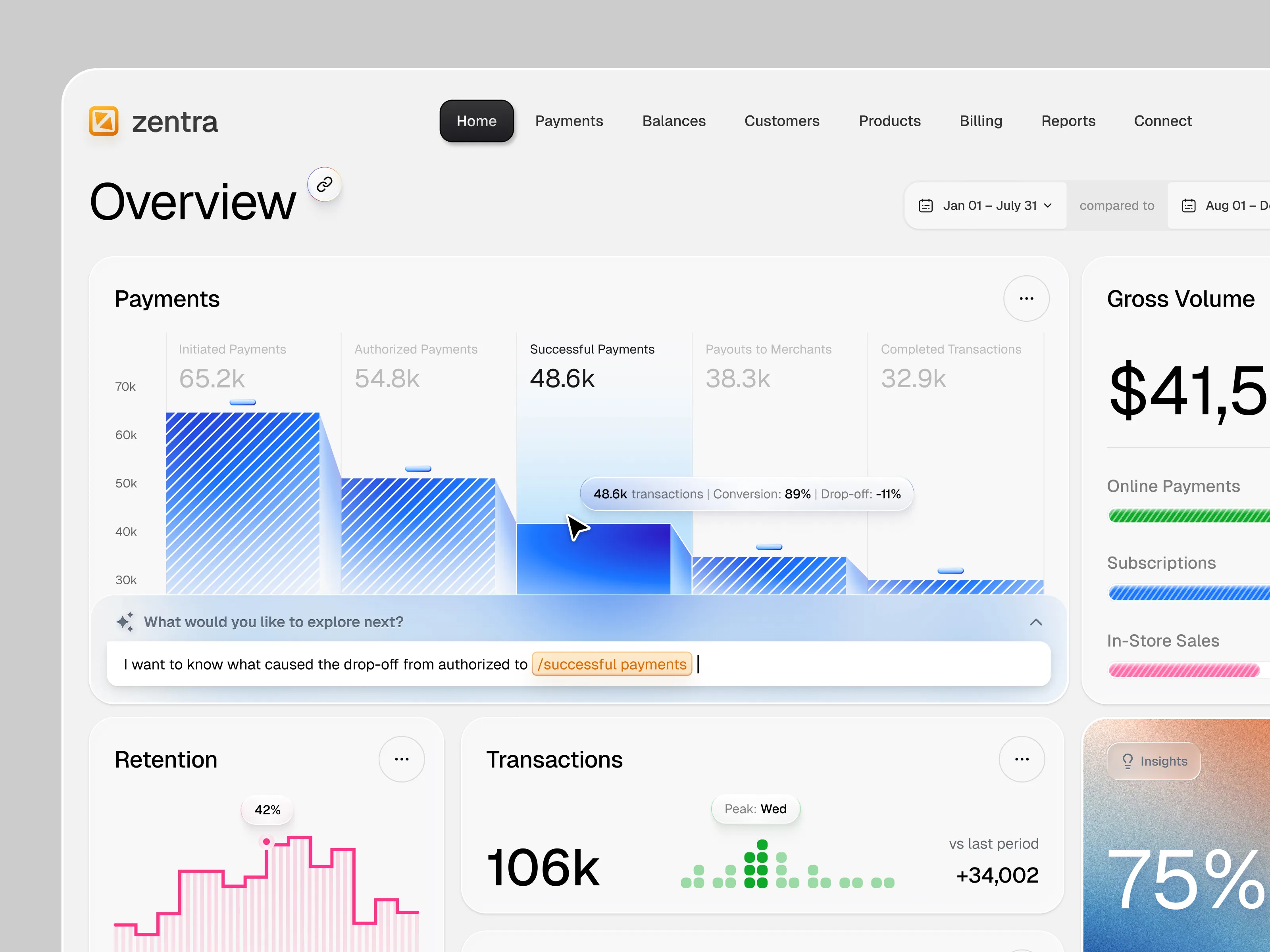
About this Service
UITOP designs AI agent workflows for B2B SaaS and enterprise software. We define how users delegate a task, set the agent’s access, follow its progress, review proposed actions, and take over when the workflow needs a person.
This service is for product teams with a working agent, prototype, or documented use case that needs a complete user experience. The engagement focuses on one agent workflow, including its setup, execution, human decisions, and recovery paths.
Your team receives Figma designs, a clickable prototype, and interaction specifications tied to the agent capabilities your engineers can support.
What You Get
A workflow map covering the user, agent, connected tools, and affected business records
An action and approval matrix showing which actions may run automatically, which need review, and who can decide
Agent setup and task-delegation screens
Run status, progress, and activity-history views
Human-review queues and action-preview screens
Missing-information, rejection, partial-completion, and recovery states
High-fidelity desktop UI for the agreed workflow
Reusable components and documented interaction states
A clickable prototype covering the main task and selected exception paths
Annotated Figma files and an engineering walkthrough
Agent Workflows We Design
Task Setup and Delegation
We design how users give the agent a task, choose the relevant account or workspace, supply context, and understand its access. The setup shows which systems the agent can use and which actions require a person’s decision.
Execution and Progress
Users can see whether a run is queued, working, waiting for input, awaiting approval, partially complete, or finished. We define what each status means and which actions remain available.
A pending approval and a completed operation have separate states. The interface reflects the execution result after the user approves an action.
Human Approval
Review screens show the proposed action, affected record, relevant evidence, and expected change. Depending on the workflow, that can include a message preview, selected recipients, changed fields, or a transaction awaiting review.
We define approve, edit, reject, and escalation paths with your team. Approval applies to the specific action under review. Changes to its content or target can require a new review.
Exception Handling and Recovery
We map what happens when an integration fails, information is missing, a request expires, or the agent completes only part of a task.
The design distinguishes confirmed results from uncertain outcomes. Recovery paths specify what users can check, correct, retry, or complete manually. Stop, resume, and reversal controls depend on the capabilities confirmed by engineering.
Oversight and Activity History
For the selected workflow, we design how operators find runs that need attention and inspect the actions already recorded. Views can show the responsible person, pending decision, recorded result, and related business record.
Operational history follows the events and data available from the product.
Who This Is For
SaaS teams introducing an agent that performs work across business tools
AI product teams preparing a working prototype for customer testing
Product leaders defining human oversight around automated actions
Teams whose users need to monitor background work and resolve exceptions
Existing B2B products adding agent workflows to established roles and permissions
How We Work
1. Review the Workflow
We review your product, representative tasks, agent capabilities, integrations, user roles, and available feedback. Your engineers identify the technical constraints and available execution events.
2. Define Actions and Human Decisions
We map the task and document its approval points, information requests, ownership, and failure paths. Your team agrees which decisions belong to the agent and which require a person.
3. Design and Prototype
UITOP designs the selected screens and connects the main workflow with review and recovery scenarios in Figma. We extend your existing design system where its components fit.
4. Review Realistic Scenarios
We walk through successful runs, rejected actions, missing information, and partial failures with your product and engineering team. The review checks whether people have the context and controls needed to proceed.
5. Prepare the Handoff
Your engineers receive annotated screens, component states, transition rules, and a list of required product events and backend capabilities. Open dependencies remain visible in the handoff.
Relevant UITOP Experience
UITOP designed and developed Pacioli, an accounting platform for MedTax. The product combines AI transaction categorization with accountant-defined rules that take precedence over AI predictions. Administrators review new categorization rules and uploaded CSV transaction files before they take effect.
This project provides relevant experience with AI-assisted workflows, human review, and operational controls. Our published AI agent approval concept illustrates additional interaction patterns and is labeled as an educational concept.
Tools and Collaboration
We use Figma for workflow design, interface components, prototypes, and specifications. Your agent demo, product documentation, sample task results, and engineering input guide the design.
Scope and Pricing
The starting package covers a four-week design phase for one agent workflow, up to two user roles, one clickable prototype, and two consolidated review rounds. We agree the screen list and exception scenarios before work begins.
The phase assumes access to your product or prototype, documented agent capabilities, and an available product and engineering contact.
The package covers UX/UI design and handoff. Agent development, model training, production integrations, backend permission enforcement, and deployment are separate scopes. Mobile interfaces, additional workflows, user-research recruitment, and implementation support can be scoped separately.
Have an Agent Workflow to Design?
Send your current product or demo through Dribbble, describe the task your agent performs, and tell us where a person needs to stay involved. We can review the workflow and define the first design phase.