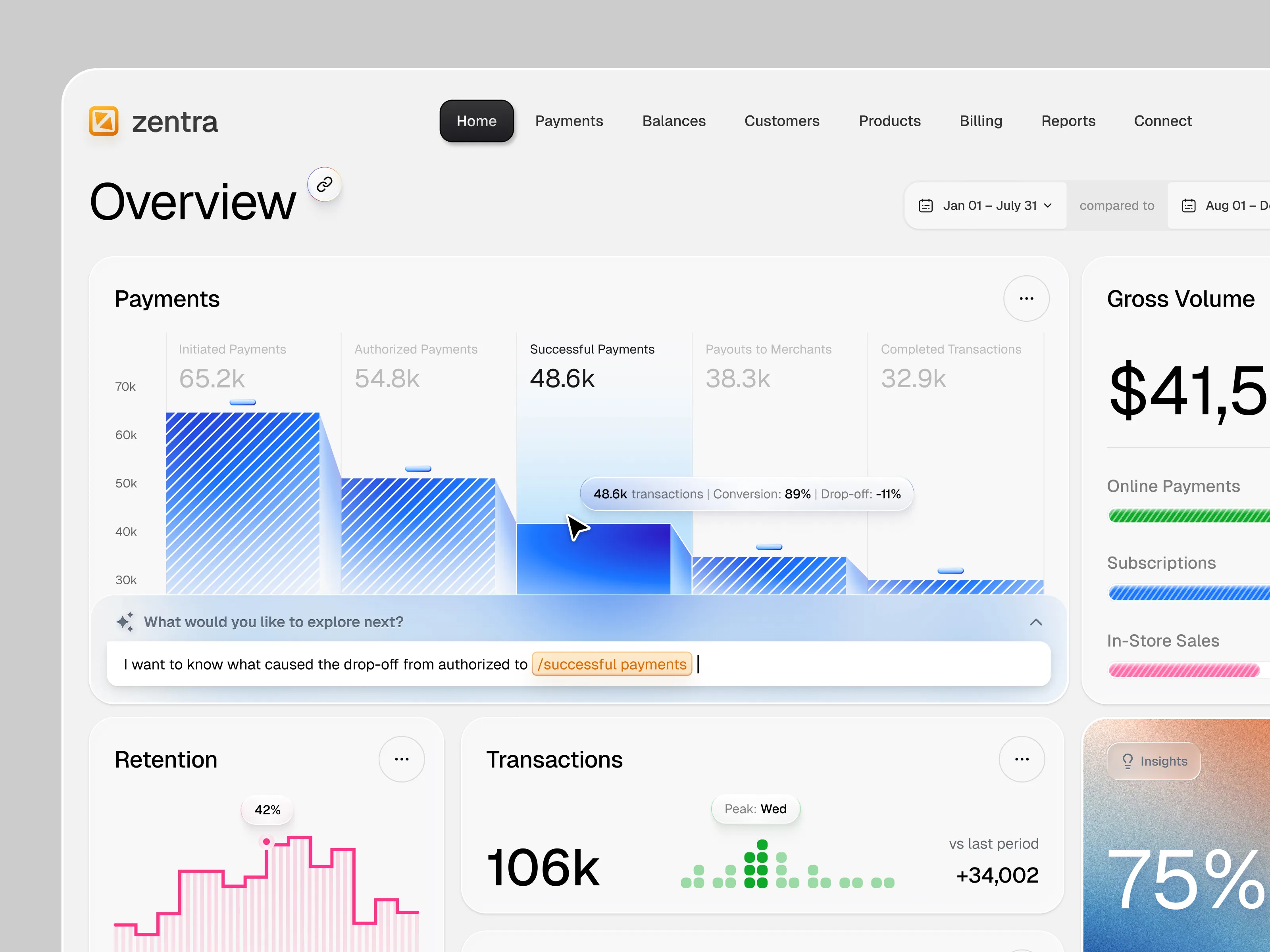
Hire the Best Shopify Developers
Work with the world's best Shopify developers. Explore our curated marketplace of top-rated freelance talent trusted by global brands.
Find your Shopify Developer on Dribbble






















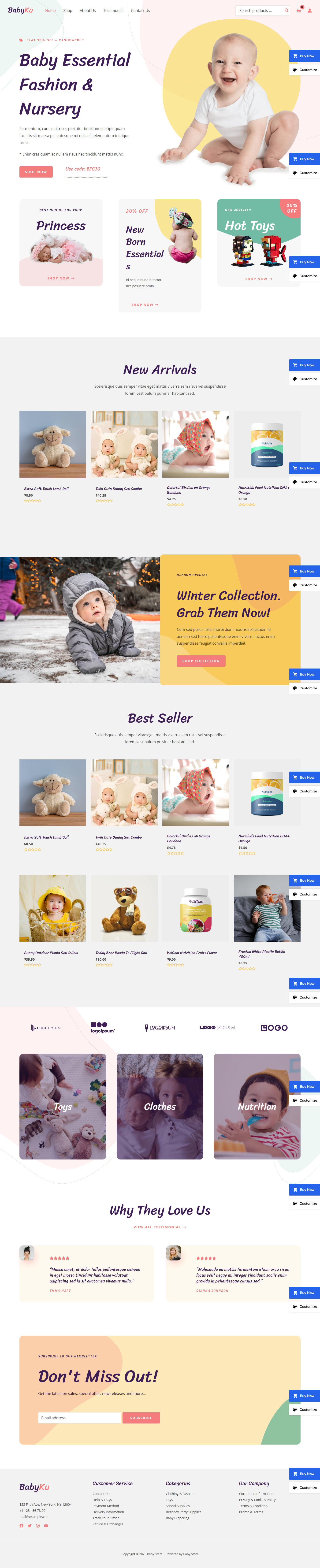


Discover more Freelance Shopify Developers on Dribbble



 Art by Karen Novelo
The Dribbble Standard
Dribbble is the creative marketplace where businesses discover, hire, and pay leading creative and technical professionals with community-validated portfolios since 2009. Clients, from startup founders to global brands, trust our human-first ecosystem for finding talent.
What sets Dribbble apart:
- Strong community of technical experts ready for hire
- Verified experience and skill sets
- Direct access to Shopify developers and agencies
Top Shopify developer profiles showcase real work, giving you confidence in both technical capability and execution.
The Definitive Guide To Hiring Shopify Developers
What Does a Shopify Developer Do?
A Shopify developer builds, customizes, and maintains e-commerce stores on Shopify and Shopify Plus. Their work can include initial store setup, custom theme development, platform migrations, app integrations, and ongoing performance improvements.
Shopify developers often work with Liquid, HTML, CSS, JavaScript, Shopify APIs, and third-party apps. More complex projects may involve custom functionality, checkout workflows, product catalog architecture, subscriptions, international storefronts, or integrations with inventory and business systems.
Their role is to make sure the storefront works reliably across devices while supporting the technical requirements behind sales, payments, products, and e-commerce operations.
Why Hire a Shopify Developer?
Hiring a Shopify developer gives you more control over how your store functions beyond what an off-the-shelf theme can provide. Specialists understand Shopify’s theme architecture, Liquid templating language, app ecosystem, checkout limitations, and the requirements of Shopify Plus stores.
Shopify developers can help:
- Build and customize Shopify themes
- Develop Shopify and Shopify Plus stores
- Integrate apps and third-party services
- Migrate stores from other e-commerce platforms
- Improve site speed and mobile performance
- Customize product and collection templates
- Fix technical and checkout issues
- Support ongoing store maintenance and optimization
How to Hire a Shopify Developer
Step 1: Define your store requirements
List your products, current platform, required features, integrations, markets, and business goals.
Pro tip: Prepare your product catalog structure and key third-party tools before requesting quotes. Clear requirements help developers estimate the work more accurately.
Step 2: Review Shopify developer portfolios
Look for live Shopify stores with similar product catalogs, functionality, or business models.
Pro tip: Look beyond screenshots. Strong e-commerce portfolios should demonstrate technical execution, performance, integrations, or measurable outcomes where available.
Step 3: Evaluate their technical process
Ask how they approach themes, apps, custom code, testing, performance, and Shopify updates.
Pro tip: Check whether they can work directly with Liquid and custom development rather than relying on an excessive number of apps for every requirement.
Step 4: Align on the scope and timeline
Define theme work, custom features, integrations, migration, QA, launch responsibilities, revisions, and post-launch support.
Pro tip: Agree on how scope changes will be handled and priced before development starts.
Cost of Hiring a Shopify Developer
Freelance Shopify developers typically charge $15 to $200+ per hour, while project-based work can range from about $300 for small customizations to $30,000 for complex custom theme development.
Typical freelance rates include:
- Entry-level freelancer: $15–$35 per hour
- Mid-level Shopify expert: $50–$100 per hour
- Senior specialist: $100–$200+ per hour
- Theme installation and basic setup: $300–$1,500
- Theme customization: $500–$5,000
- Custom theme development: $5,000–$30,000
- App integration: $500–$3,000 per integration
- Platform migration: $2,500–$25,000
- Full Shopify store build: $1,500–$10,000
Freelance retainers typically range from $500 to $2,000 per month for ongoing support and optimization.
Final costs depend on the developer’s experience, store complexity, custom code, integrations, migration requirements, and turnaround time. Premium themes, paid apps, training, and post-launch support may be charged separately.
Freelance Shopify Developer vs Shopify Development Agency
The main difference is scope: freelance Shopify developers are suited to defined e-commerce builds and technical tasks, while agencies provide broader capacity for complex stores and multidisciplinary projects.
| Factor | Freelance Shopify Developer | Shopify Development Agency |
|---|---|---|
| Best for | Smaller builds, theme work, integrations, fixes | Larger stores, migrations, Shopify Plus, complex projects |
| Typical scope | Themes, Liquid, integrations, migrations, optimization | Strategy, UX, design, development, QA, CRO, support |
| Communication | Direct access to the developer | Communication with a multidisciplinary team |
| Flexibility | Often more flexible | More structured process |
| Team | Usually one specialist | Multiple e-commerce and technical specialists |
| Choose when | You need focused Shopify expertise | You need broader ownership and delivery capacity |
Explore Shopify web development companies
Featured Shopify Developer Success Story
Dribbble gives Shopify specialists a platform to show how e-commerce products can combine clear product presentation with focused shopping journeys. This featured Shopify concept demonstrates how visual hierarchy and product-led design can make a cosmetics storefront easier to browse.
Explore: I will develop a Shopify theme with Liquid, Vue, AJAX API, and fix by MD. Mostafa Kamal
- Challenge: Shopify merchants may need functionality beyond what a standard theme provides, including smoother cart interactions, product recommendations, and faster product discovery.
- Solution: MD. Mostafa Kamal develops custom Shopify theme functionality using Shopify APIs and AJAX, including cart updates, related product recommendations, and predictive product and collection search.
- Result: The work extends standard Shopify themes with more interactive storefront functionality while keeping the experience integrated within the existing store.
Related Shopify Development Resources
How To Hire A Professional Shopify Developer on Dribbble
Use InstantMatch to connect with the right developer fast.
-
Step 1
Submit your Project Brief
-
Step 2
Get Matched with Vetted developers
-
Step 3
Start your project
Frequently Asked Questions on Hiring Shopify Developers
It depends on how different your store needs to be from Shopify’s standard theme functionality. Customizing a quality existing theme is often enough for straightforward stores, while a custom theme makes more sense when you need distinctive layouts, complex merchandising, or greater control over functionality. A developer should recommend an approach based on your requirements rather than defaulting to a custom build.
Both approaches have their place. Established apps can add complex features quickly, while custom development may be better for functionality that is specific to your store. Too many apps can also add scripts, create conflicts, and affect performance, so an experienced Shopify developer should be able to explain when an app is justified and when custom code is a better option.
Yes. A developer can audit factors such as theme code, JavaScript, images, third-party apps, fonts, and tracking scripts to identify what is slowing the store down. Ask how they approach Core Web Vitals and mobile performance, and check the performance of Shopify stores they have already built or optimized.
They should be built with future updates in mind, but custom code can require maintenance as Shopify, themes, apps, and APIs evolve. Ask how the developer handles version control, theme updates, testing, and documentation so future changes can be made without unexpectedly breaking existing functionality.
Browse Shopify developer profiles on Dribbble or use InstantMatch to quickly connect with vetted Shopify developers who fit your store requirements and timeline.
Have another question? Check out the Dribbble Help Center for more answers.